Home / E-commerce and Business / Product Variant Picker
Product Variant Picker in JavaScript, Free with Live Demo
Free product variant picker in plain JavaScript. Choose colour and size, see the product image, price and stock change, sold out sizes greyed out, and a shareable URL for each variant.
Runs on: URLSearchParams and history.replaceState. Works in all modern browsers.
What is the Product Variant Picker?
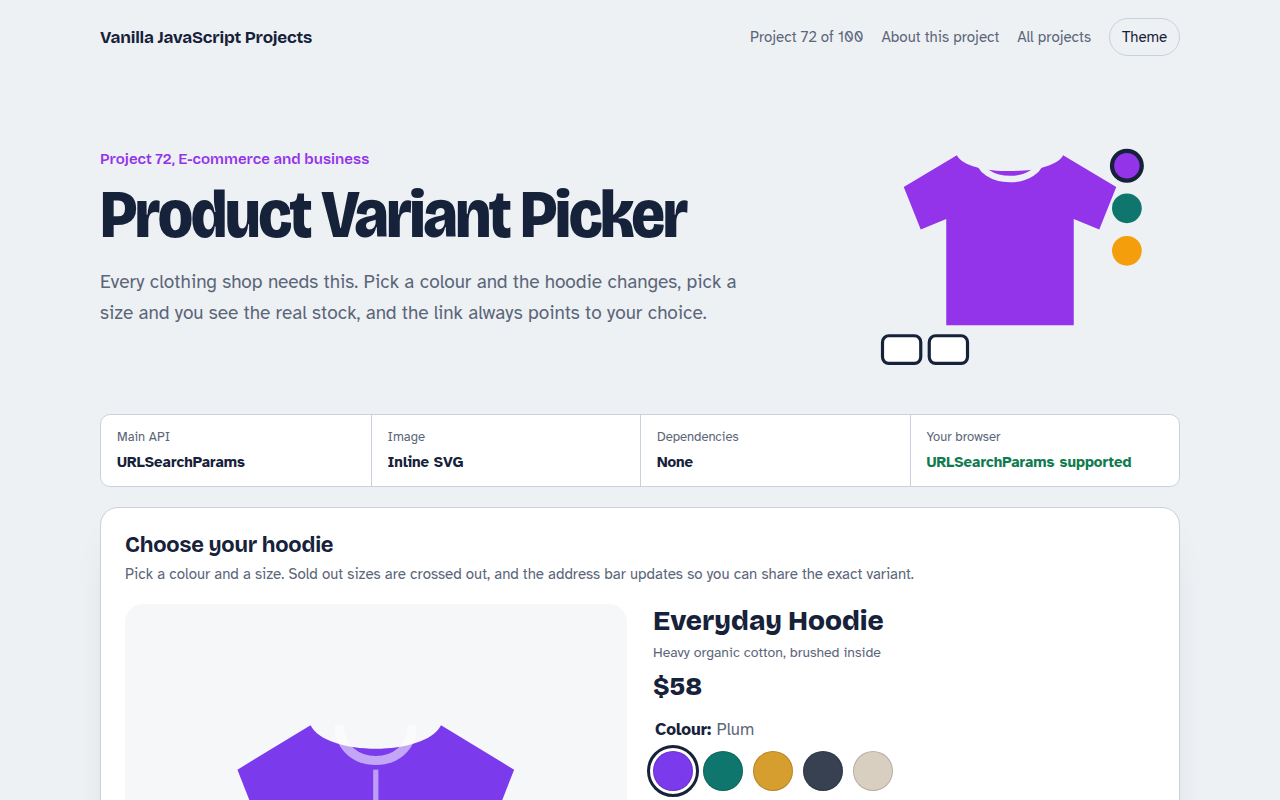
A product page for a hoodie with five colours and six sizes. Picking a colour recolours the picture and shows which sizes are left.
Sizes that are sold out are crossed out, low stock gets a warning, bigger sizes cost a little more, and the address bar always holds your exact choice.
Good for
- Clothing and shoe shops
- Furniture with fabric and finish options
- Phone cases and accessories
- Any product with options
What this project does
- Colour swatches and size buttons built on radio inputs
- Stock per colour and size, sold out disabled
- Price changes by size, sale price by colour
- Low stock warnings
- Shareable URL for each variant
How it works
- Stock per variantStock is kept per colour and per size. Changing colour redraws the sizes and disables any that are sold out.
- One picture, many coloursThe hoodie is an inline SVG, so changing colour just updates one fill. With photos, swap the image source instead.
- Shareable URLURLSearchParams writes the colour and size into the address bar with replaceState, and reads them back when the page opens.
The key JavaScript
This is the heart of the project. The full file has the rest, including the screen layout and error handling.
const params = new URLSearchParams(location.search);
let color = params.get("color") || "plum", size = params.get("size") || "";

function update() {
  sizes.forEach((s, i) => inputs[i].disabled = stock[color][i] === 0);
  hoodie.setAttribute("fill", colors[color]);
  history.replaceState(null, "", "?" + new URLSearchParams({ color, size }));
}
How to use it
- Click Download HTML file above.
- Open the file in a code editor, like VS Code.
- Run it from a local server with
npx serve .so the camera, microphone and AI features are allowed. - Change the text and colors, then upload it to GitHub Pages, Netlify or your own site. It is one file with no build step.
Questions people ask
Why radio inputs for swatches?
They give keyboard support and one choice at a time for free, and screen readers announce the colour name.
How do I use real photos?
Keep an image list per colour and change the img src when the colour changes.
Why put the choice in the URL?
Customers can share or bookmark the exact product, and your ads can link straight to it.
More E-commerce and Business projects
071. Shopping Cart with Coupons
A cart drawer with quantities, coupon codes, free shipping progress and saved items
073. Product Filter and Sort
A product listing with category, price, colour and rating filters saved in the URL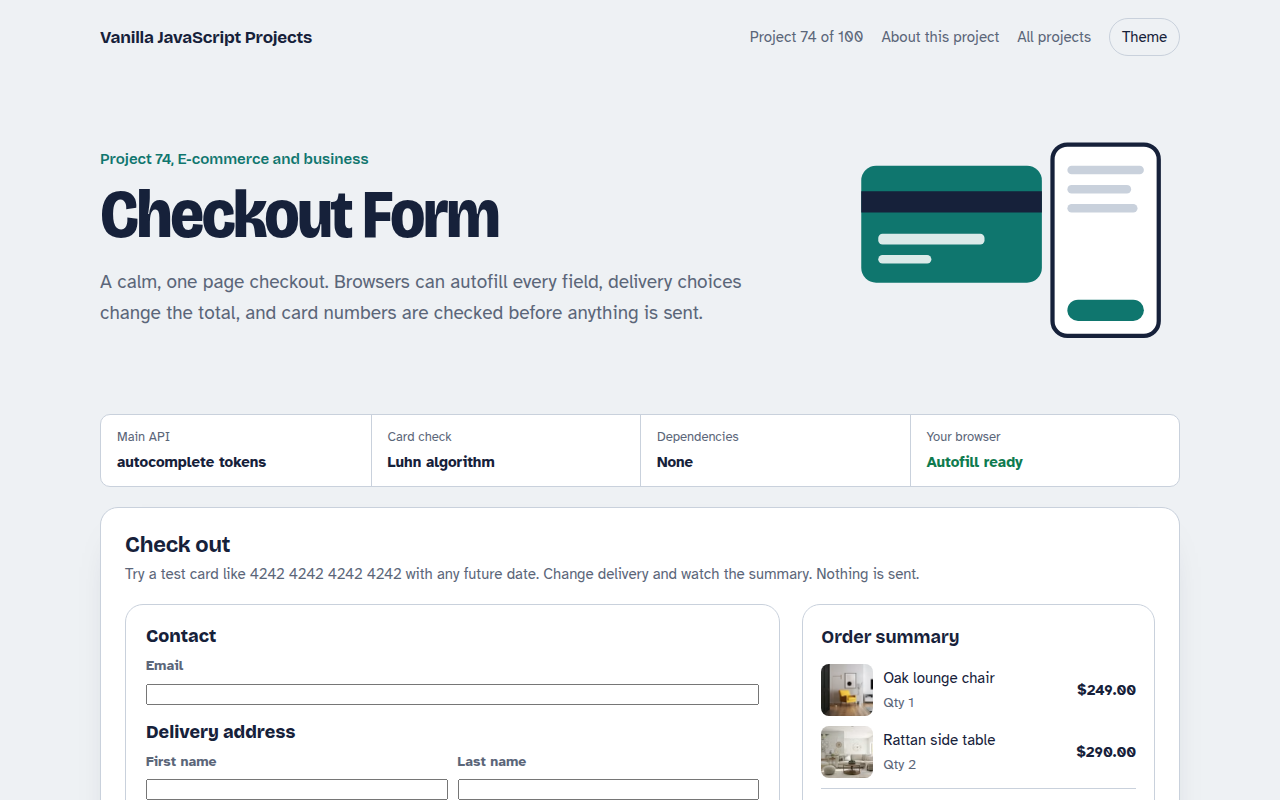
074. Checkout Form
A one page checkout with address, delivery options, card checks and an order summary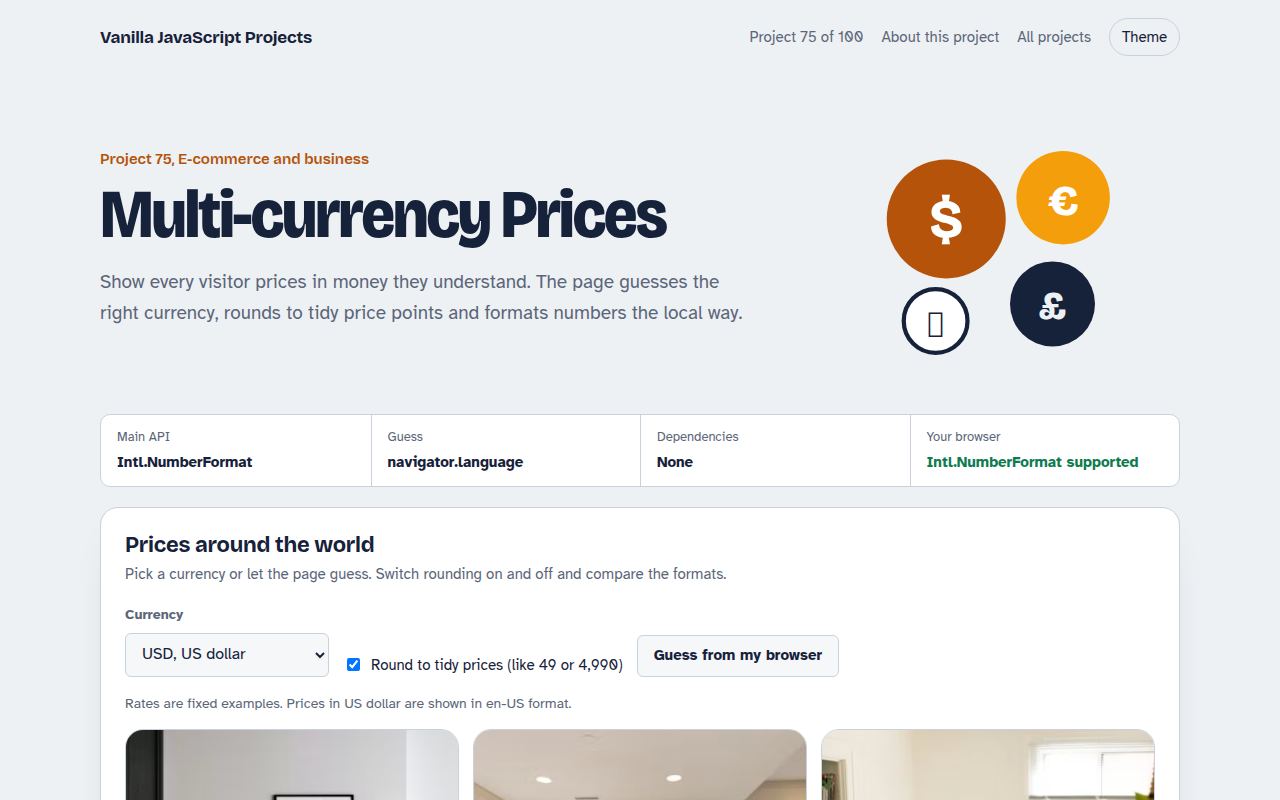
075. Multi-currency Prices
Prices that switch to the visitor's currency with local formatting and neat rounding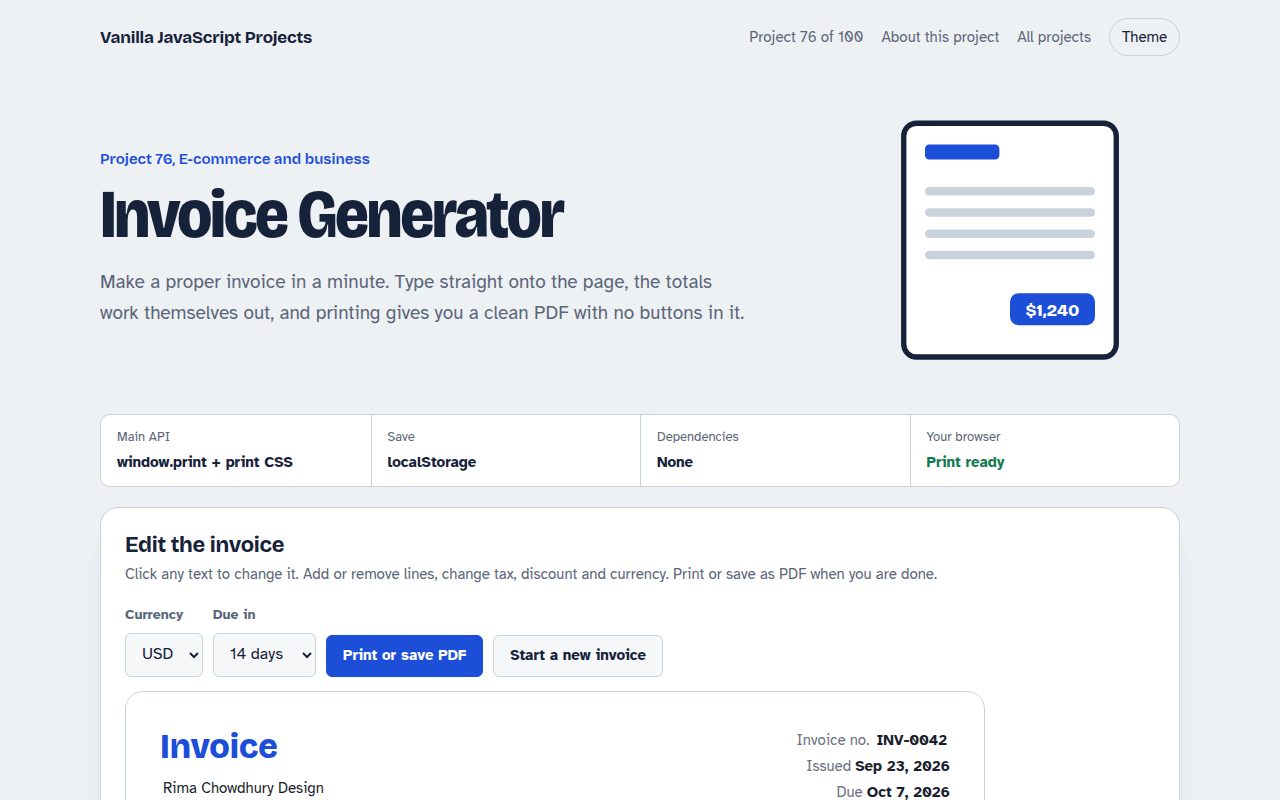
076. Invoice Generator
An editable invoice that does the maths and prints to a clean PDF