Home / E-commerce and Business / Booking Slot Calendar
Booking Slot Calendar in JavaScript, Free with Live Demo
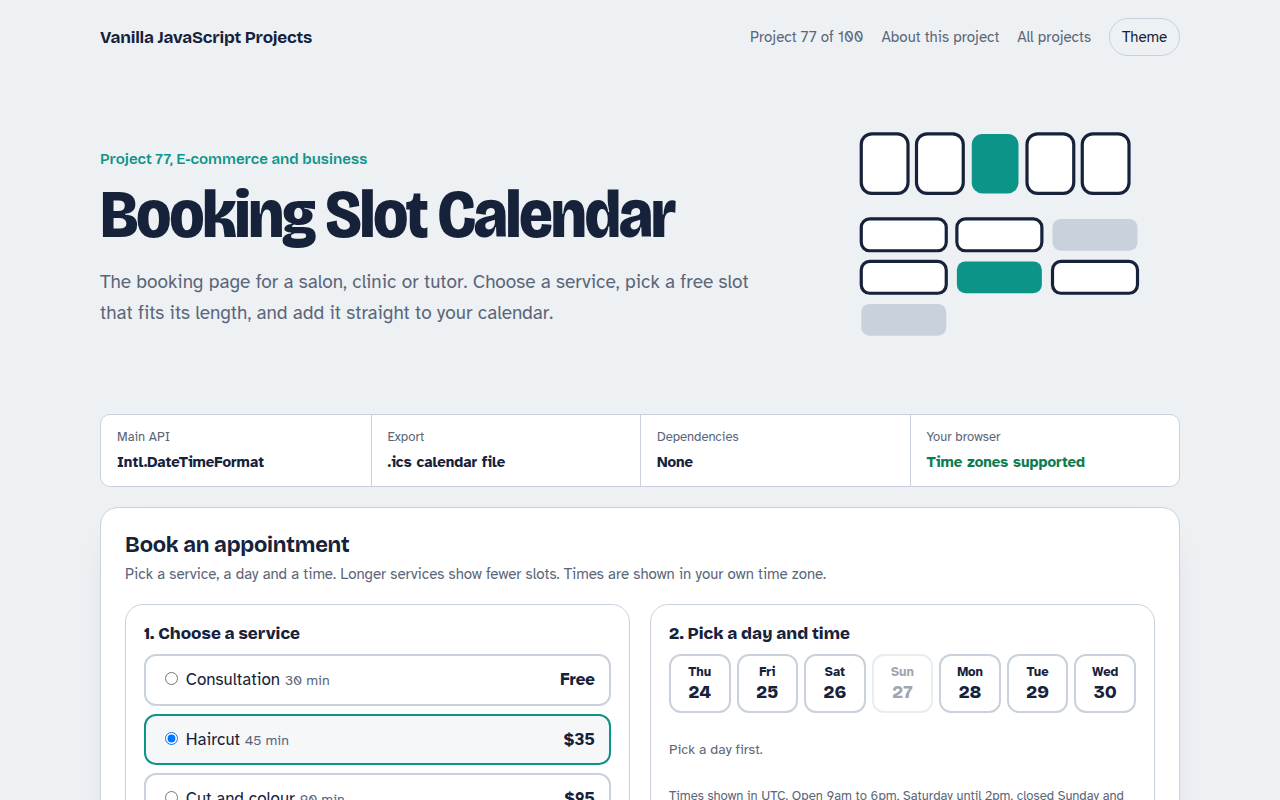
Free booking slot calendar in plain JavaScript. Pick a service, day and free time slot, see times in your own time zone, fill in your details and download a calendar file.
Runs on: Intl.DateTimeFormat and ICS files. Works in all modern browsers.
What is the Booking Slot Calendar?
A booking page with four services of different lengths, a strip of the next seven days and a grid of free times. Longer services show fewer slots.
Booked times, lunch and Sundays are unavailable, times appear in the visitor's own time zone, and after booking you can download a calendar file.
Good for
- Salons, barbers and spas
- Clinics and therapists
- Tutors and coaches
- Consultations and demos
What this project does
- Services with different durations
- Seven day strip with closed days
- Free slots that fit the full service
- Times in the visitor's time zone
- Downloadable ICS calendar file
How it works
- Slots fit the serviceFor each day the script walks from opening to closing time and keeps a start time only if the whole service fits without touching a booked slot.
- Local times for everyoneTimes are made with Date and shown with toLocaleTimeString, so each visitor sees them in their own time zone and format.
- A real calendar fileThe confirmation builds an ICS file as a data link. Opening it adds the appointment to Google, Apple or Outlook calendars.
The key JavaScript
This is the heart of the project. The full file has the rest, including the screen layout and error handling.
for (let m = open; m + length <= close; m += 15) {
  const clash = booked.some(([start, len]) => m < start + len && m + length > start);
  if (!clash) slots.push(m);           // minutes after midnight
}
const ics = `BEGIN:VCALENDAR\r\nVERSION:2.0\r\nBEGIN:VEVENT\r\n` +
  `DTSTART:${utc(start)}\r\nDTEND:${utc(end)}\r\nSUMMARY:Haircut\r\n` +
  `END:VEVENT\r\nEND:VCALENDAR`;
link.href = "data:text/calendar," + encodeURIComponent(ics);
How to use it
- Click Download HTML file above.
- Open the file in a code editor, like VS Code.
- Run it from a local server with
npx serve .so the camera, microphone and AI features are allowed. - Change the text and colors, then upload it to GitHub Pages, Netlify or your own site. It is one file with no build step.
Questions people ask
Where do booked times come from?
In the demo they are made up. In a real site, fetch booked slots for the chosen day from your server.
How do I stop double bookings?
Check the slot again on the server when the booking is saved, and refuse it if someone else took it a moment earlier.
Does the ICS file work with Google Calendar?
Yes. Opening the file on a phone or computer offers to add it to the default calendar app.
More E-commerce and Business projects
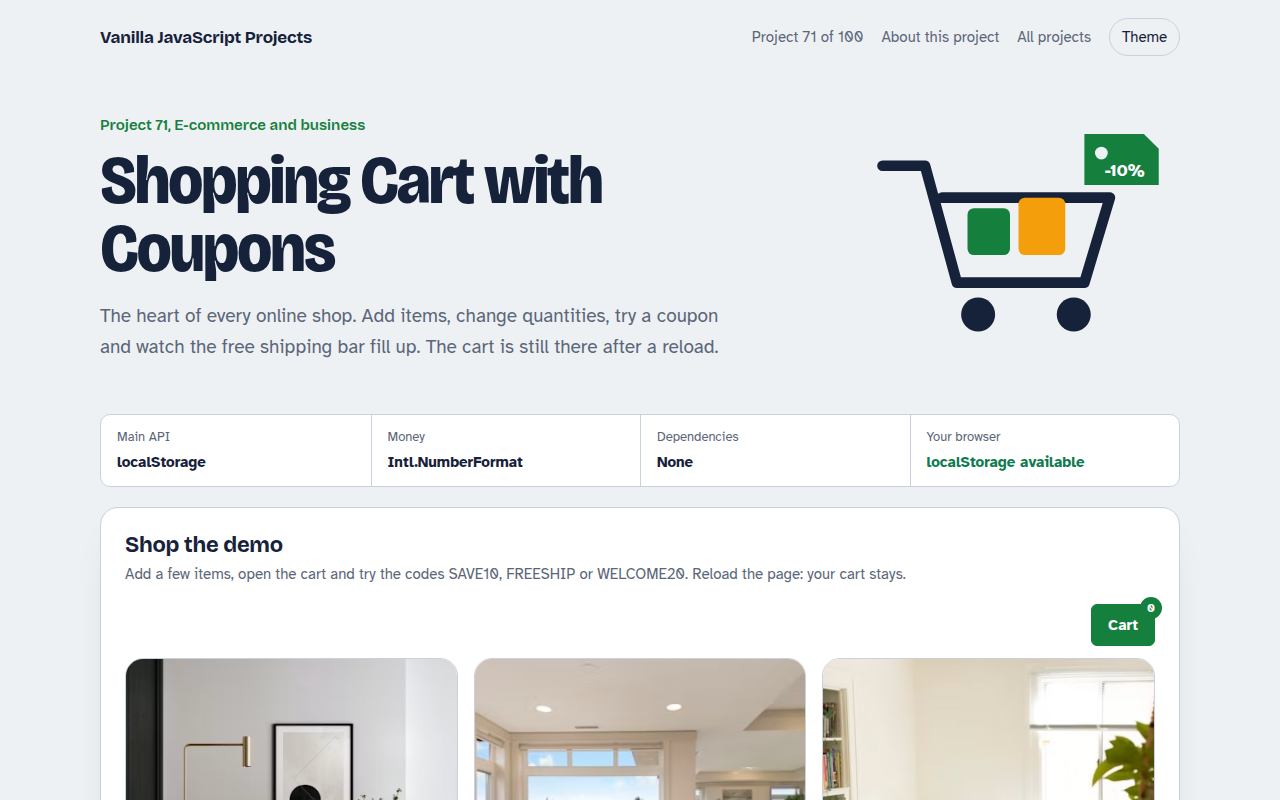
071. Shopping Cart with Coupons
A cart drawer with quantities, coupon codes, free shipping progress and saved items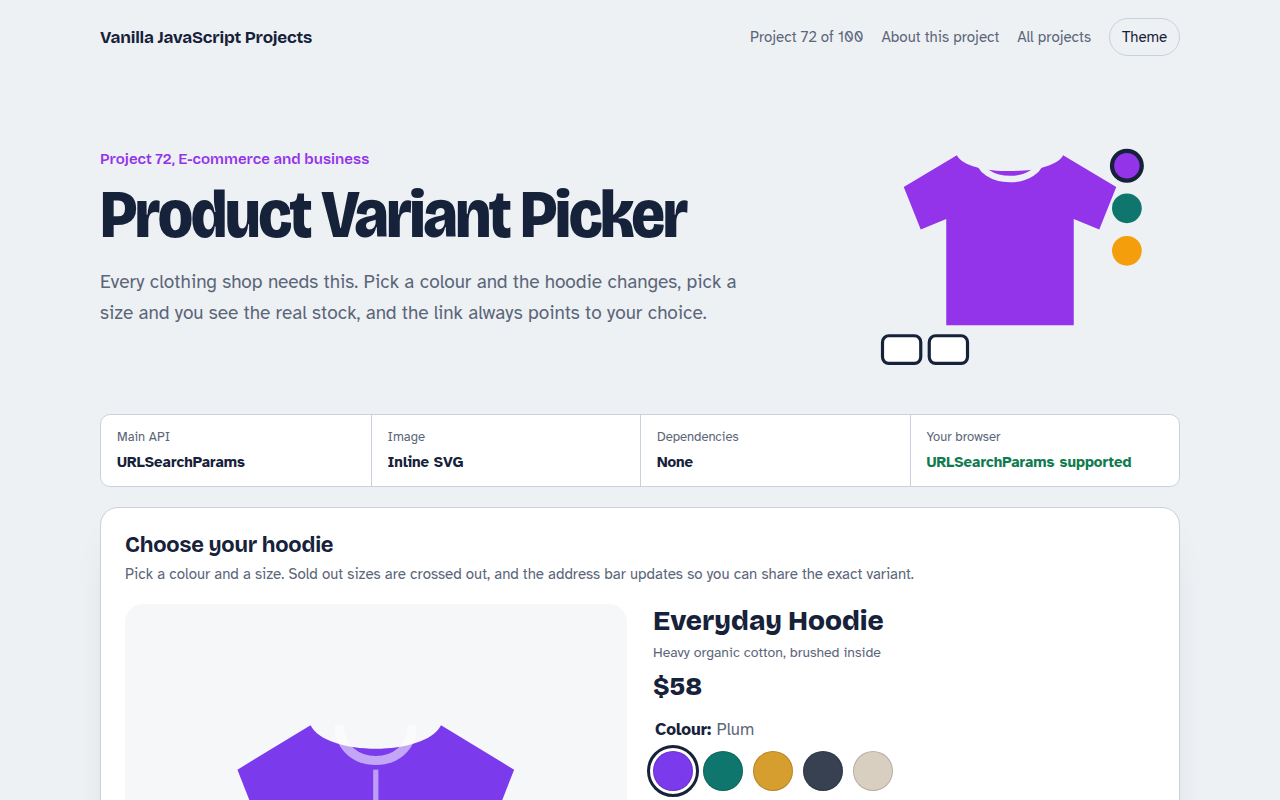
072. Product Variant Picker
A product page where colour and size change the picture, price and stock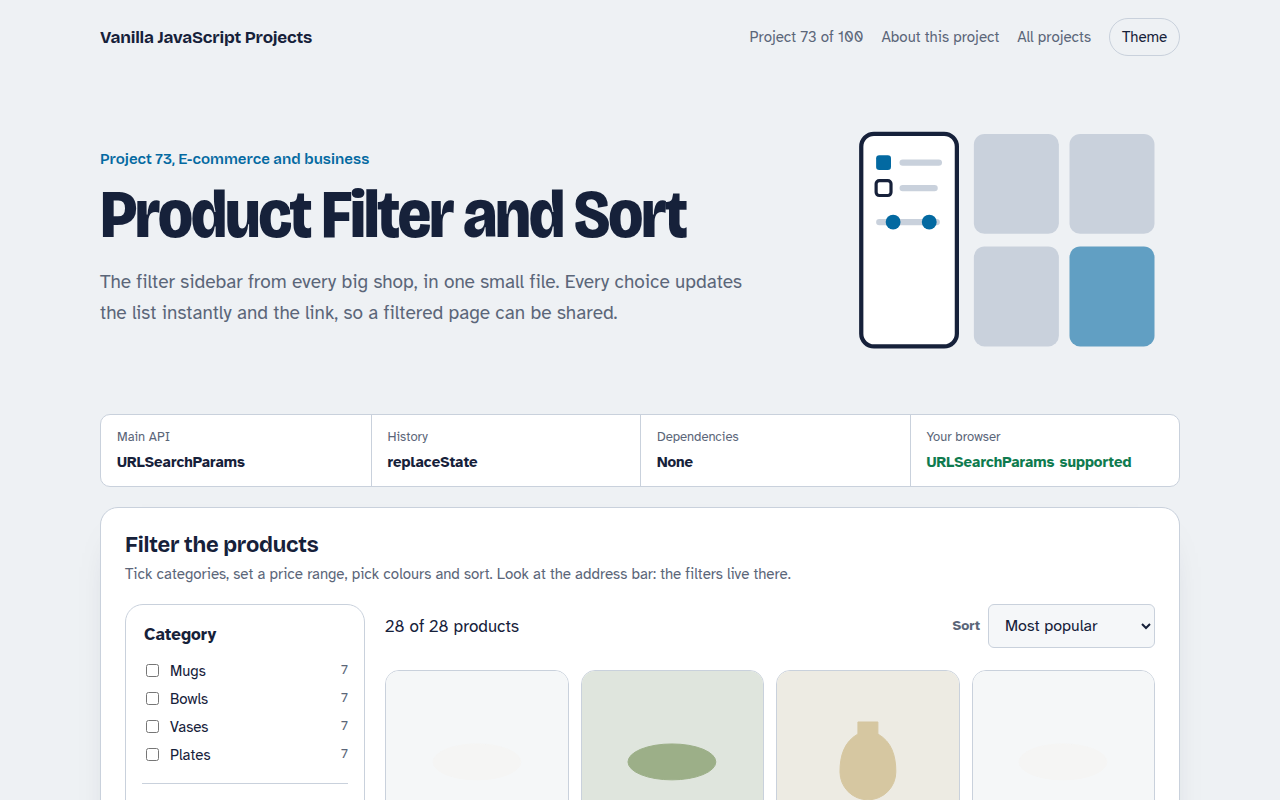
073. Product Filter and Sort
A product listing with category, price, colour and rating filters saved in the URL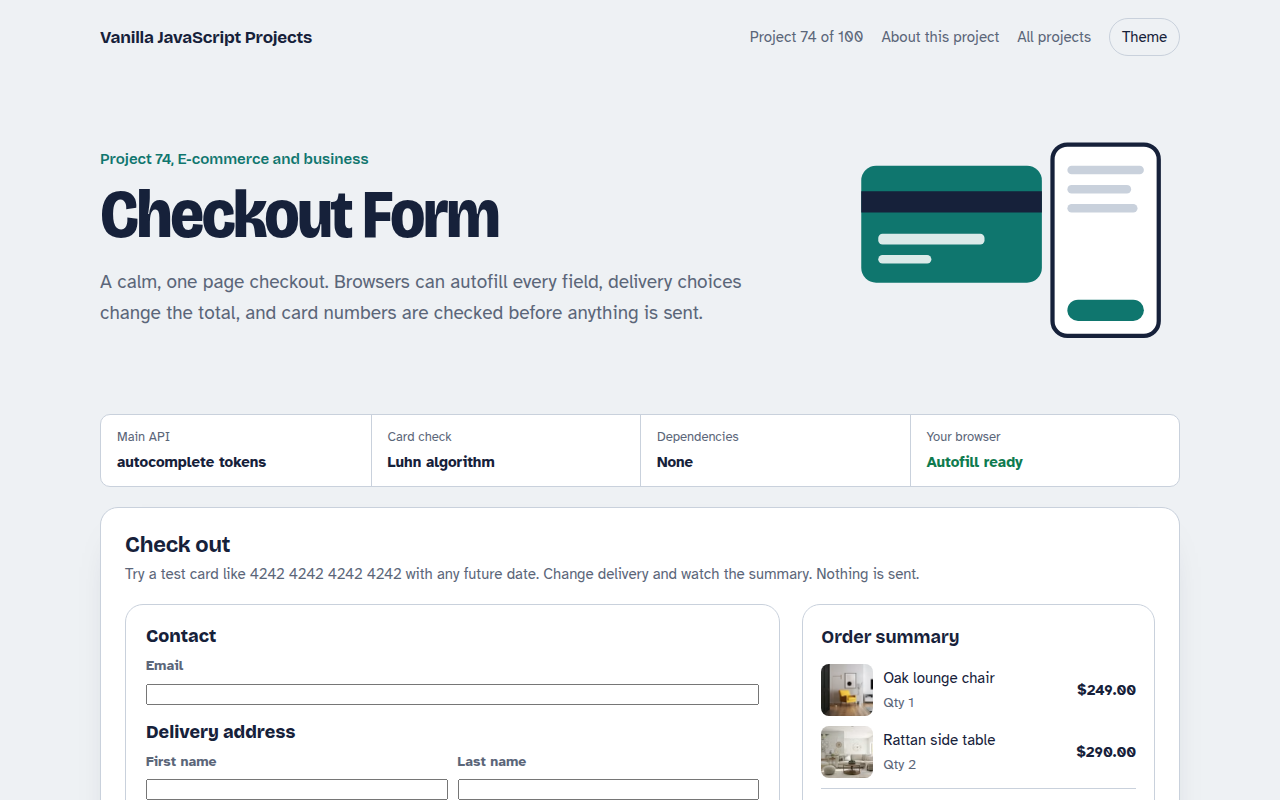
074. Checkout Form
A one page checkout with address, delivery options, card checks and an order summary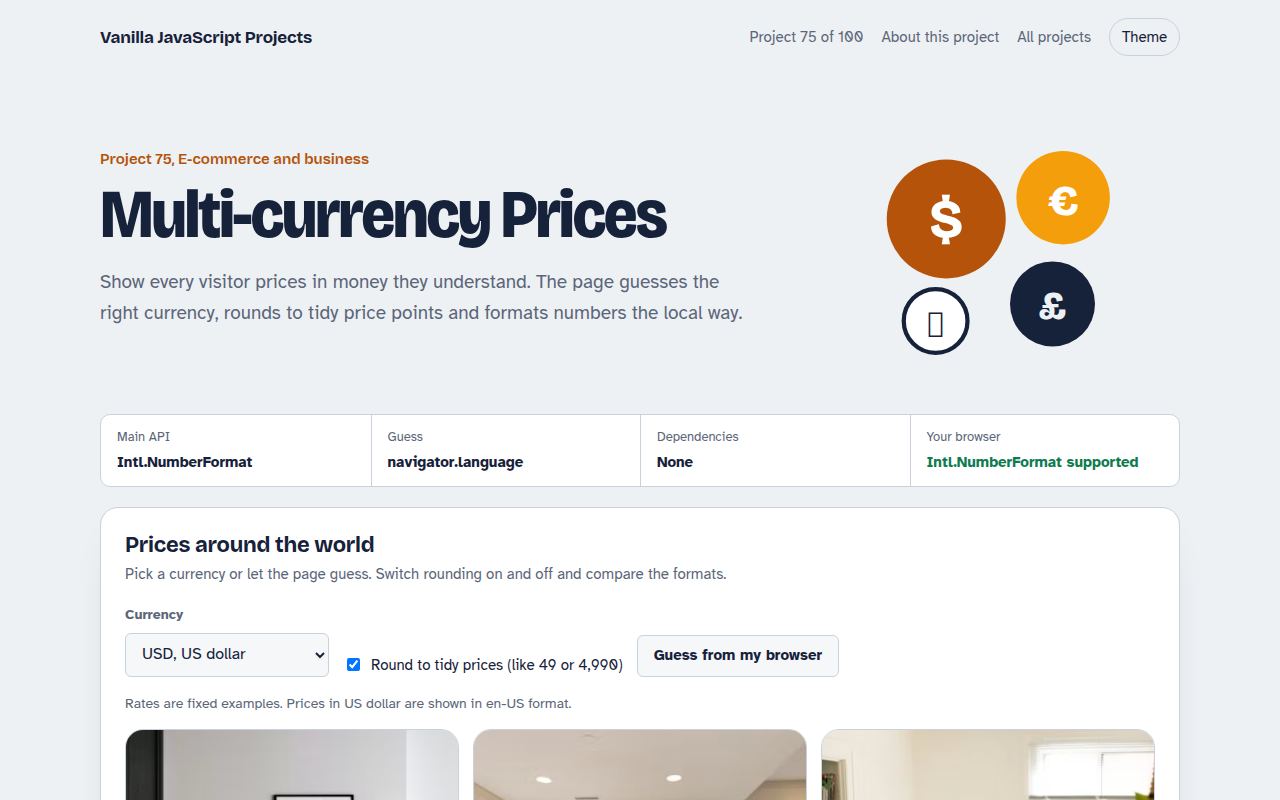
075. Multi-currency Prices
Prices that switch to the visitor's currency with local formatting and neat rounding