Home / E-commerce and Business / Invoice Generator
Invoice Generator in JavaScript, Free with Live Demo
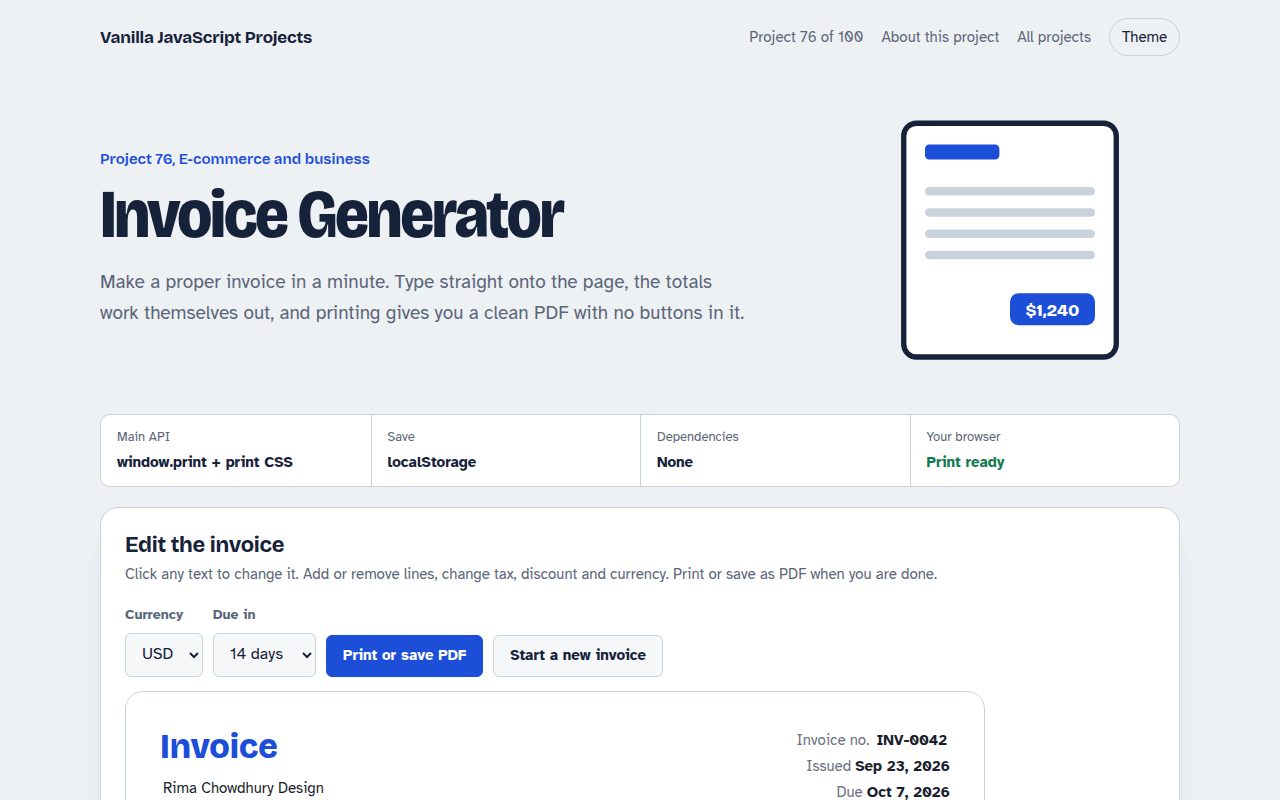
Free invoice generator in plain JavaScript. Edit your details, add line items, set tax and discount, pick a currency and due date, and print a clean PDF. Saved in your browser.
Runs on: Print CSS and localStorage. Works in all modern browsers. Use the print dialog and choose Save as PDF.
What is the Invoice Generator?
An invoice you edit directly on the page: your details, the client, the project, line items with quantity and rate, discount, tax and notes.
Totals update as you type, dates fill in by themselves, the currency can be changed, and printing or saving as PDF gives a clean page without buttons.
Good for
- Freelancers and small studios
- Quotes and estimates
- Small shops without billing software
- Internal recharge notes
What this project does
- Editable text right on the invoice
- Add and remove line items
- Discount, tax and currency
- Issue and due dates filled in
- Print to PDF with clean print styles
How it works
- Type on the pageNames, addresses and descriptions are contenteditable, so the invoice itself is the form. Numbers use small inputs.
- One calc functionEvery change runs calc(): line amounts, subtotal, discount, tax and total, then saves everything to localStorage.
- Print CSS hides the restA print media query hides the whole page except the invoice, and removes buttons and input borders, so Save as PDF looks clean.
The key JavaScript
This is the heart of the project. The full file has the rest, including the screen layout and error handling.
function calc() {
  const sub = rows.reduce((a, r) => a + r.qty * r.rate, 0);
  const discount = sub * discountPct / 100;
  const tax = (sub - discount) * taxPct / 100;
  total.textContent = money(sub - discount + tax);
  localStorage.setItem("invoice", JSON.stringify(data));
}
/* print only the invoice */
@media print {
  body * { visibility: hidden; }
  .invoice, .invoice * { visibility: visible; }
}
How to use it
- Click Download HTML file above.
- Open the file in a code editor, like VS Code.
- Run it from a local server with
npx serve .so the camera, microphone and AI features are allowed. - Change the text and colors, then upload it to GitHub Pages, Netlify or your own site. It is one file with no build step.
Questions people ask
How do I make a PDF?
Click Print or save PDF and pick Save as PDF in the print dialog. The print styles hide everything except the invoice.
Is my invoice saved?
Yes, in localStorage in your browser. It is still there next time you open the page on the same device.
Can I add my logo?
Yes. Put an img tag in the header. It will print with the invoice.
More E-commerce and Business projects
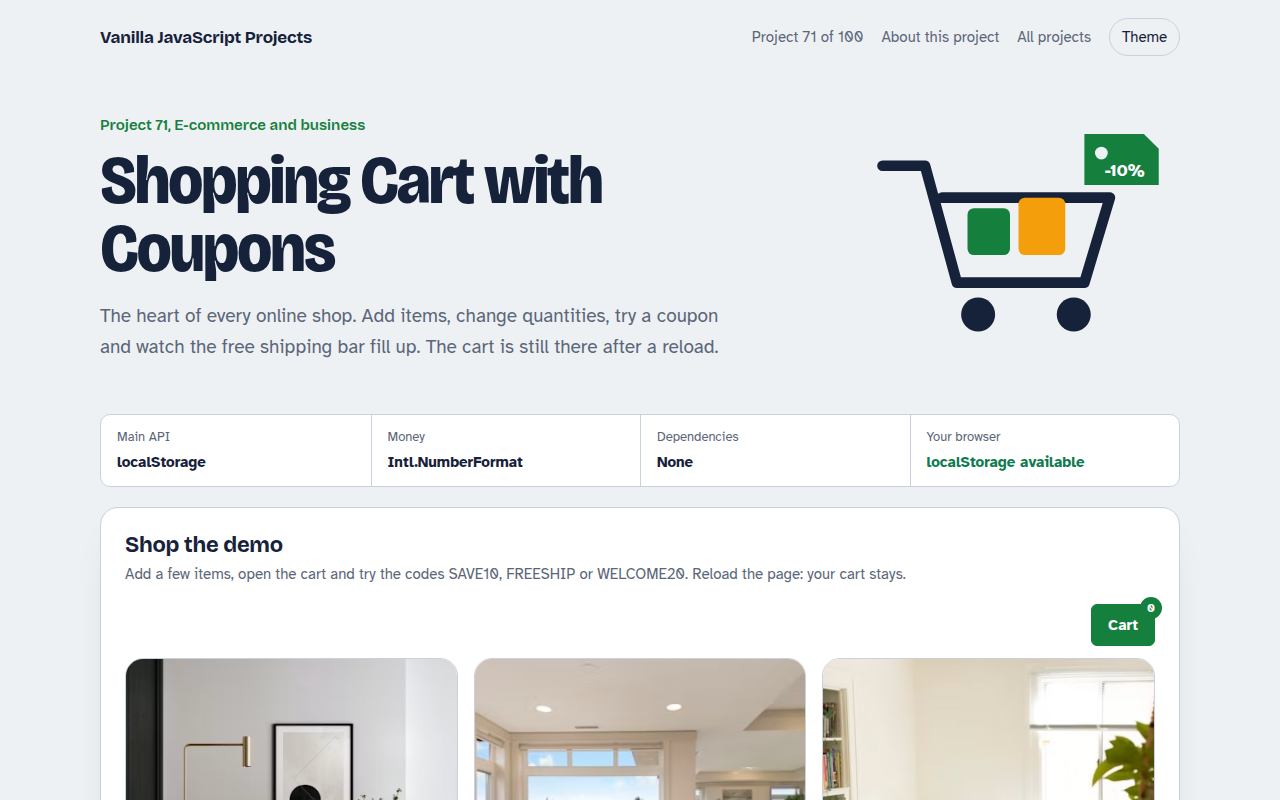
071. Shopping Cart with Coupons
A cart drawer with quantities, coupon codes, free shipping progress and saved items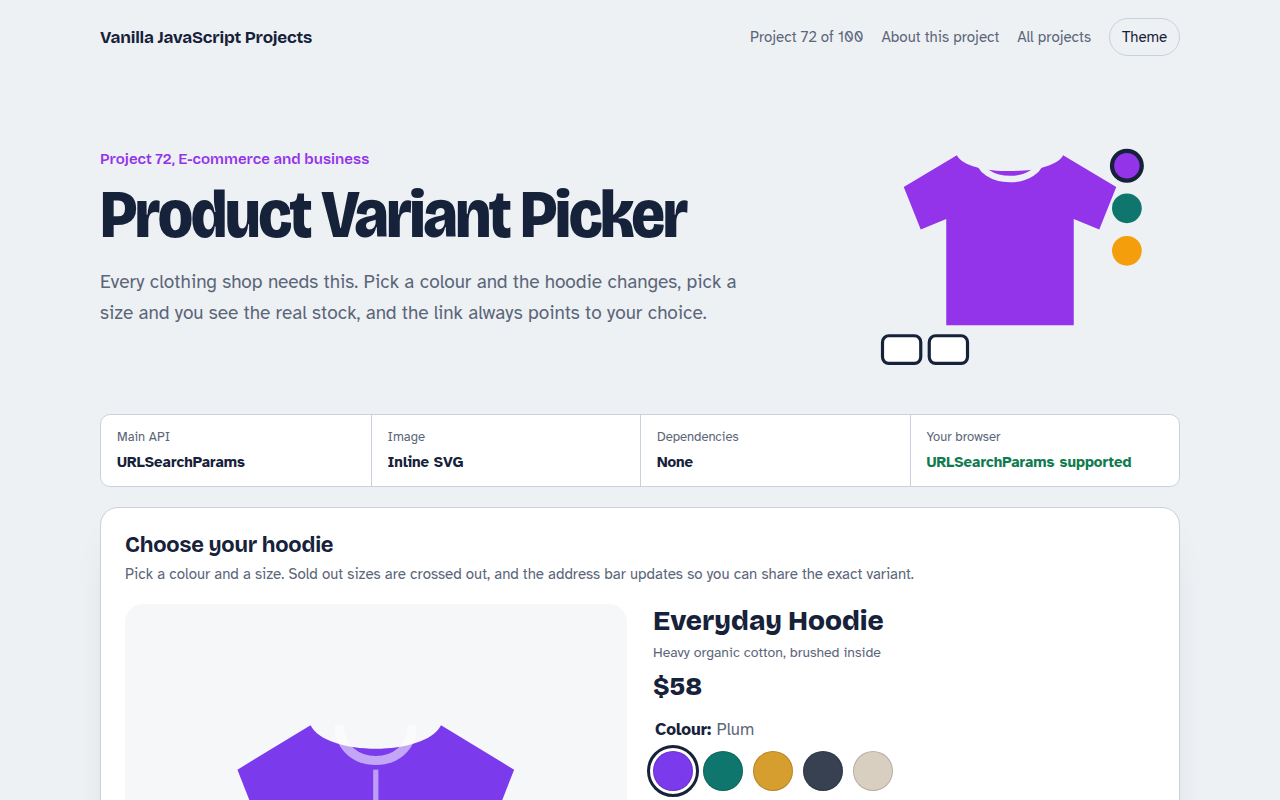
072. Product Variant Picker
A product page where colour and size change the picture, price and stock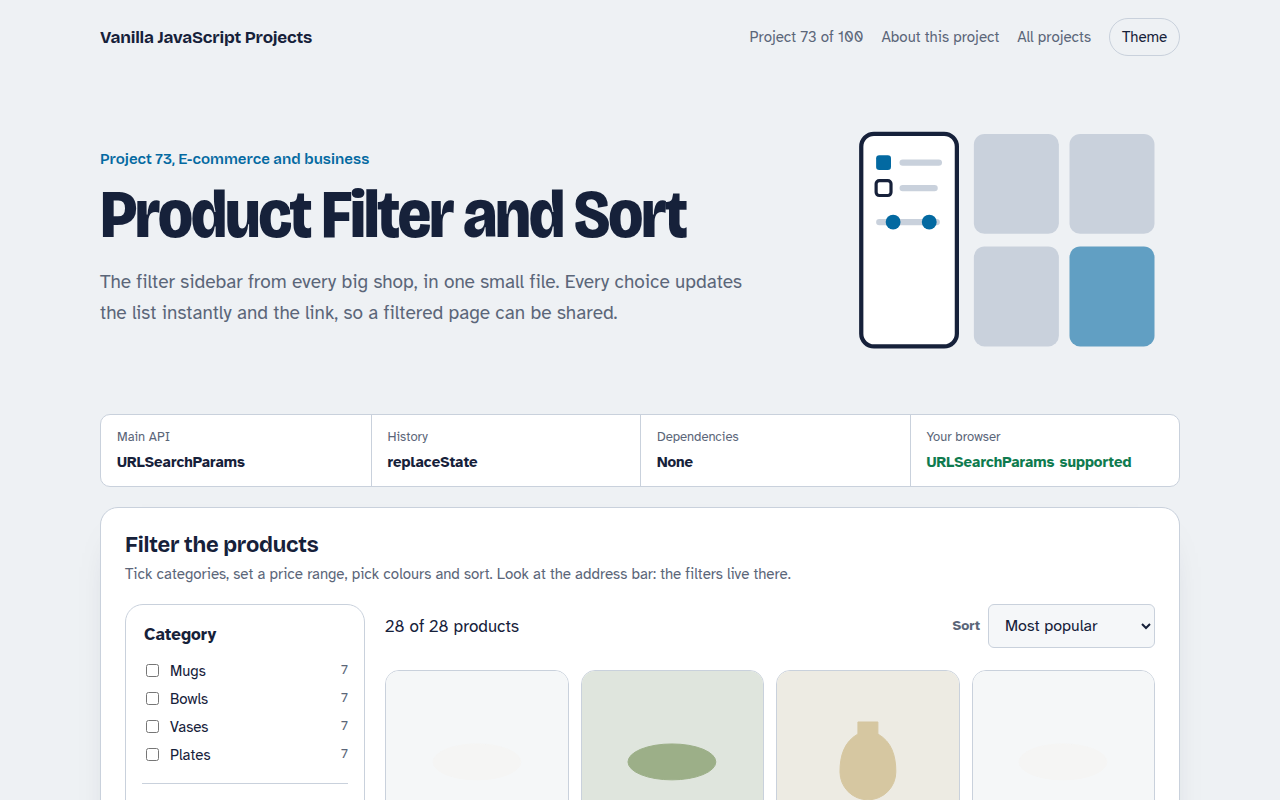
073. Product Filter and Sort
A product listing with category, price, colour and rating filters saved in the URL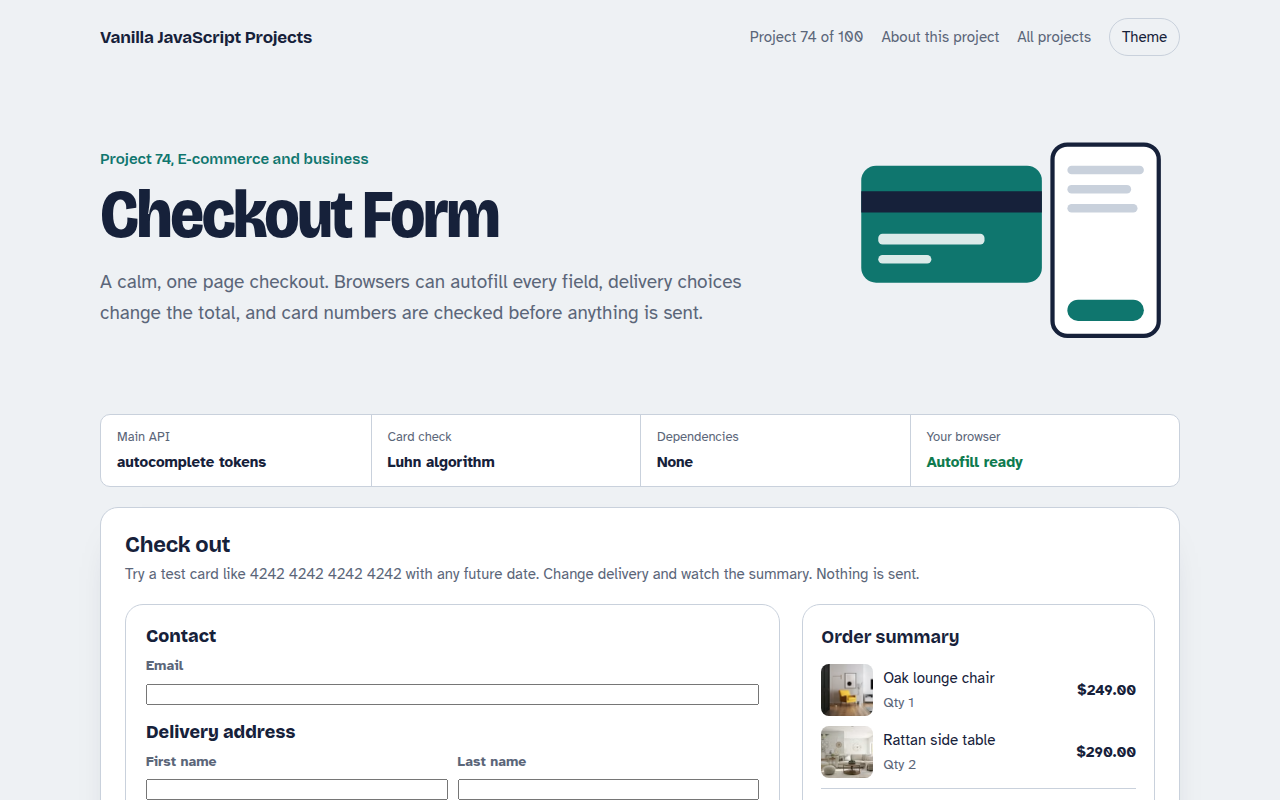
074. Checkout Form
A one page checkout with address, delivery options, card checks and an order summary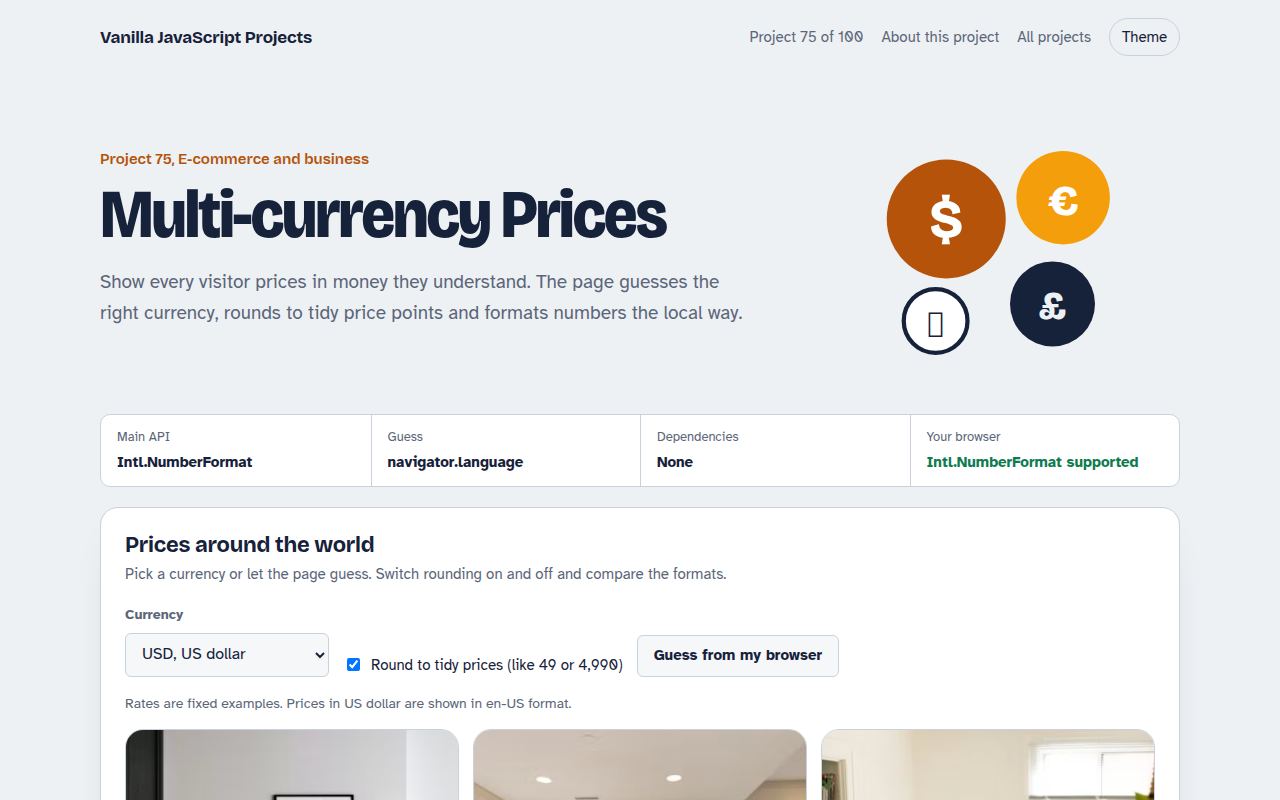
075. Multi-currency Prices
Prices that switch to the visitor's currency with local formatting and neat rounding