Home / E-commerce and Business / Multi-currency Prices
Multi-currency Prices in JavaScript, Free with Live Demo
Free multi-currency price switcher in plain JavaScript. Detect the visitor's currency, convert prices, round to neat price points, format for each country and remember the choice.
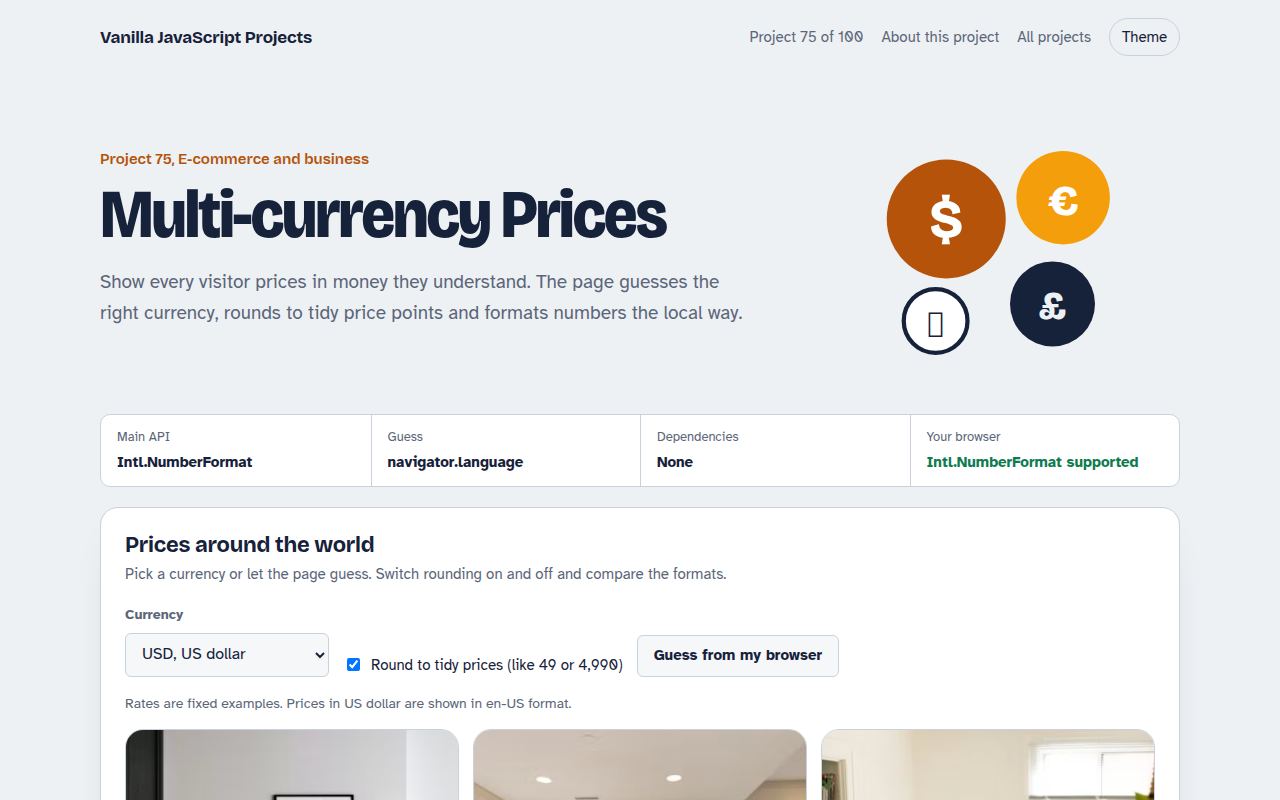
Runs on: Intl.NumberFormat and Intl.Locale. Works in all modern browsers.
What is the Multi-currency Prices?
A product grid that shows prices in nine currencies. The page guesses your currency from the browser language and remembers what you pick.
Prices can be rounded to neat price points, and a table shows the same product formatted in every currency, so you can see how local formats differ.
Good for
- Shops selling to several countries
- Hotels and tour operators
- Software and course pricing pages
- Travel price comparisons
What this project does
- Nine currencies with local number formats
- Currency guess from the browser language
- Tidy price rounding
- Choice saved for next time
- Comparison table of all formats
How it works
- Guess the currencyIntl.Locale turns the browser language into a region, like en-GB into GB, and a small table maps that to a currency.
- Convert, then tidyThe dollar price is multiplied by the rate, then rounded up to a neat price point so a chair costs 229 euros, not 229.08.
- Format the local wayIntl.NumberFormat adds the right symbol, separators and decimals. Yen has no decimals and rupees group digits in lakhs.
The key JavaScript
This is the heart of the project. The full file has the rest, including the screen layout and error handling.
const region = new Intl.Locale(navigator.language).maximize().region; // "GB"
const currency = { GB: "GBP", DE: "EUR", IN: "INR", BD: "BDT" }[region] || "USD";

const local = price * rates[currency];
new Intl.NumberFormat("en-IN", { style: "currency", currency: "INR" })
  .format(124500);                     // "₹1,24,500.00"
How to use it
- Click Download HTML file above.
- Open the file in a code editor, like VS Code.
- Run it from a local server with
npx serve .so the camera, microphone and AI features are allowed. - Change the text and colors, then upload it to GitHub Pages, Netlify or your own site. It is one file with no build step.
Questions people ask
Where should real exchange rates come from?
From your payment provider or a rates API, cached on your server once a day. Charge in the currency you show.
Why round prices?
Converted prices like 229.08 look odd. Rounding to a tidy price point looks deliberate and builds trust.
Is guessing from the language reliable?
It is a good first guess. Always let people change the currency themselves.
More E-commerce and Business projects
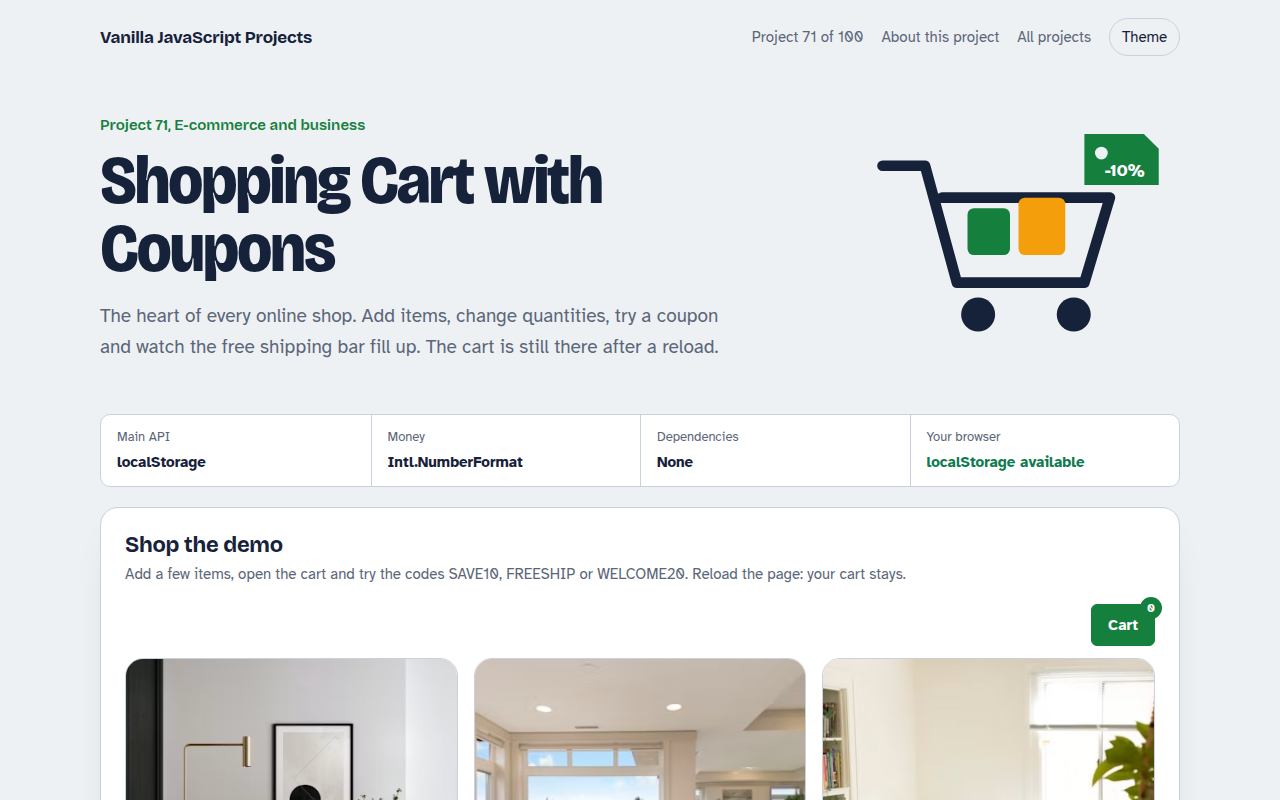
071. Shopping Cart with Coupons
A cart drawer with quantities, coupon codes, free shipping progress and saved items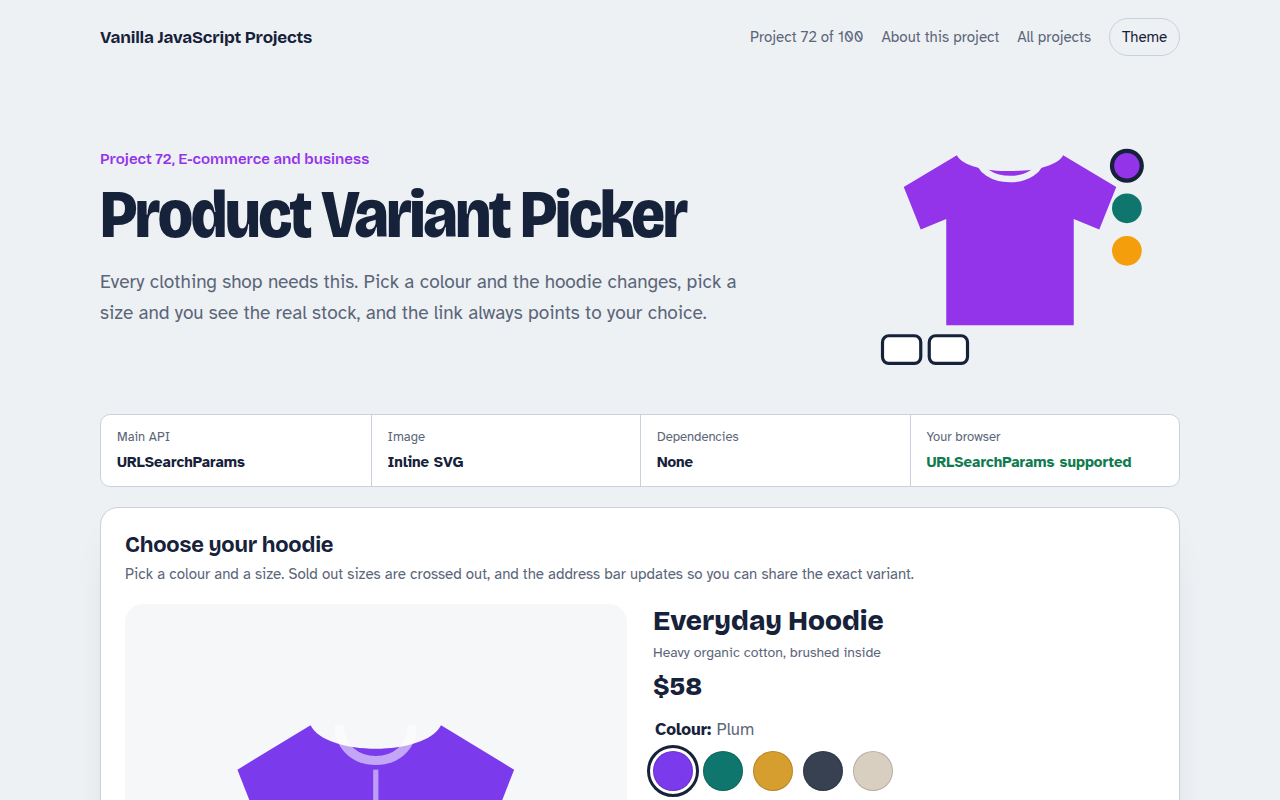
072. Product Variant Picker
A product page where colour and size change the picture, price and stock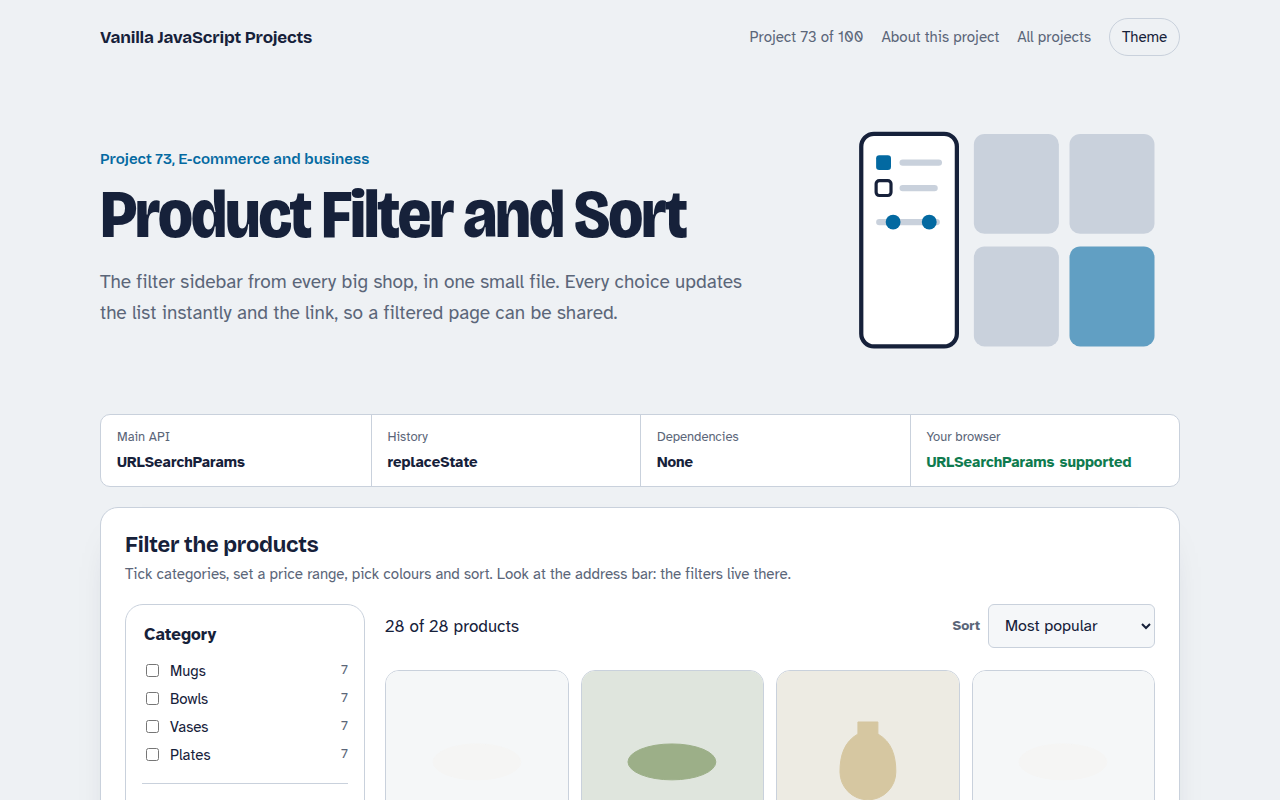
073. Product Filter and Sort
A product listing with category, price, colour and rating filters saved in the URL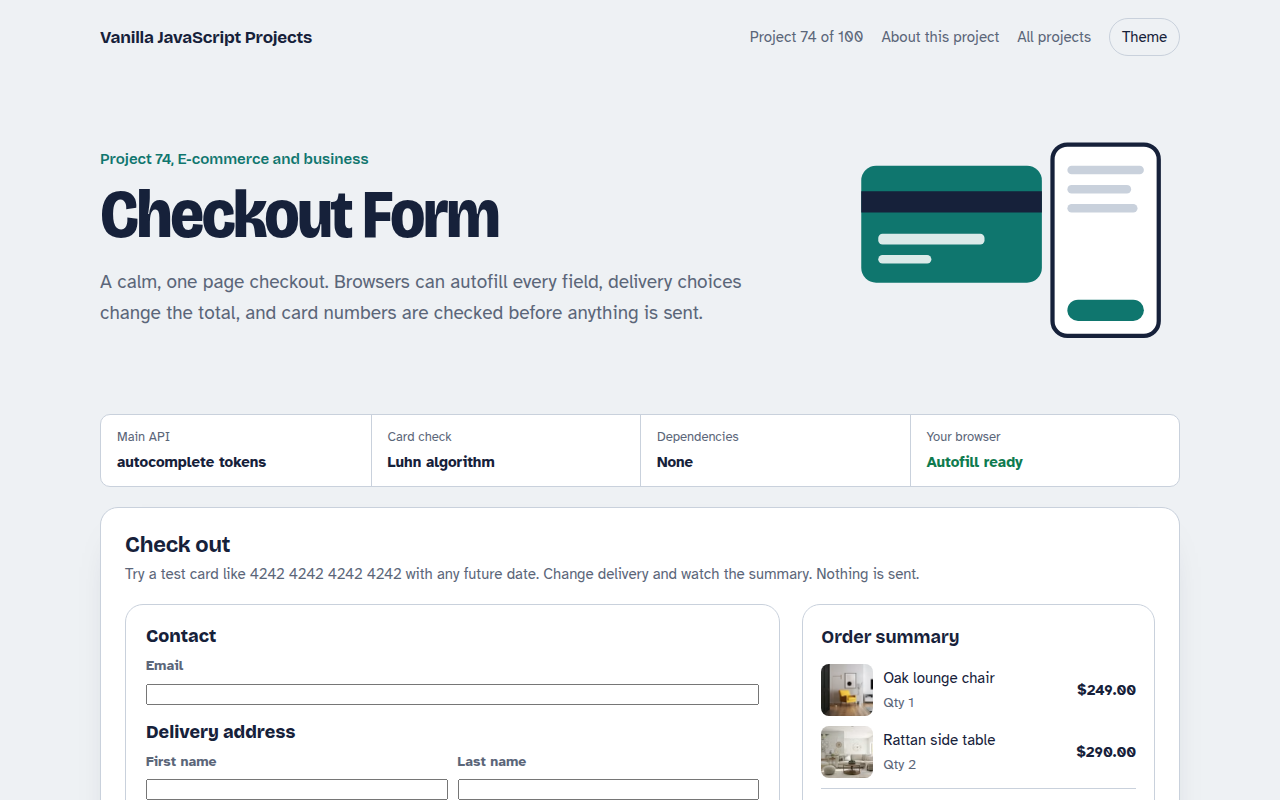
074. Checkout Form
A one page checkout with address, delivery options, card checks and an order summary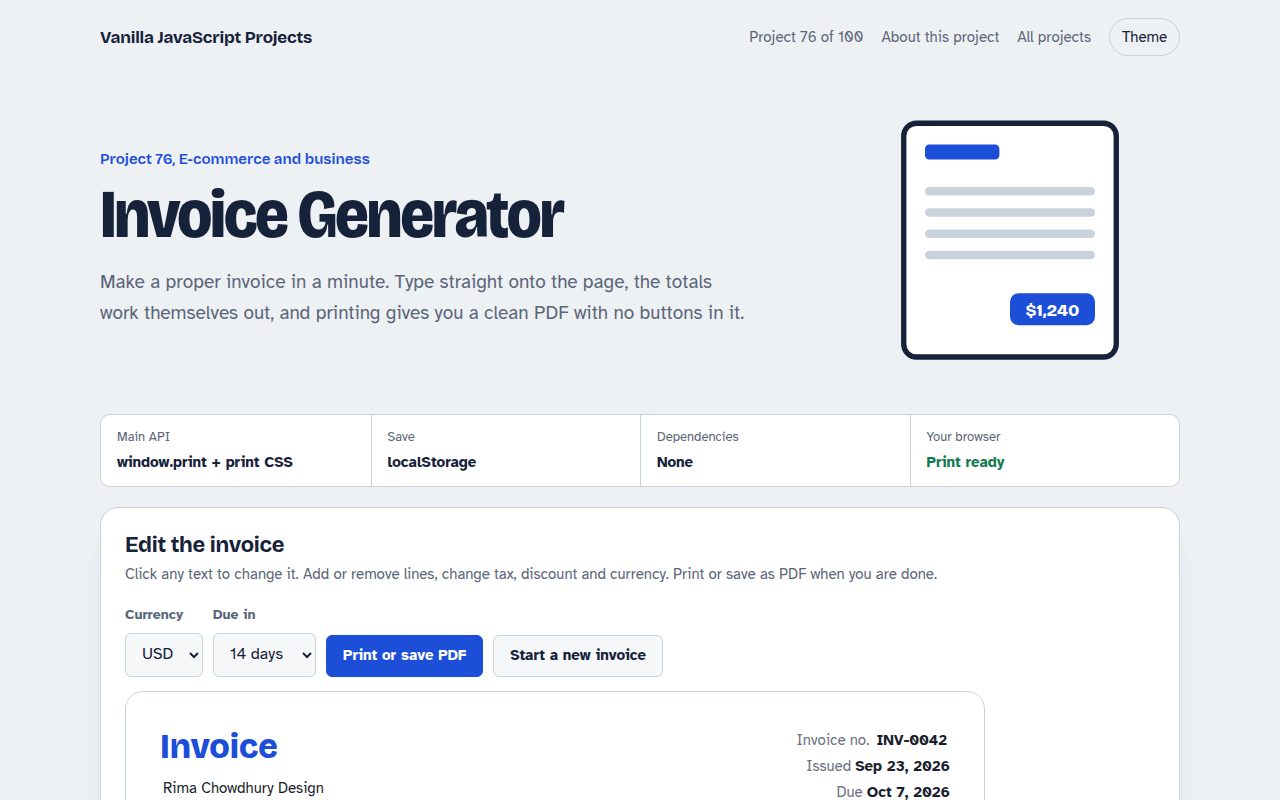
076. Invoice Generator
An editable invoice that does the maths and prints to a clean PDF