Home / Content and Data / Language Switcher
Language Switcher in JavaScript, Free with Live Demo
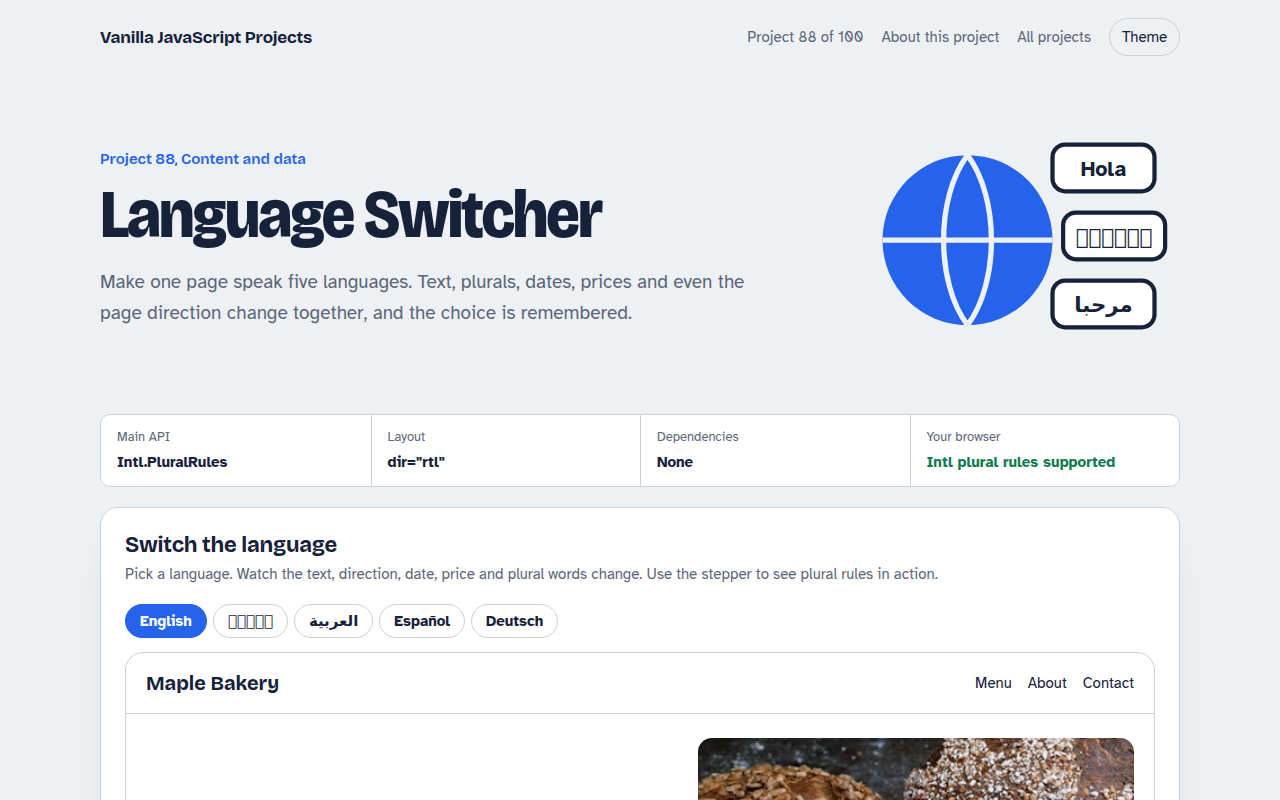
Free language switcher in plain JavaScript. Translations from JSON, right to left layout for Arabic, plural rules, dates, numbers and prices formatted for each language, and a remembered choice.
Runs on: Intl.PluralRules, Intl.DateTimeFormat and dir. Works in all modern browsers.
What is the Language Switcher?
A small bakery website that switches between English, Bengali, Arabic, Spanish and German. Every label, button and image description changes, and the choice is remembered.
Arabic flips the layout to right to left. Dates, numbers and prices use each language's format, and the basket line shows plural rules working, including Arabic's six plural forms.
Good for
- Sites with visitors from several countries
- Shops and restaurants in tourist areas
- Apps with right to left users
- Learning how i18n works
What this project does
- Five languages from JSON style objects
- Right to left support for Arabic
- Plural rules with Intl.PluralRules
- Local dates, numbers and prices
- Remembered choice and browser language guess
How it works
- Text lives in one object per languageEvery piece of text has a key like hero.title. Elements say which key they need with data-i18n, and one loop fills them in.
- Direction and language tagsSwitching to Arabic sets dir="rtl" and lang="ar", so the layout mirrors and screen readers use the right voice.
- Let Intl do the grammarIntl.PluralRules picks one, two, few, many or other for each language. Dates, numbers and prices use the matching locale.
The key JavaScript
This is the heart of the project. The full file has the rest, including the screen layout and error handling.
const t = translations[lang];
document.querySelectorAll("[data-i18n]").forEach((el) => {
  el.textContent = el.dataset.i18n.split(".").reduce((o, k) => o[k], t);
});
document.documentElement.lang = lang;
document.documentElement.dir = lang === "ar" ? "rtl" : "ltr";

const rule = new Intl.PluralRules("ar").select(3);   // "few"
const text = t.cart[rule].replace("{n}", 3);
How to use it
- Click Download HTML file above.
- Open the file in a code editor, like VS Code.
- Run it from a local server with
npx serve .so the camera, microphone and AI features are allowed. - Change the text and colors, then upload it to GitHub Pages, Netlify or your own site. It is one file with no build step.
Questions people ask
Should translations be in separate files?
For bigger sites, yes. Load /i18n/es.json with fetch when someone picks Spanish, so people only download their language.
Is this good for SEO?
For search engines, give each language its own URL, like /es/, with hreflang tags. Client side switching is best for apps.
Why do plurals need special handling?
Many languages have more than two forms. Arabic has six. Intl.PluralRules knows the rules for each language.
More Content and Data projects
081. Data Table
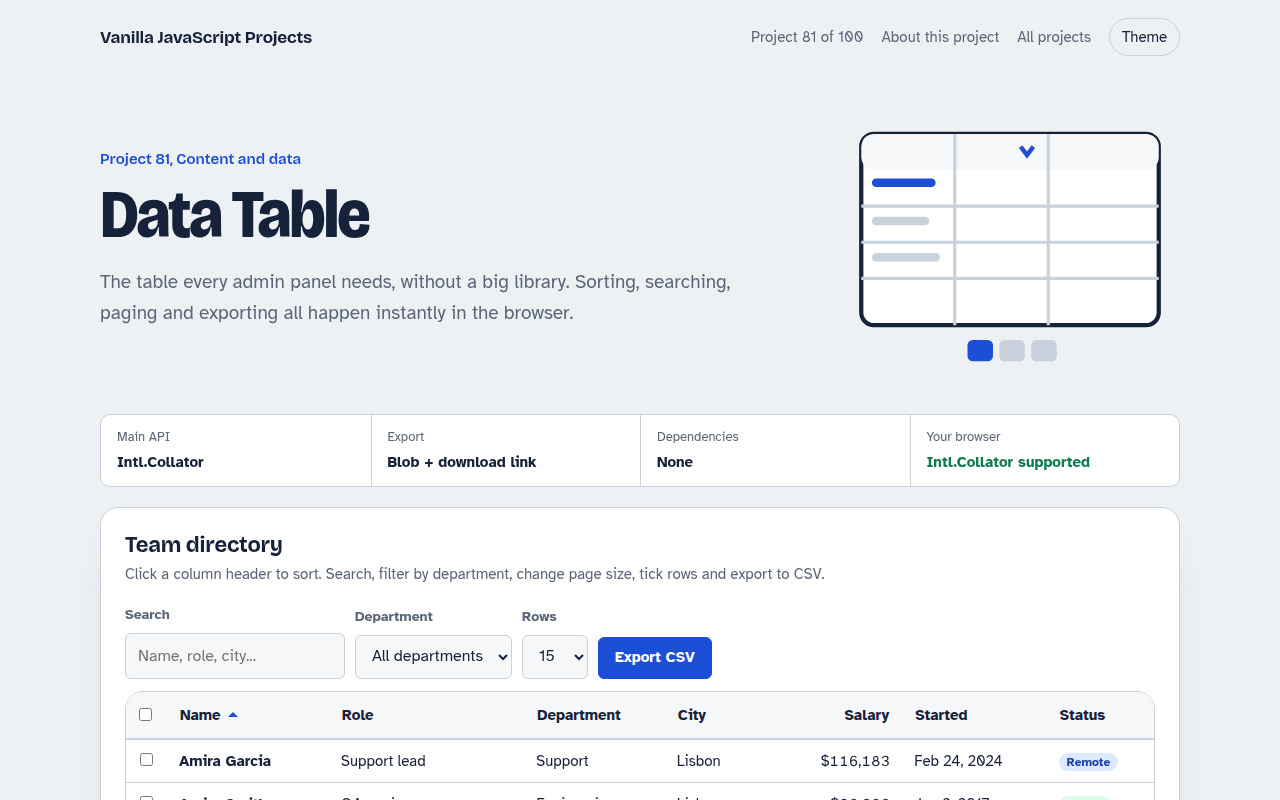
A sortable, searchable table with filters, pages, row selection and CSV export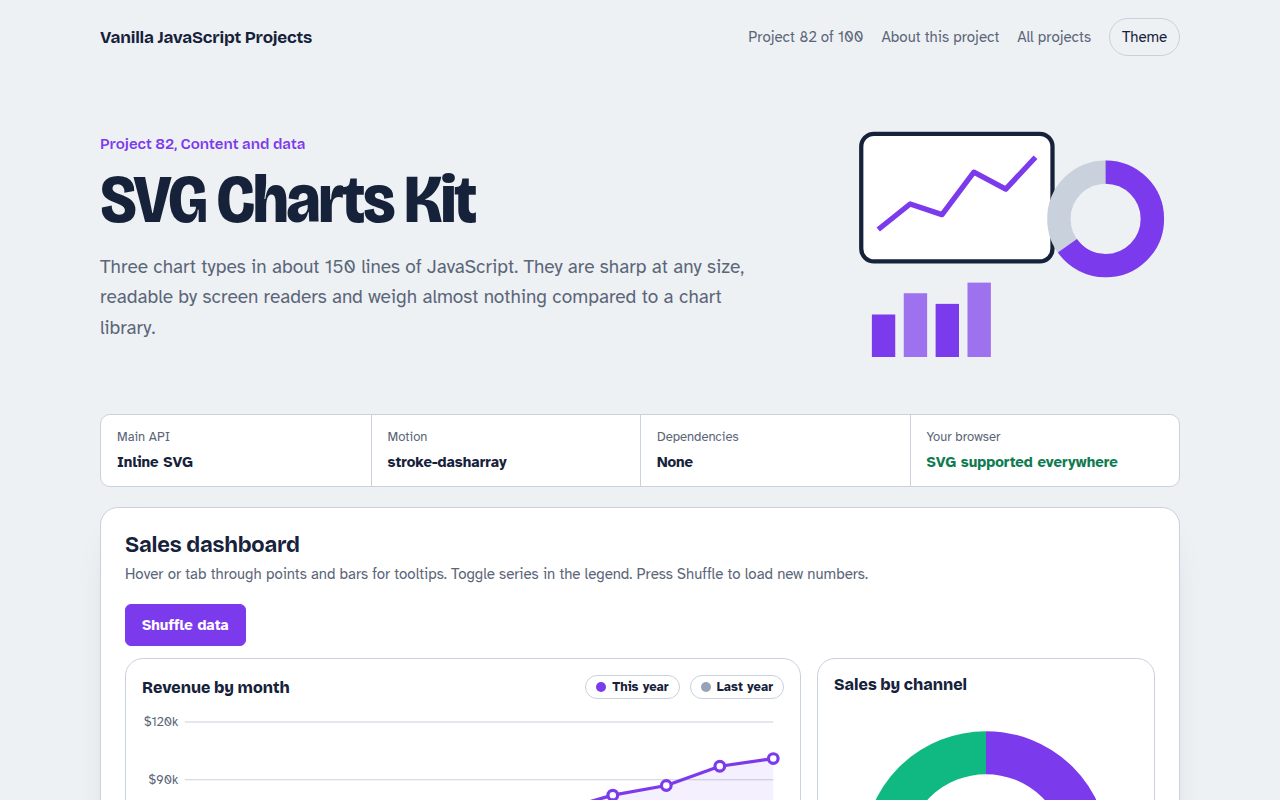
082. SVG Charts Kit
Line, bar and donut charts drawn with plain SVG, with tooltips and a data table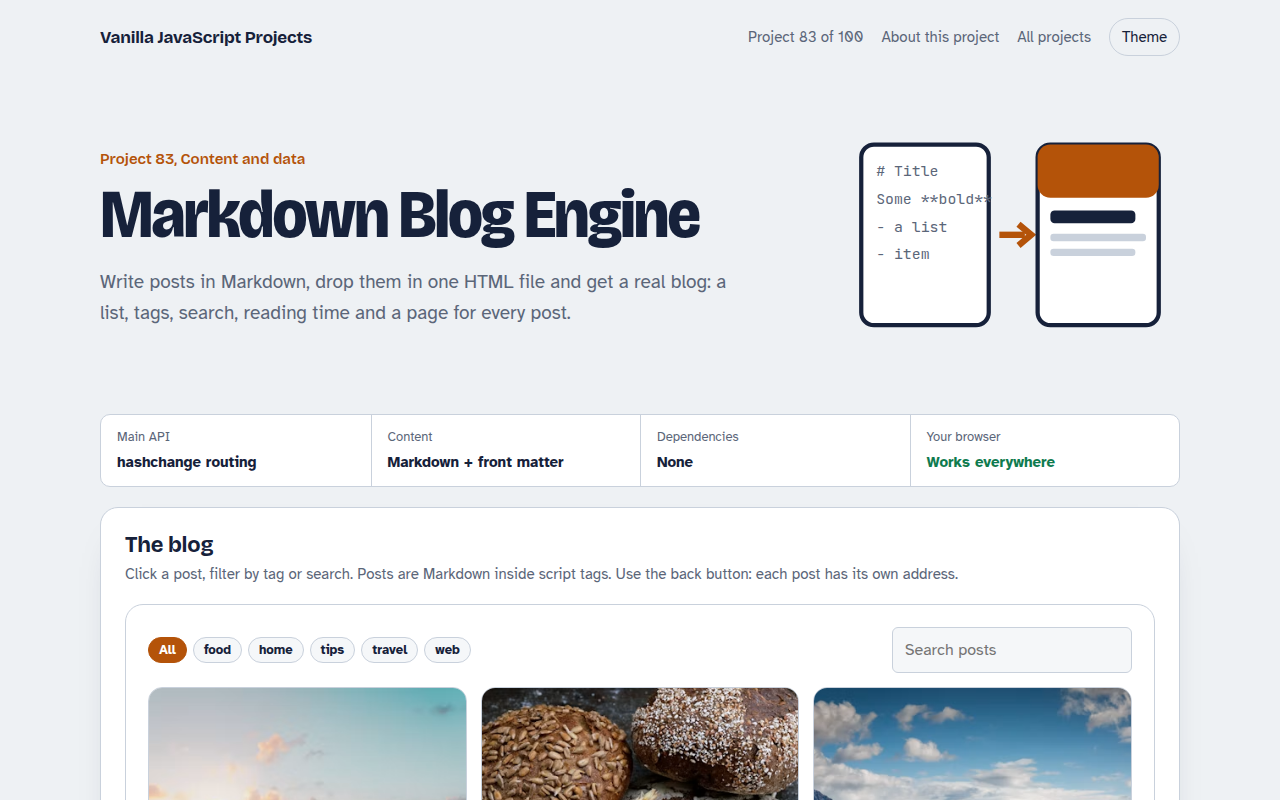
083. Markdown Blog Engine
A tiny blog that reads Markdown posts, with tags, search and reading time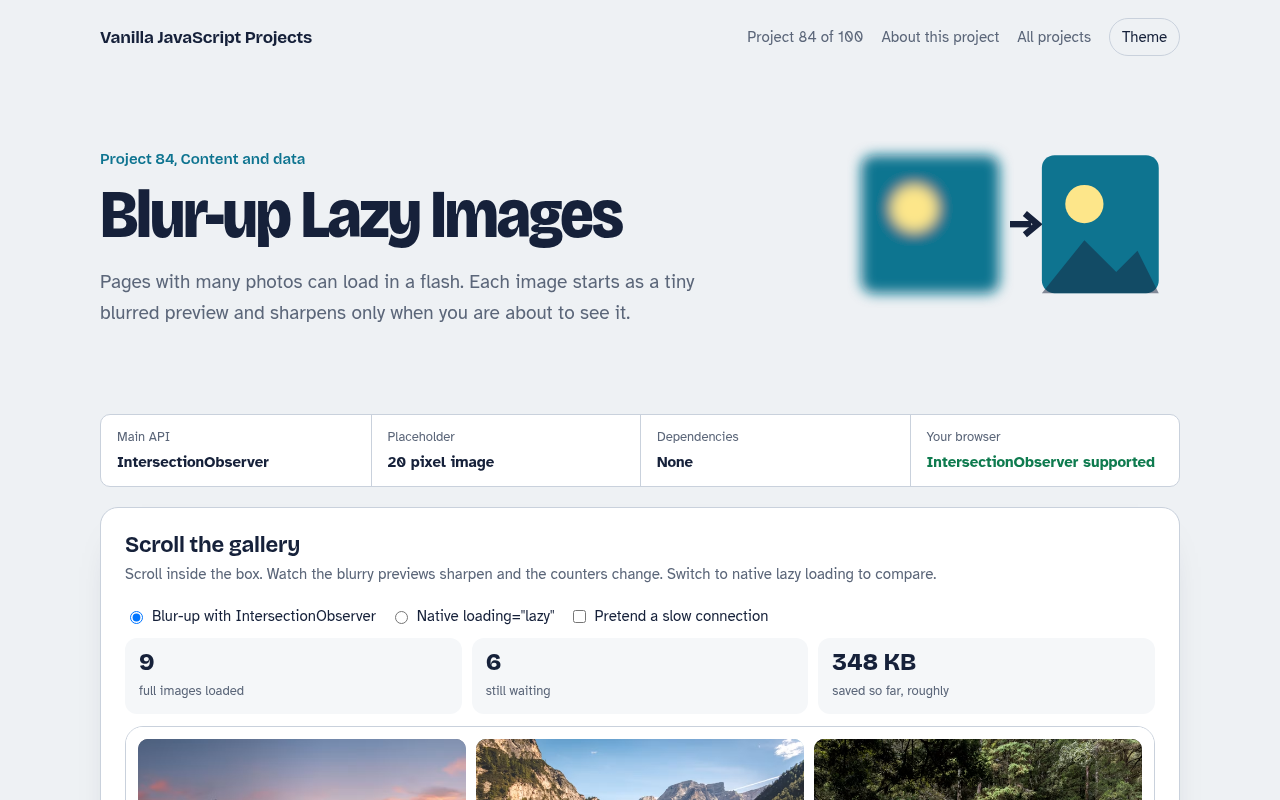
084. Blur-up Lazy Images
A photo grid that shows tiny blurred placeholders and loads full images when they scroll into view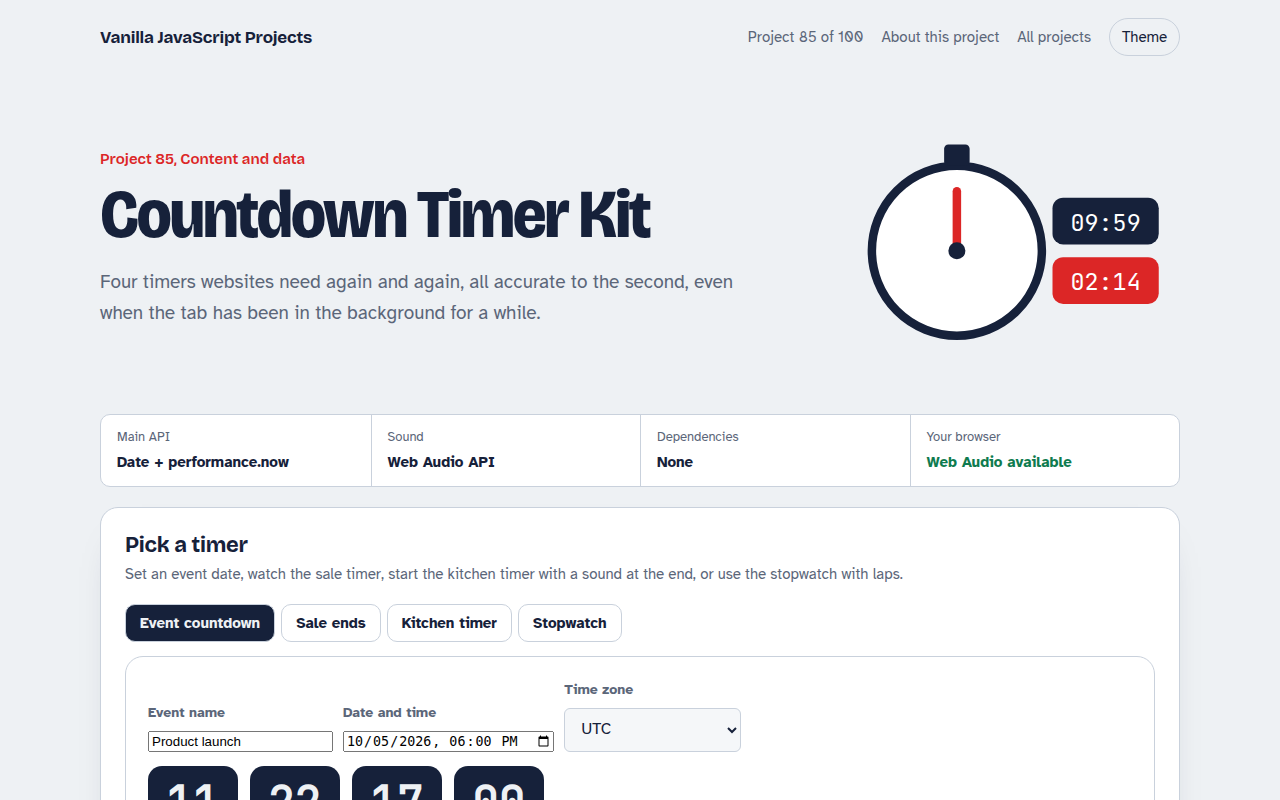
085. Countdown Timer Kit
An event countdown, a sale timer, a kitchen timer with sound and a stopwatch with laps