Home / SEO and Site Tools / Spam-proof Contact Form
Spam-proof Contact Form in JavaScript, Free with Live Demo
Free spam-proof contact form in plain JavaScript. A hidden honeypot field, a minimum fill time, link and keyword checks and a friendly rate limit, all without a captcha.
Runs on: Honeypot fields and timing checks. Works in all modern browsers.
What is the Spam-proof Contact Form?
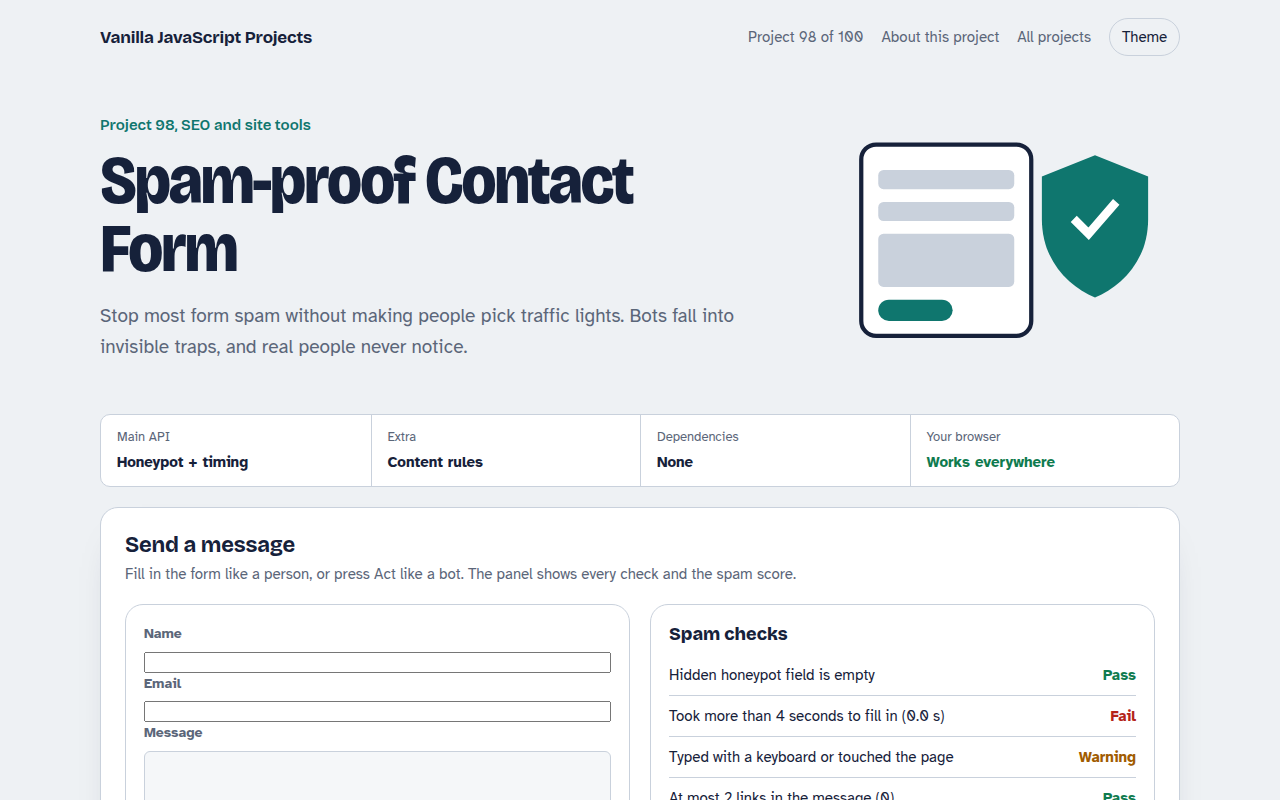
A contact form protected against spam without a captcha. It uses a hidden honeypot field, a minimum time to fill in, link and keyword checks, a capital letters check and a simple rate limit.
A panel shows each check passing or failing and adds up a spam score. Try sending a normal message, then press Act like a bot to see it blocked.
Good for
- Contact and enquiry forms
- Newsletter sign ups
- Comment and review forms
- Any form getting junk messages
What this project does
- Invisible honeypot field
- Minimum fill time
- Link, keyword and capital letter checks
- Rate limit per browser
- Score based decision: send, review or block
How it works
- A trap only bots seeThe website field is moved far off screen and hidden from screen readers. People never fill it in, but many bots fill every field.
- Humans are not instantReal people need several seconds to type a name, email and message. Forms sent faster than four seconds are suspicious.
- Score first, then decideEach failed check adds points. High scores are blocked, middle scores are sent but marked for review, so real people are rarely lost.
The key JavaScript
This is the heart of the project. The full file has the rest, including the screen layout and error handling.
<div style="position:absolute;left:-10000px" aria-hidden="true">
  <input name="website" tabindex="-1" autocomplete="off">
</div>

const started = Date.now();
form.onsubmit = (e) => {
  let score = 0;
  if (form.website.value) score += 60;                 // honeypot filled
  if (Date.now() - started < 4000) score += 40;        // too fast
  if ((msg.match(/https?:\/\//g) || []).length > 2) score += 30;
  if (score >= 50) { e.preventDefault(); /* drop silently */ }
};
How to use it
- Click Download HTML file above.
- Open the file in a code editor, like VS Code.
- Run it from a local server with
npx serve .so the camera, microphone and AI features are allowed. - Change the text and colors, then upload it to GitHub Pages, Netlify or your own site. It is one file with no build step.
Questions people ask
Is this enough to stop all spam?
It stops most simple bots. Repeat the same checks on your server, because bots can skip your JavaScript completely.
Is the honeypot a problem for screen readers?
No. It is hidden with aria-hidden and taken out of the tab order, so assistive technology ignores it.
Why not use a captcha?
Captchas annoy real people and lower form completion. Try these quiet checks first and add a captcha only if spam continues.
More SEO and Site Tools projects
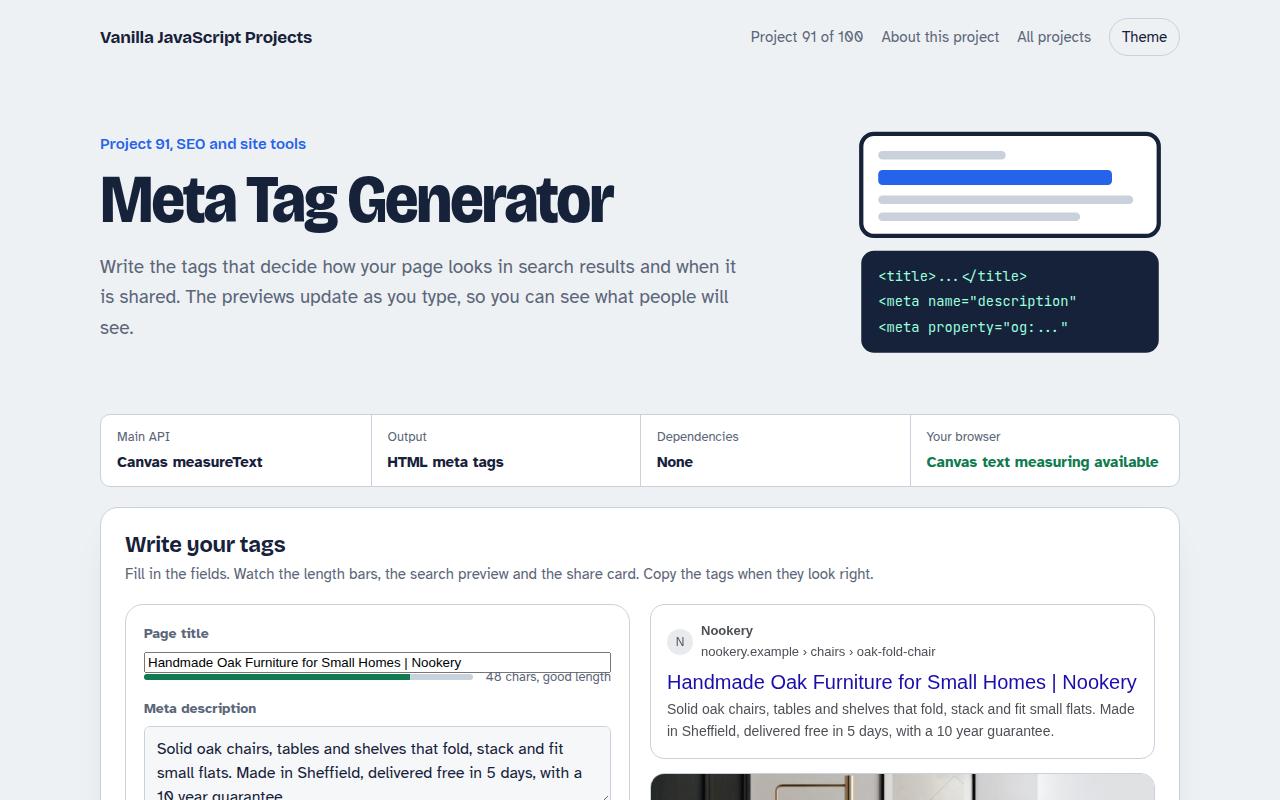
091. Meta Tag Generator
A form that writes your title, description and social tags with live search and share previews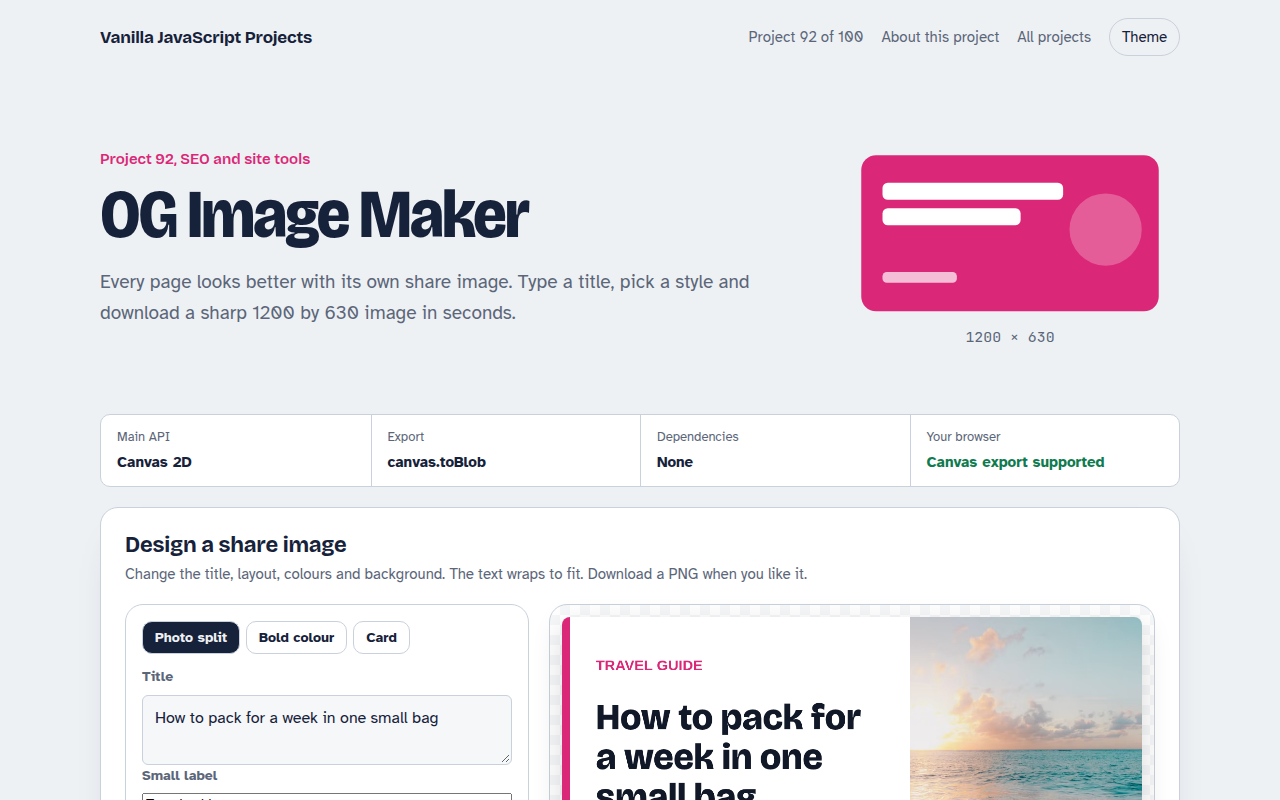
092. OG Image Maker
A canvas tool that makes 1200 by 630 share images with your title and brand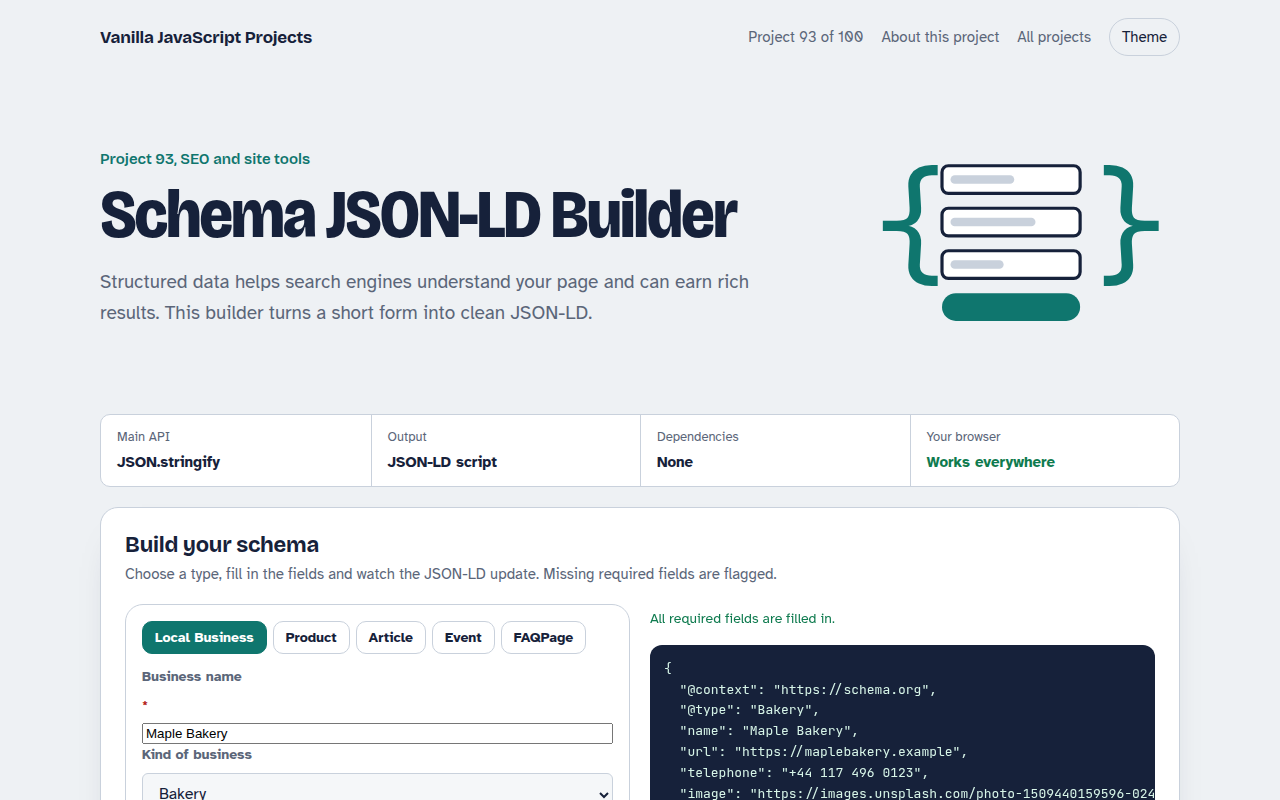
093. Schema JSON-LD Builder
A form that writes structured data for businesses, products, articles, events and FAQs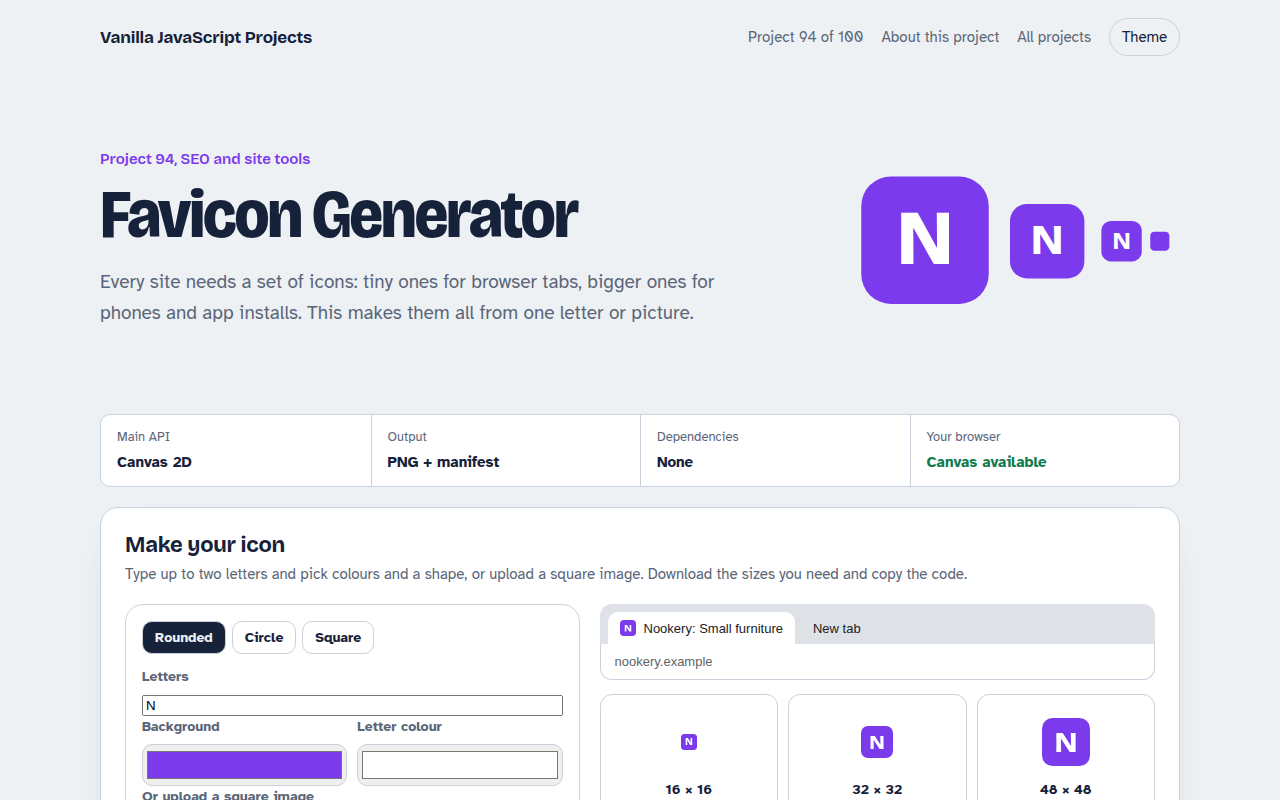
094. Favicon Generator
A tool that makes every favicon size and a web manifest from a letter or an image
095. Responsive Image Maker
A tool that resizes one photo into several sizes and writes the srcset code