Home / SEO and Site Tools / Privacy Analytics Lite
Privacy Analytics Lite in JavaScript, Free with Live Demo
Free privacy friendly analytics in plain JavaScript. Count page views without cookies or personal data, respect Do Not Track and Global Privacy Control, and see pages, sources and devices on a small dashboard.
Runs on: navigator.sendBeacon and sessionStorage. Works in all modern browsers.
What is the Privacy Analytics Lite?
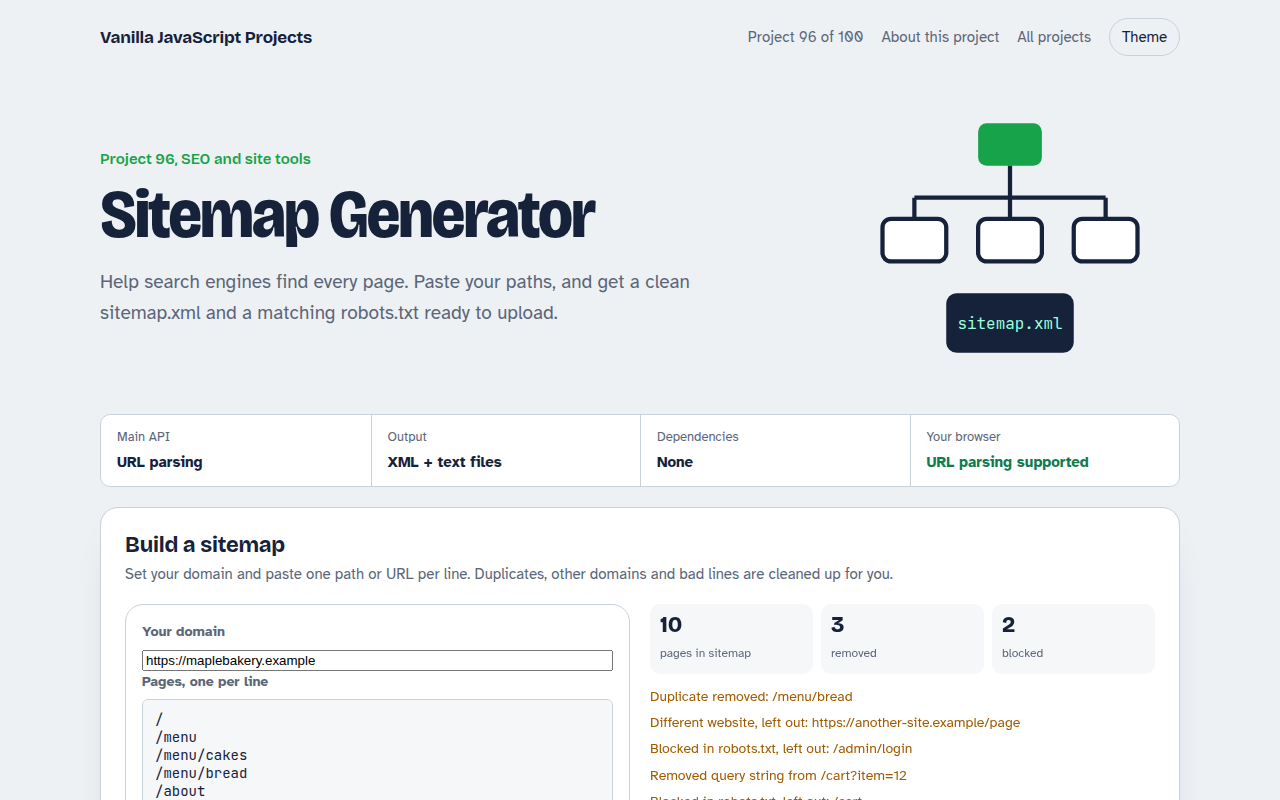
A tiny, privacy friendly analytics system with a dashboard. Click pretend pages to record views, or add 200 simulated visits, and see views per day, top pages, sources and devices.
It uses no cookies and no personal data, skips visitors who send Do Not Track or Global Privacy Control, and shows the exact event that would be sent to your server.
Good for
- Small sites that want simple stats
- Sites that want to avoid a cookie banner for analytics
- Internal tools and prototypes
- Learning how analytics works
What this project does
- Page views, visits and views per visit
- 14 day bar chart
- Top pages and sources
- Device split
- No cookies, respects Do Not Track and GPC
How it works
- Count, do not identifyEach event holds only the page, where the visit came from, the device type and a random session id that lives until the tab closes. No cookies, no IP address.
- Respect the signalIf the browser sends Do Not Track or Global Privacy Control, the page view is simply not counted.
- Send without slowing the pagenavigator.sendBeacon posts the event in the background, even while the page is closing, so it never delays navigation.
The key JavaScript
This is the heart of the project. The full file has the rest, including the screen layout and error handling.
if (navigator.doNotTrack !== "1" && !navigator.globalPrivacyControl) {
  let session = sessionStorage.getItem("s");
  if (!session) sessionStorage.setItem("s", session = crypto.randomUUID());
  navigator.sendBeacon("/api/hit", JSON.stringify({
    path: location.pathname,
    referrer: document.referrer ? new URL(document.referrer).hostname : "Direct",
    device: innerWidth < 600 ? "Phone" : "Desktop",
    session
  }));
}
How to use it
- Click Download HTML file above.
- Open the file in a code editor, like VS Code.
- Run it from a local server with
npx serve .so the camera, microphone and AI features are allowed. - Change the text and colors, then upload it to GitHub Pages, Netlify or your own site. It is one file with no build step.
Questions people ask
Do I need a cookie banner for this?
This design stores nothing on the device beyond a tab session id and collects no personal data. Check your local rules, but many sites can use this style of analytics without consent.
Where does the data go?
In the demo it stays in your browser. In a real site, sendBeacon posts it to a small endpoint that adds one row to a database.
Why use sendBeacon?
It sends data in the background and keeps working while the page closes, so exits are still counted.
More SEO and Site Tools projects
091. Meta Tag Generator
A form that writes your title, description and social tags with live search and share previews
092. OG Image Maker
A canvas tool that makes 1200 by 630 share images with your title and brand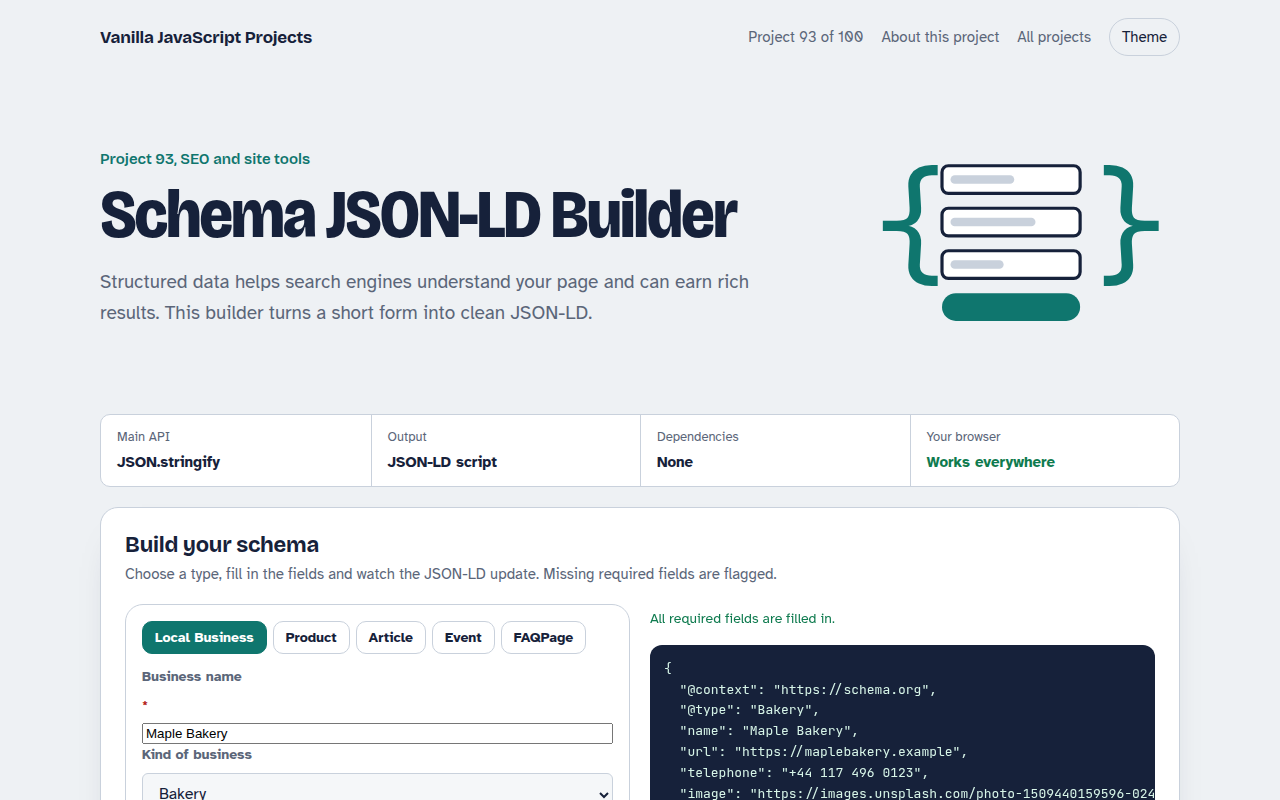
093. Schema JSON-LD Builder
A form that writes structured data for businesses, products, articles, events and FAQs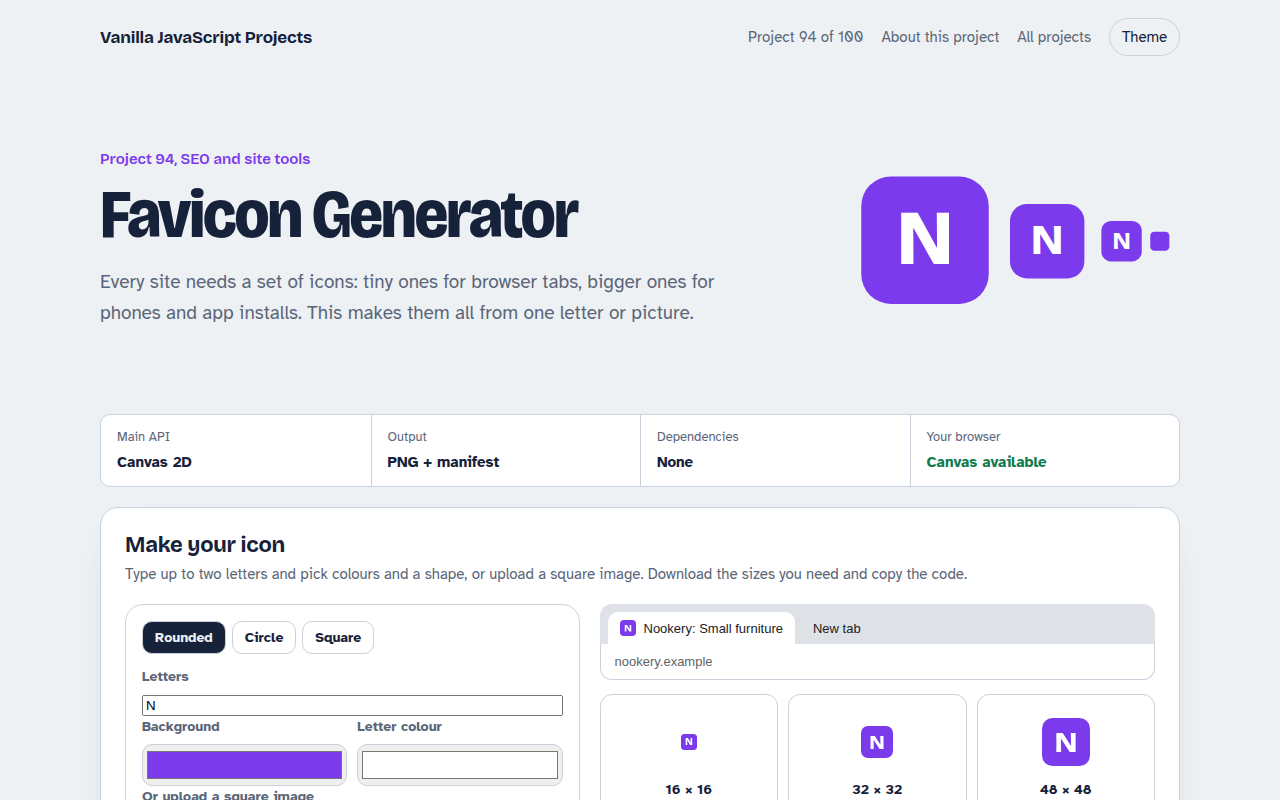
094. Favicon Generator
A tool that makes every favicon size and a web manifest from a letter or an image
095. Responsive Image Maker
A tool that resizes one photo into several sizes and writes the srcset code