Home / Layout Patterns / Horizontal Scroll
Horizontal Scroll CSS Template, Free with Live Demo
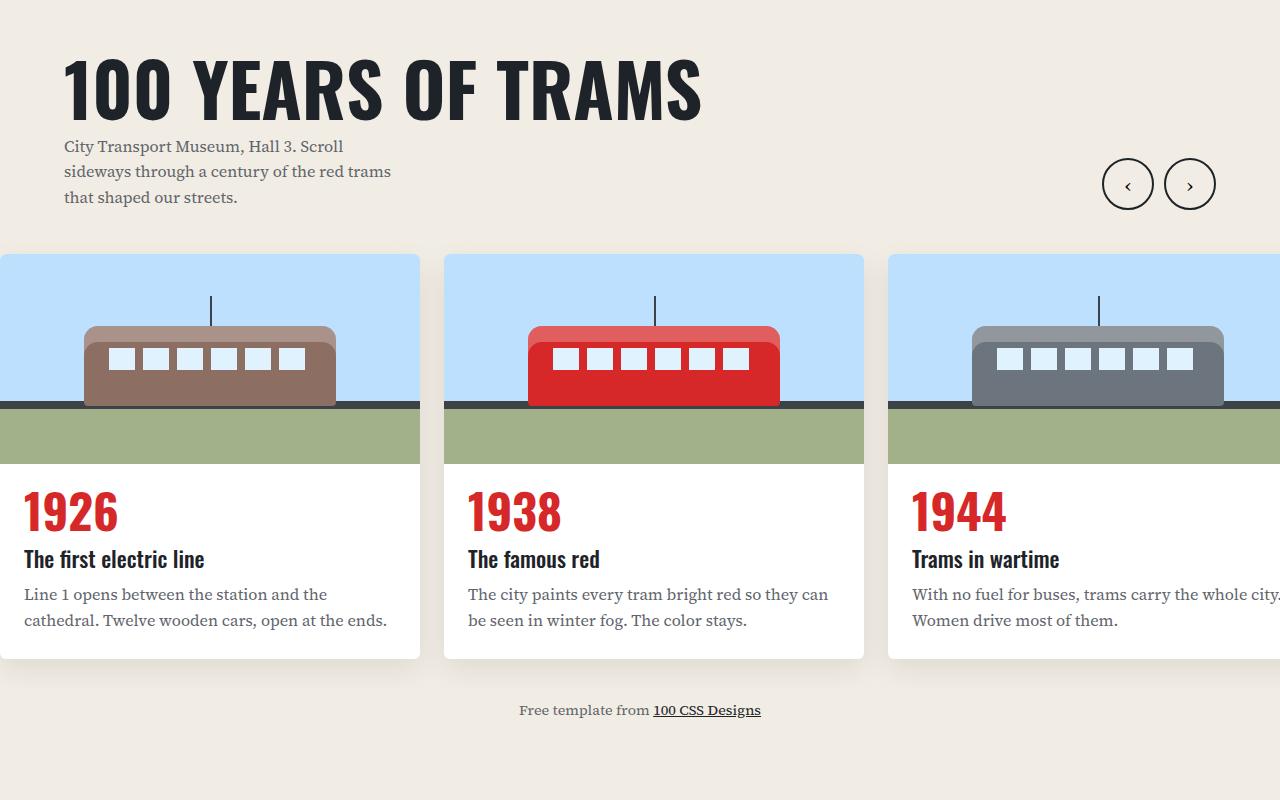
Free horizontal scroll timeline template with CSS scroll snap and arrow buttons. Built for a museum exhibition. Live demo, key CSS and HTML download. The example is A museum timeline of 100 years of trams.
What is horizontal scroll?
A horizontal scroll section lets people move sideways through a set of panels, like flipping through an exhibition. It works well for timelines, where left to right feels like moving through time.
CSS scroll snap does the hard part. Each card snaps into place when you stop, on touch screens and with a trackpad, and two arrow buttons help mouse users.
Good for
- History timelines and museums
- Company milestones and about pages
- Product galleries
- Case study sequences
What you get in this template
- Scroll snap so every card lands neatly
- Previous and next arrow buttons
- Keyboard scrolling when the track is focused
- Trams drawn in CSS for every era
- Smooth scroll turns off for reduced motion
The key CSS
This is the part that makes the horizontal scroll look work. Copy it into your own project.
.track {
  display: flex;
  gap: 24px;
  overflow-x: auto;
  scroll-snap-type: x mandatory;
  scroll-behavior: smooth;
}
.card {
  flex: 0 0 min(420px, 85vw);
  scroll-snap-align: start;
}
How to use it
- Click Download HTML file above.
- Open the file in any code editor, like VS Code.
- Change the text, colors and links to match your project. Colors are at the top of the style tag.
- Upload it to any host, such as GitHub Pages, Netlify or your own server. It is one file with no build step.
Questions people ask
How do you make a horizontal scroll section in CSS?
Use a flex container with overflow-x: auto, give each child a fixed flex basis, and add scroll-snap-type: x mandatory on the container with scroll-snap-align: start on the children.
Can people with a mouse use horizontal scroll?
Many mice cannot scroll sideways, so add arrow buttons that call scrollBy(), like this template does.
Is horizontal scroll bad for SEO?
No. All the cards are normal HTML on the page, so search engines see every one of them.
More Layout Patterns designs
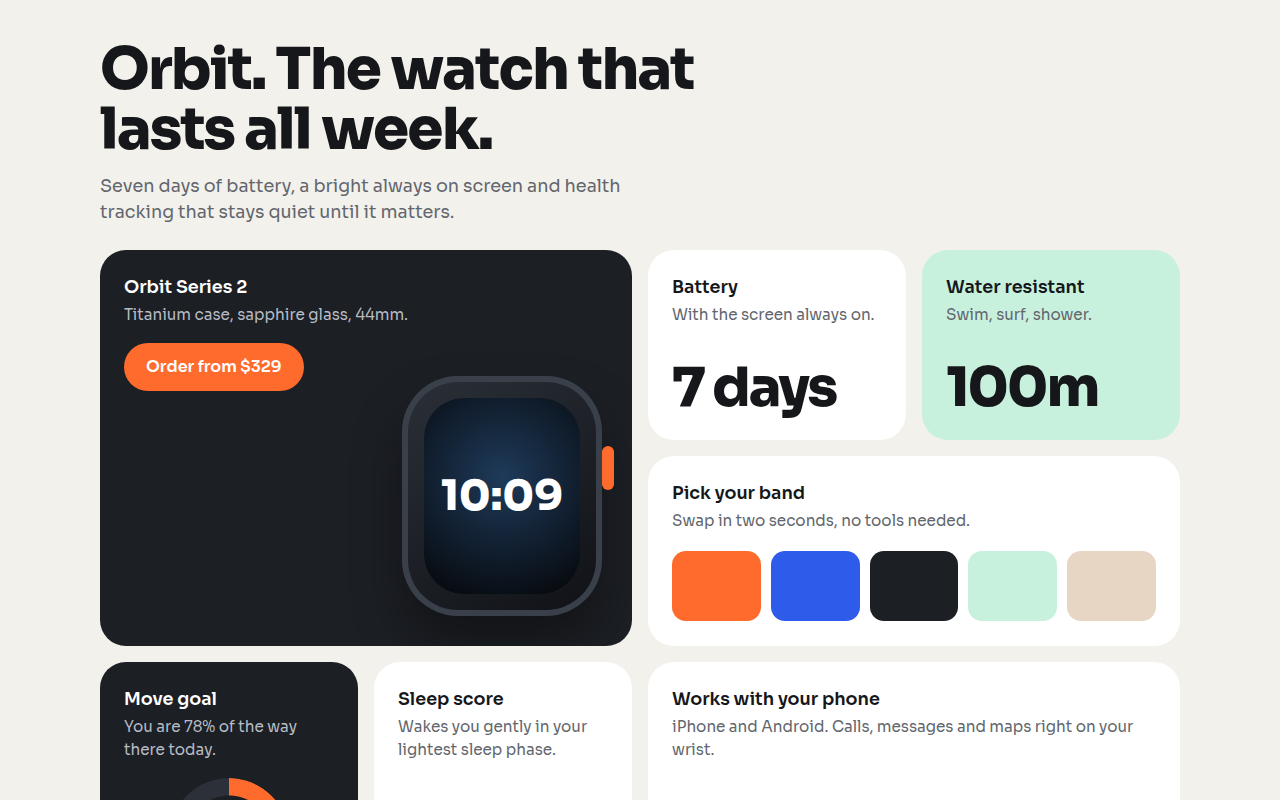
021. Bento Grid
Orbit, a smartwatch product page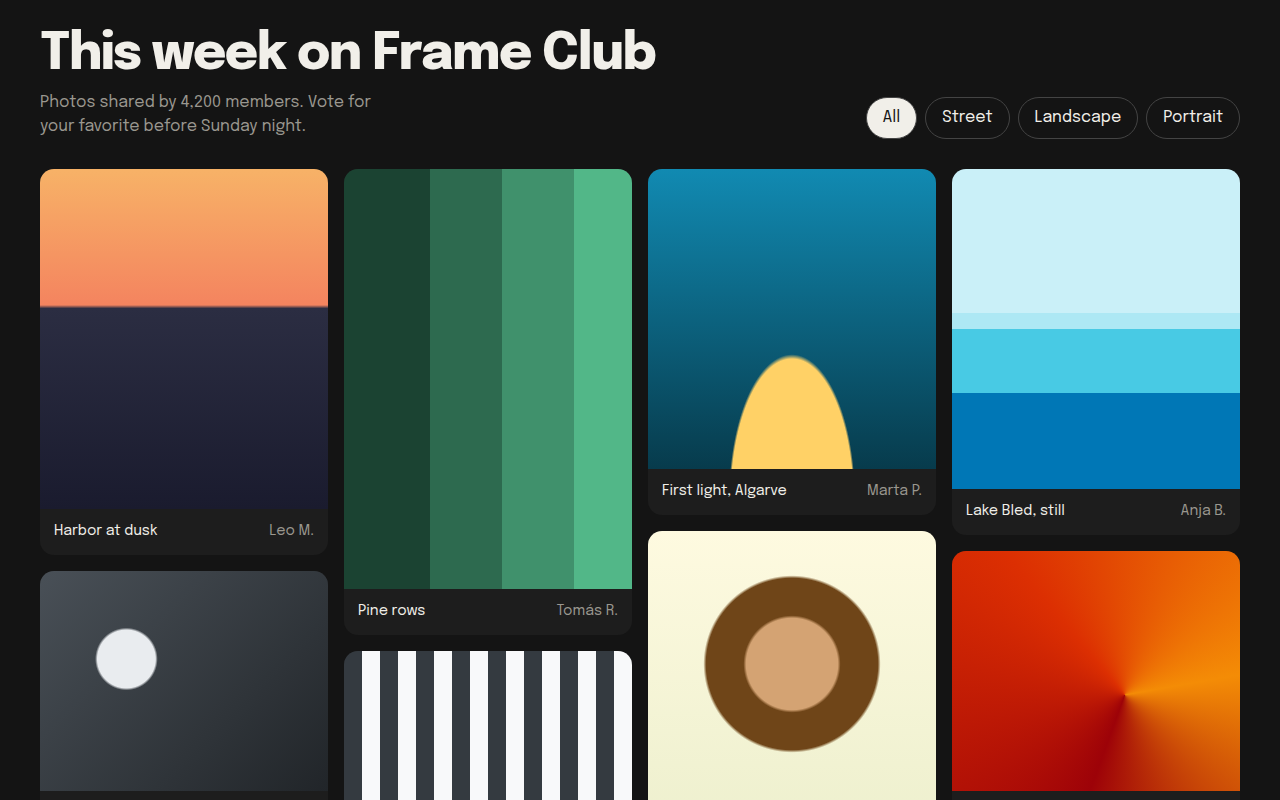
022. Masonry
Frame Club, a photo community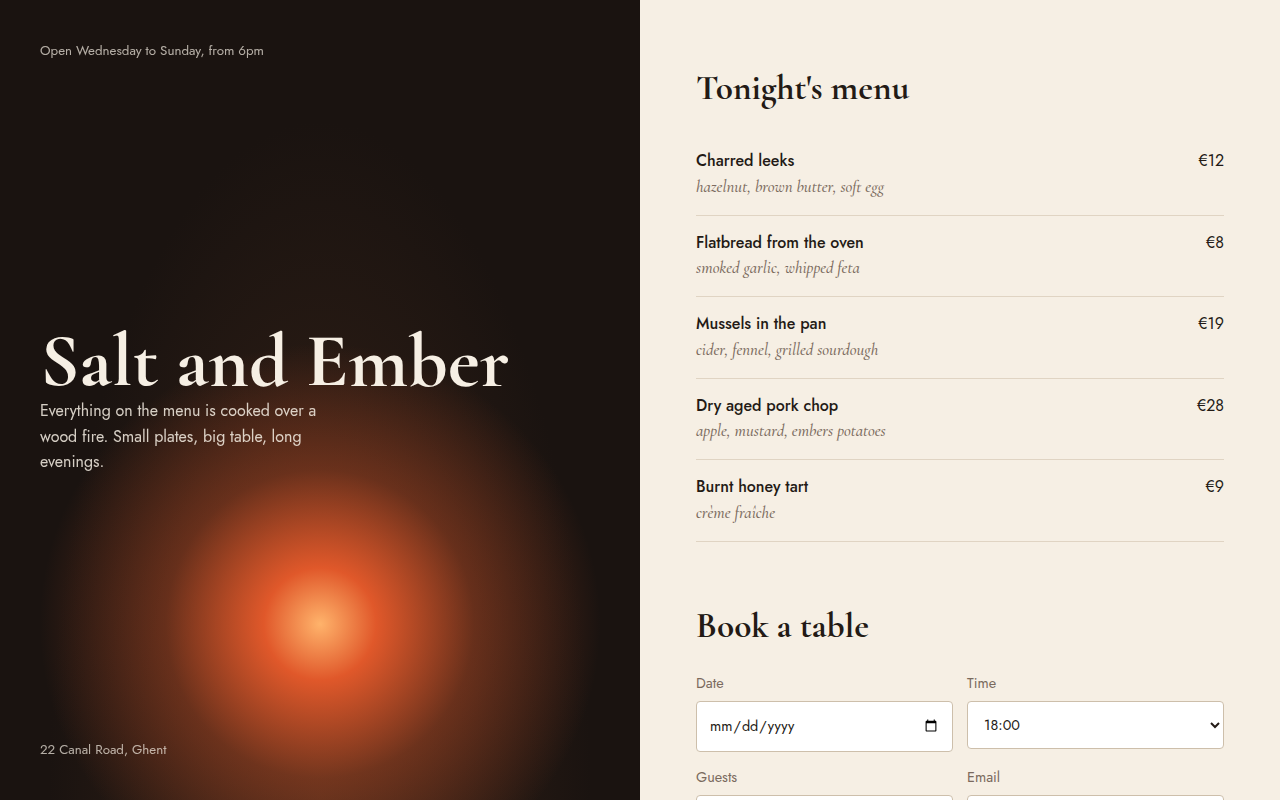
023. Split Screen
Salt and Ember, a wood fire restaurant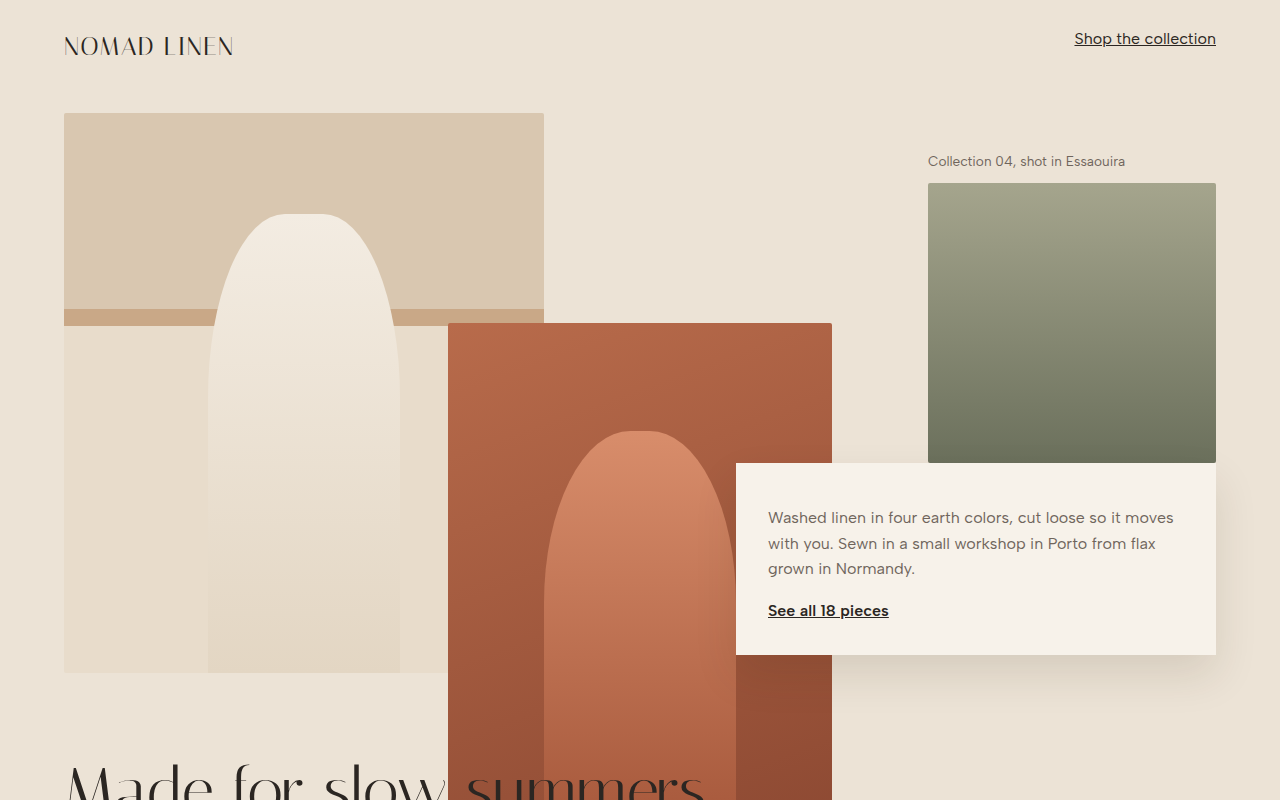
024. Broken Grid
Nomad Linen, a fashion lookbook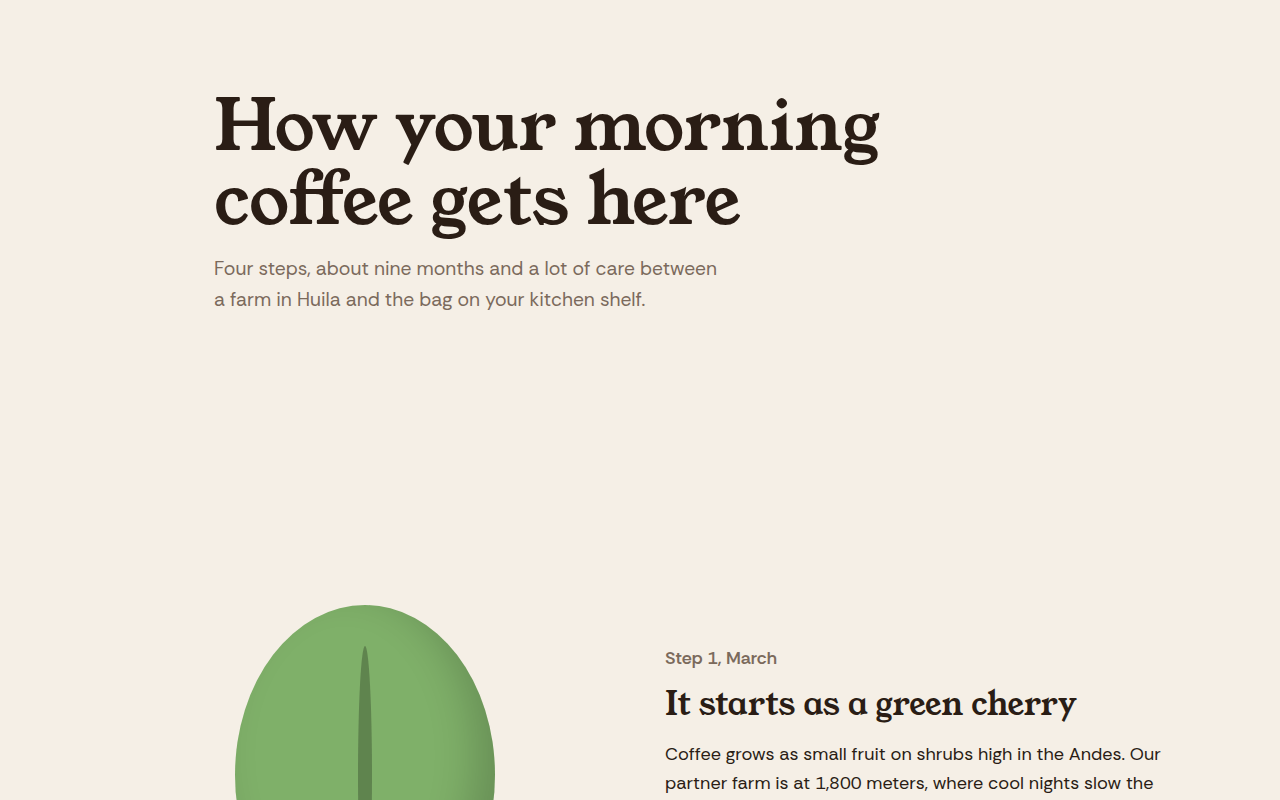
025. Scrollytelling
Hilltop Roasters, a bean to cup story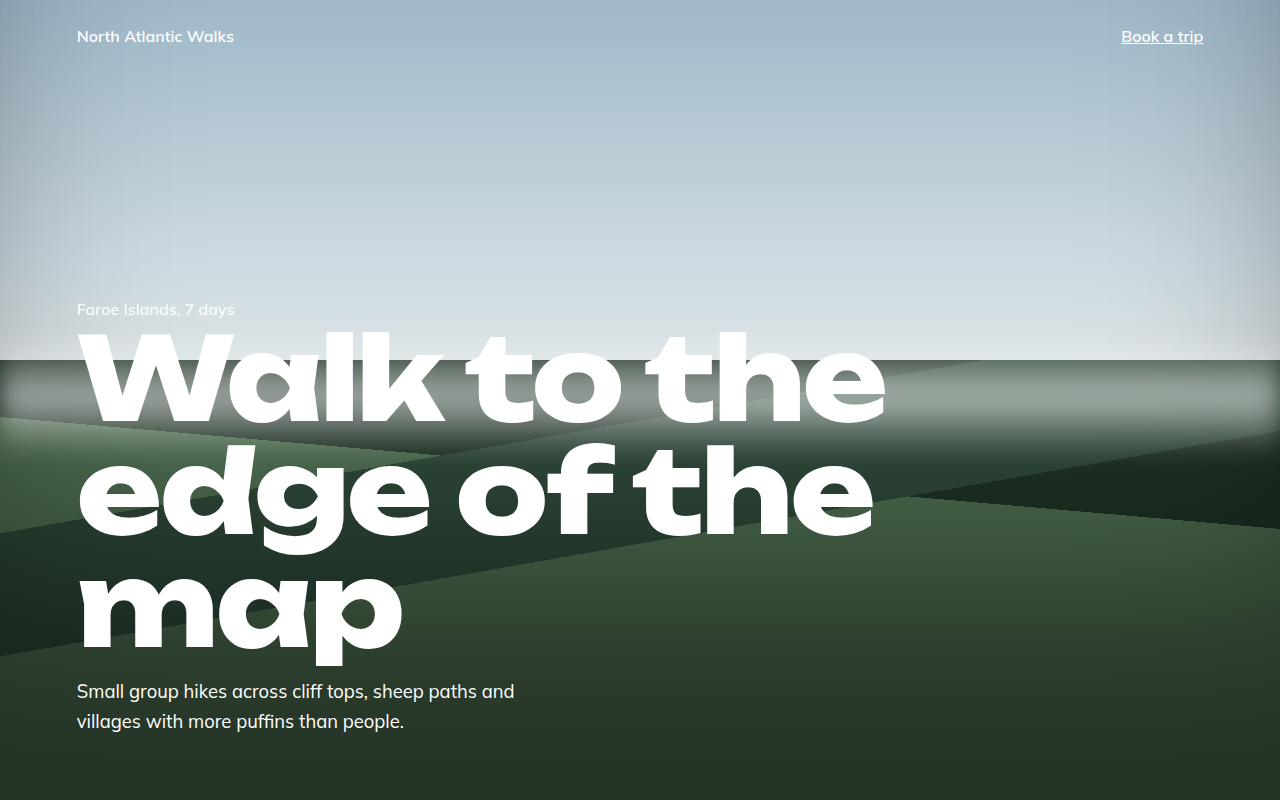
027. Full Bleed
North Atlantic Walks, a hiking tour company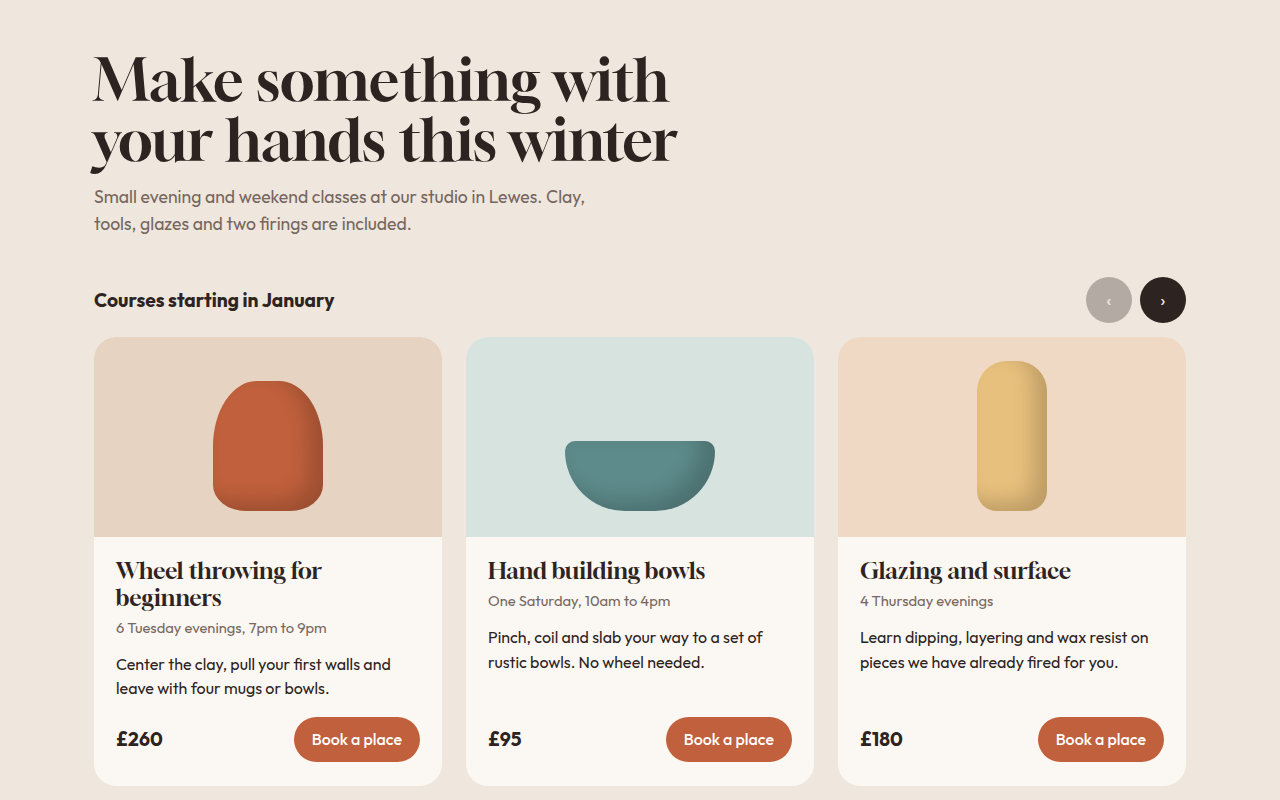
028. Card Carousel
Kiln, a pottery class studio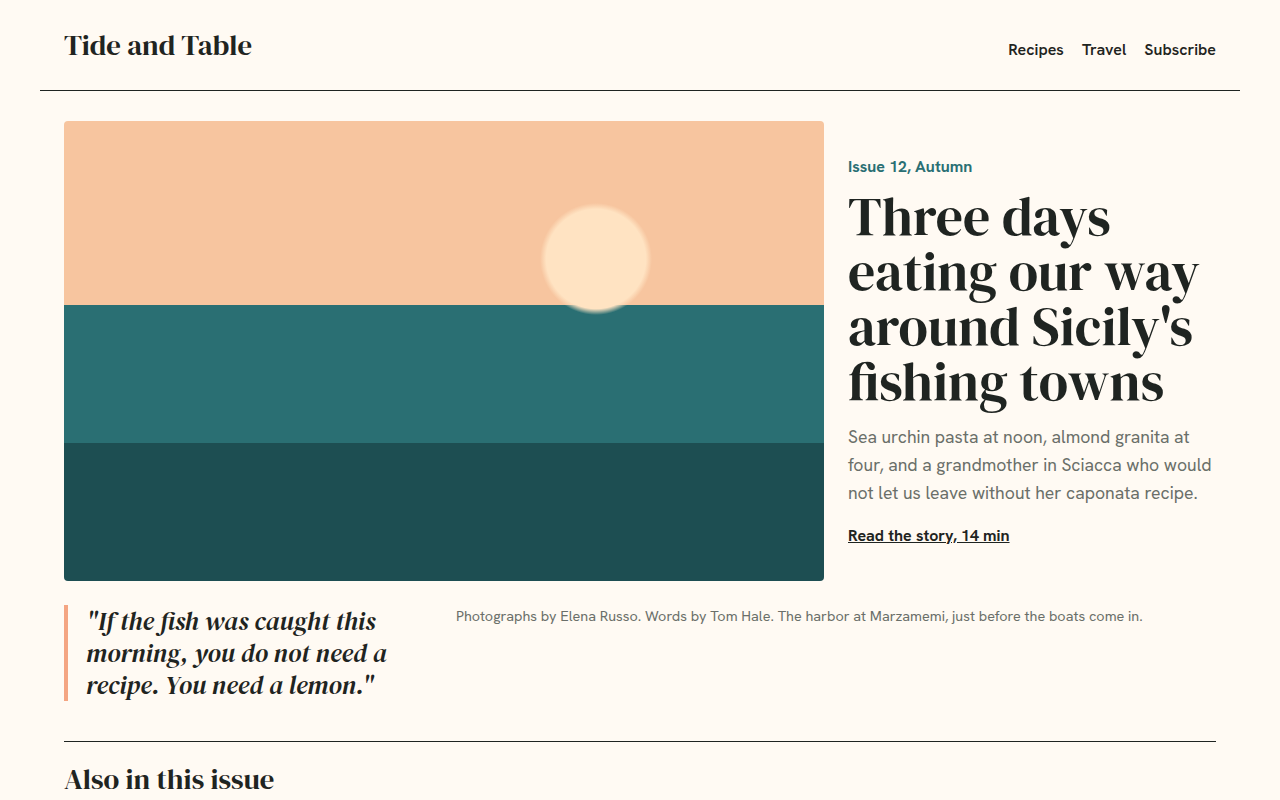
029. Magazine Layout
Tide and Table, a food and travel magazine