Home / Layout Patterns / Scrollytelling
Scrollytelling CSS Template, Free with Live Demo
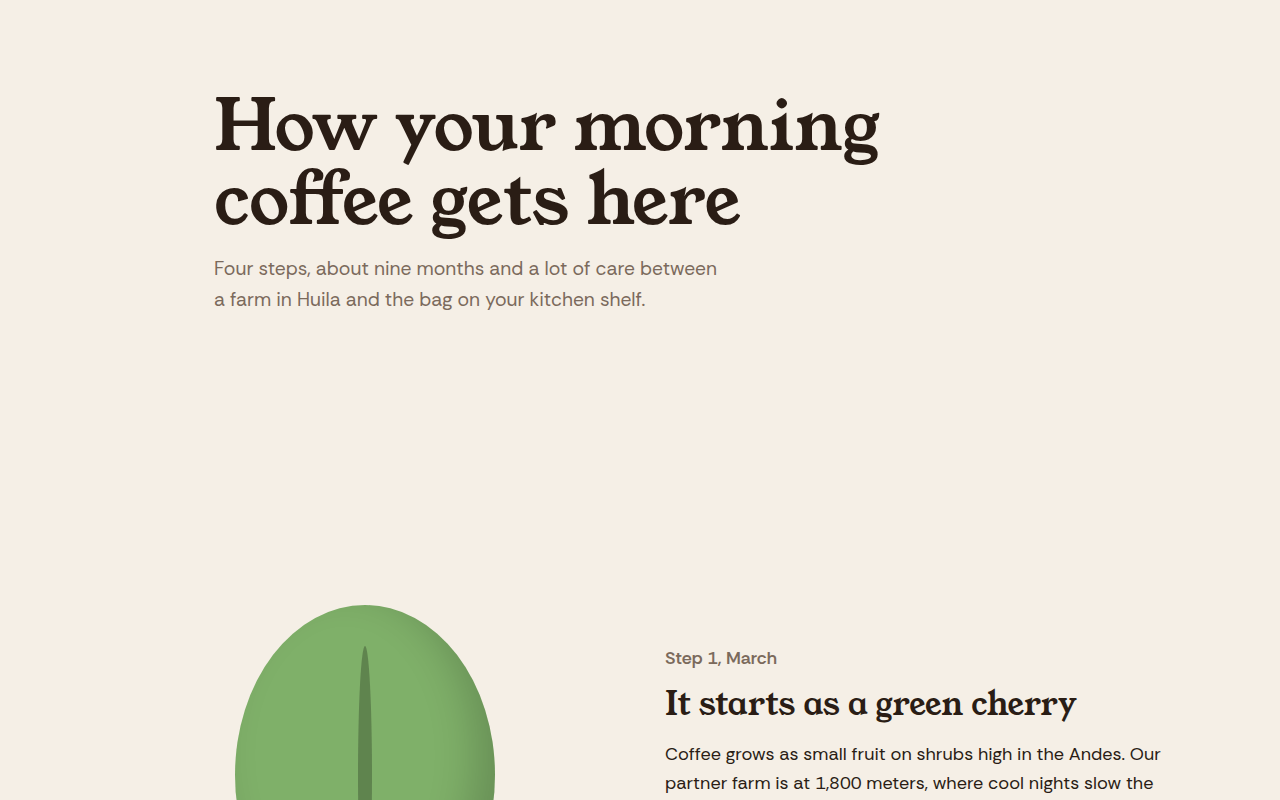
Free scrollytelling website template. A sticky visual changes shape and color as each step of the story scrolls past. Live demo, key code and HTML download. The example is Hilltop Roasters, a bean to cup story.
What is scrollytelling?
Scrollytelling tells a story as you scroll. One picture stays pinned on the screen while the text moves past, and the picture changes to match each step.
News sites use it for big explainers, and brands use it to show how a product is made. Here a coffee bean changes into a cherry, a roasted bean and finally a cup, one step at a time.
Good for
- Product origin stories
- Explainers and reports
- Charity impact stories
- Onboarding and how it works pages
What you get in this template
- Sticky stage that stays on screen
- Four story steps that light up as you reach them
- Visual changes with smooth CSS transitions
- Tiny IntersectionObserver script, no library
- Transitions turn off for reduced motion
The key CSS
This is the part that makes the scrollytelling look work. Copy it into your own project.
.stage { position: sticky; top: 0; height: 100vh; }
.bean { transition: background .6s, transform .6s; }
.stage[data-step="2"] .bean { background: #d7263d; transform: scale(.8); }
.stage[data-step="3"] .bean { background: #8c5a3c; transform: scale(.7) rotate(25deg); }

/* JS: when a step reaches the middle of the screen,
   set stage.dataset.step to that step number */
How to use it
- Click Download HTML file above.
- Open the file in any code editor, like VS Code.
- Change the text, colors and links to match your project. Colors are at the top of the style tag.
- Upload it to any host, such as GitHub Pages, Netlify or your own server. It is one file with no build step.
Questions people ask
What is scrollytelling?
It is a way of telling a story on the web where content and visuals change as the reader scrolls, usually with one element pinned on screen.
Do I need a library like GSAP for scrollytelling?
No. A sticky element in CSS plus a few lines of IntersectionObserver is enough for most stories, as this template shows.
Is scrollytelling good for SEO?
Yes, if the story text is real HTML on the page. Search engines read all the steps even though visitors see them one at a time.
More Layout Patterns designs
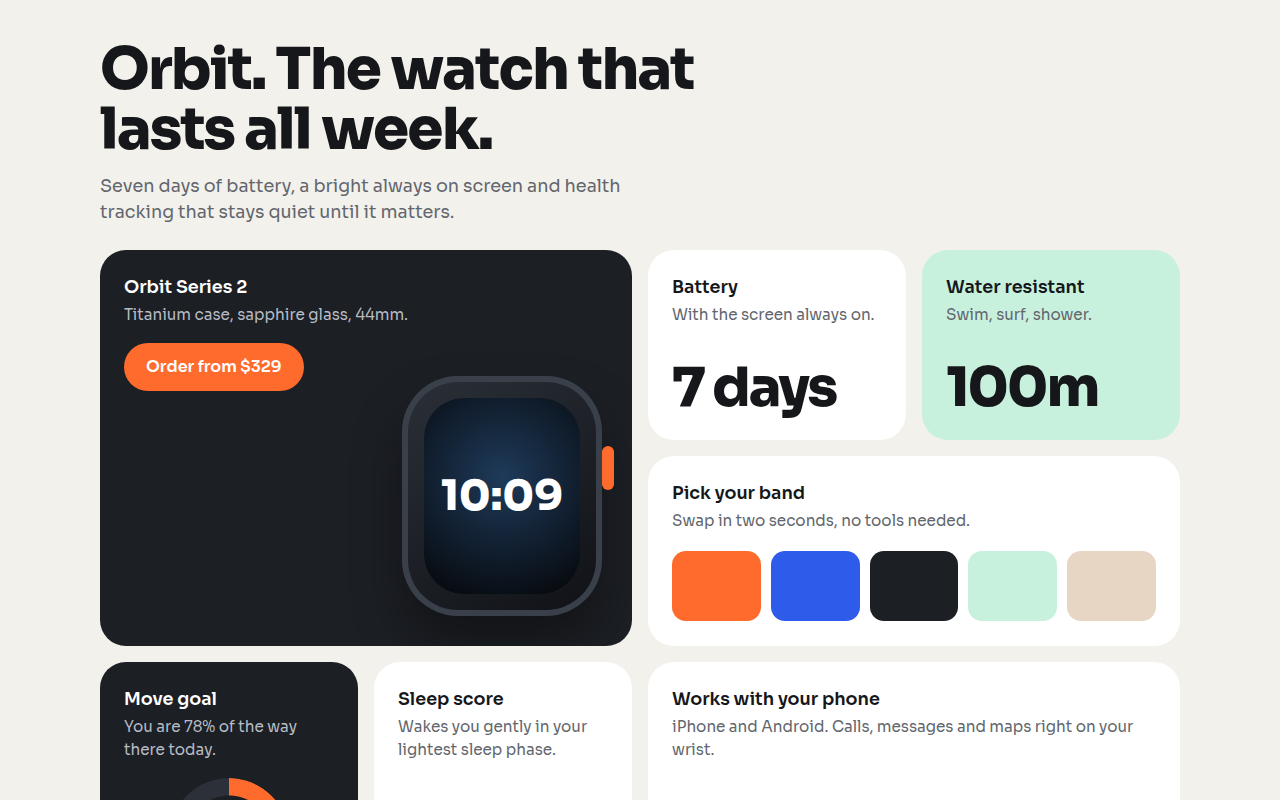
021. Bento Grid
Orbit, a smartwatch product page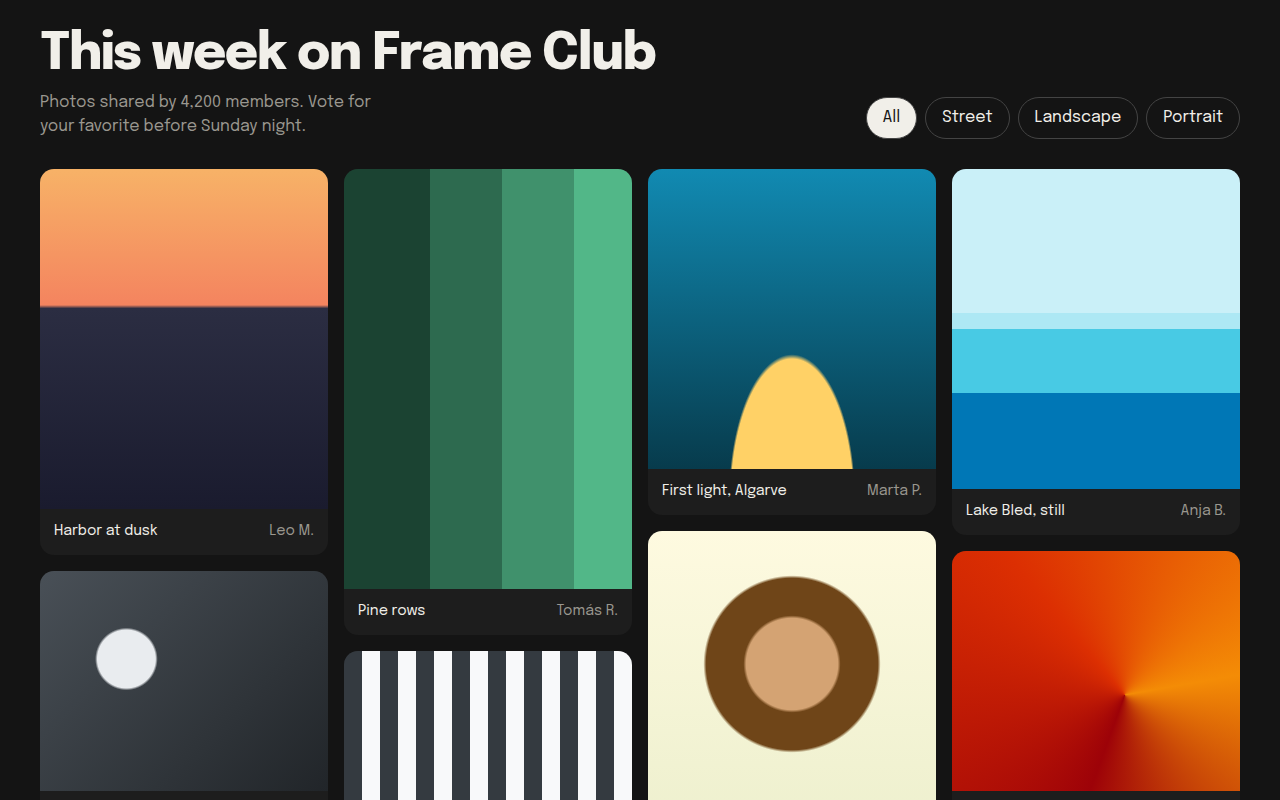
022. Masonry
Frame Club, a photo community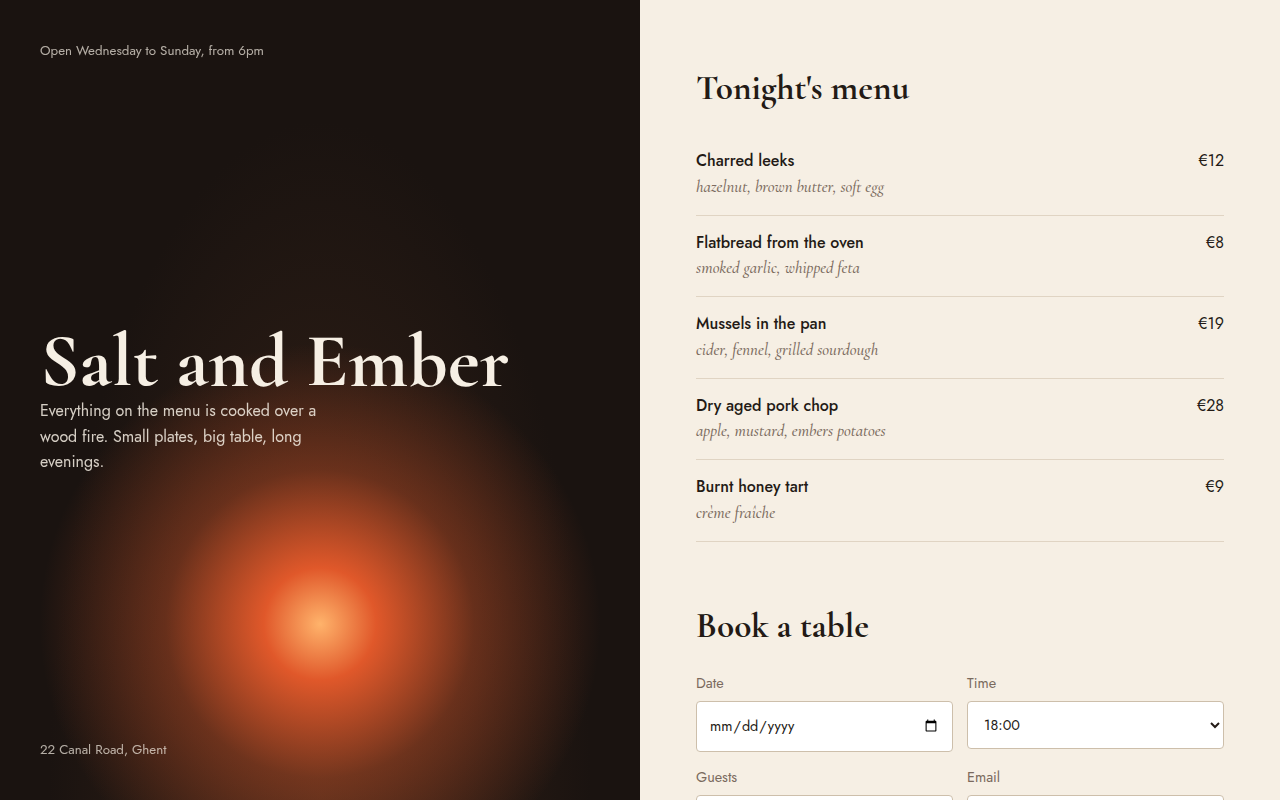
023. Split Screen
Salt and Ember, a wood fire restaurant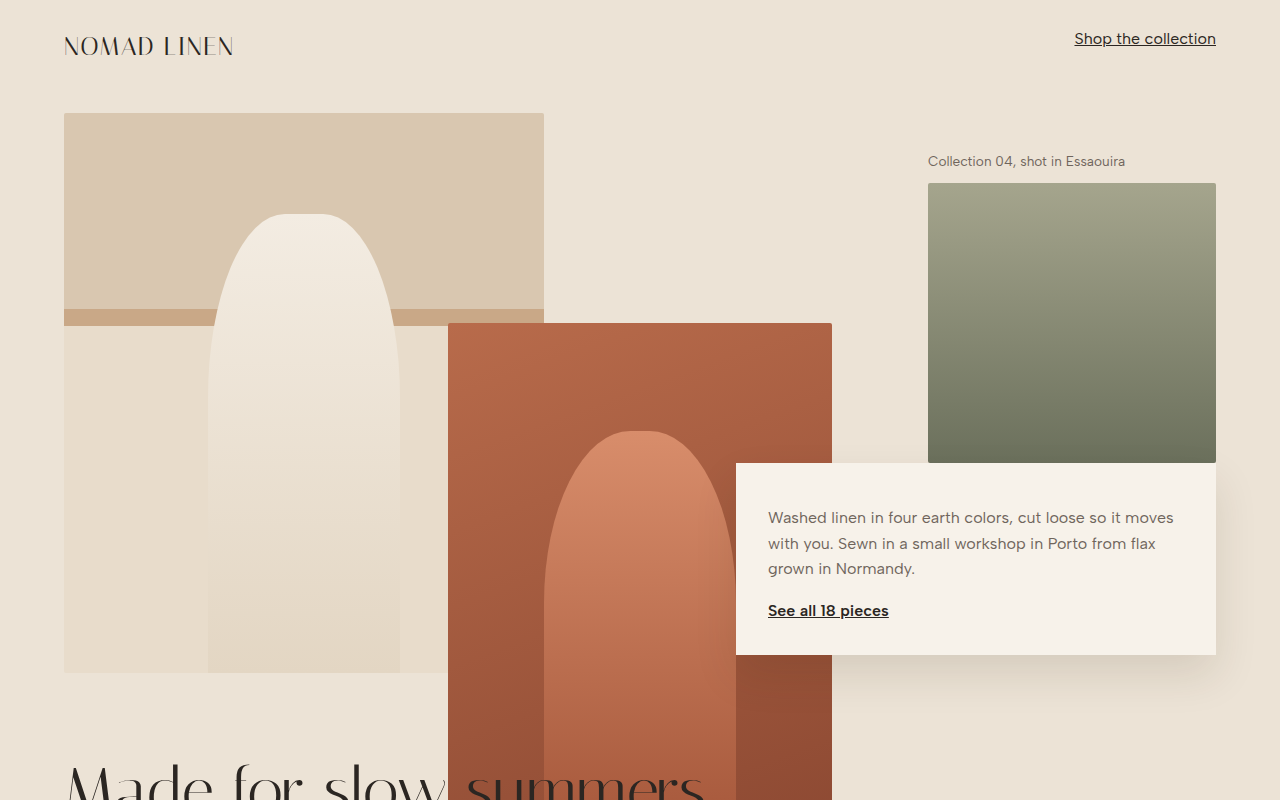
024. Broken Grid
Nomad Linen, a fashion lookbook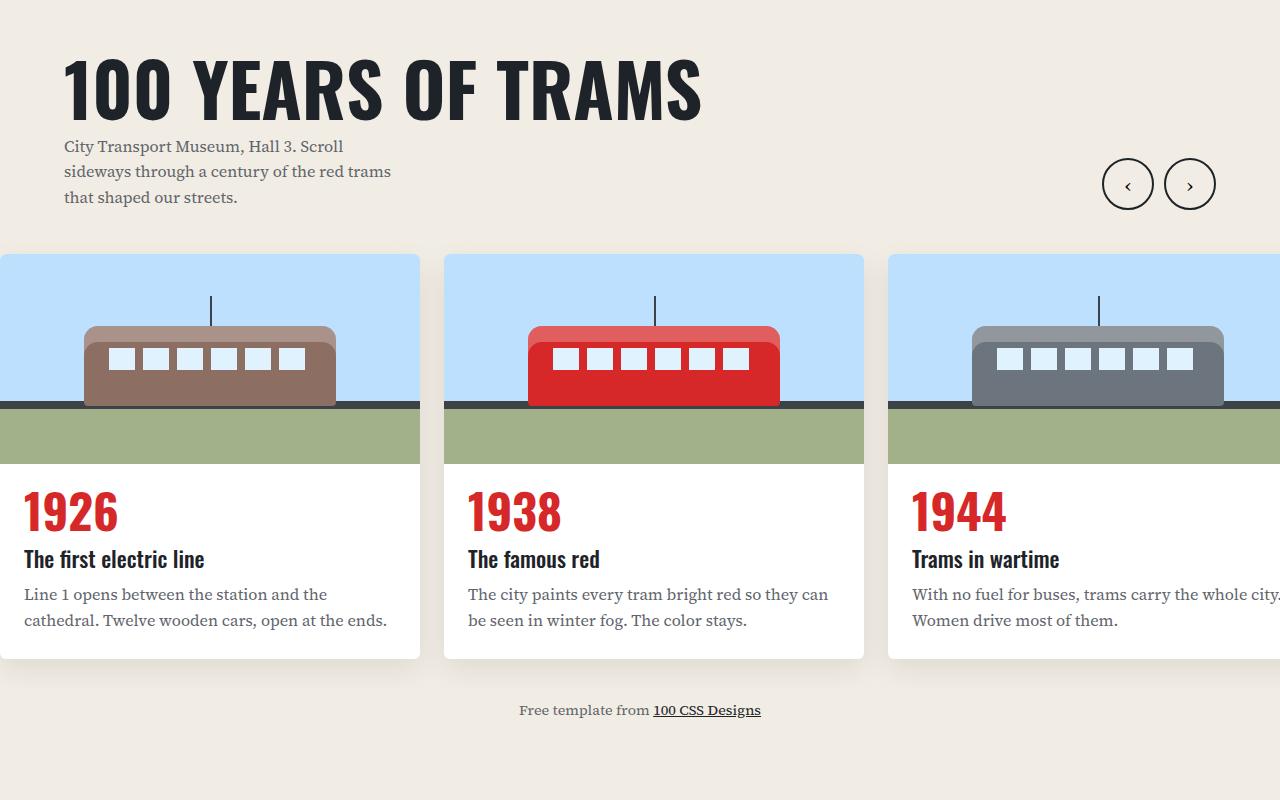
026. Horizontal Scroll
A museum timeline of 100 years of trams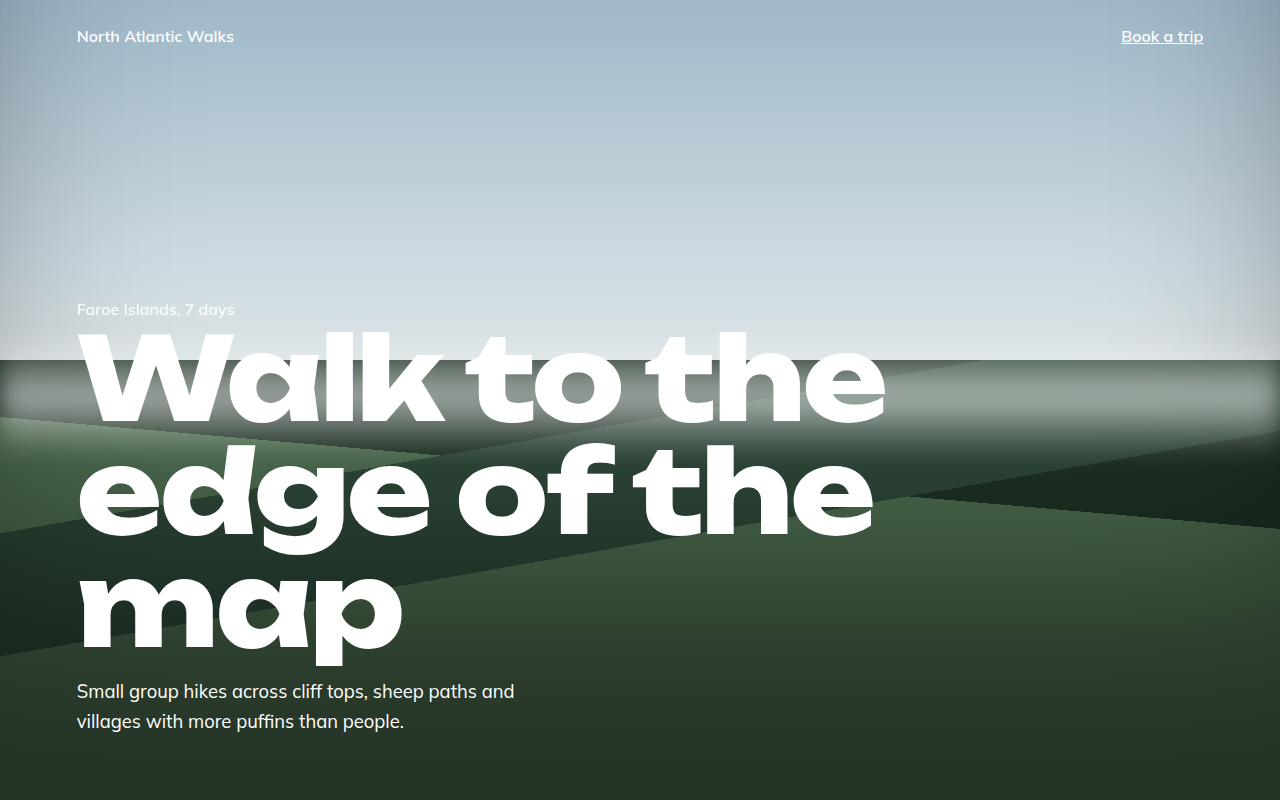
027. Full Bleed
North Atlantic Walks, a hiking tour company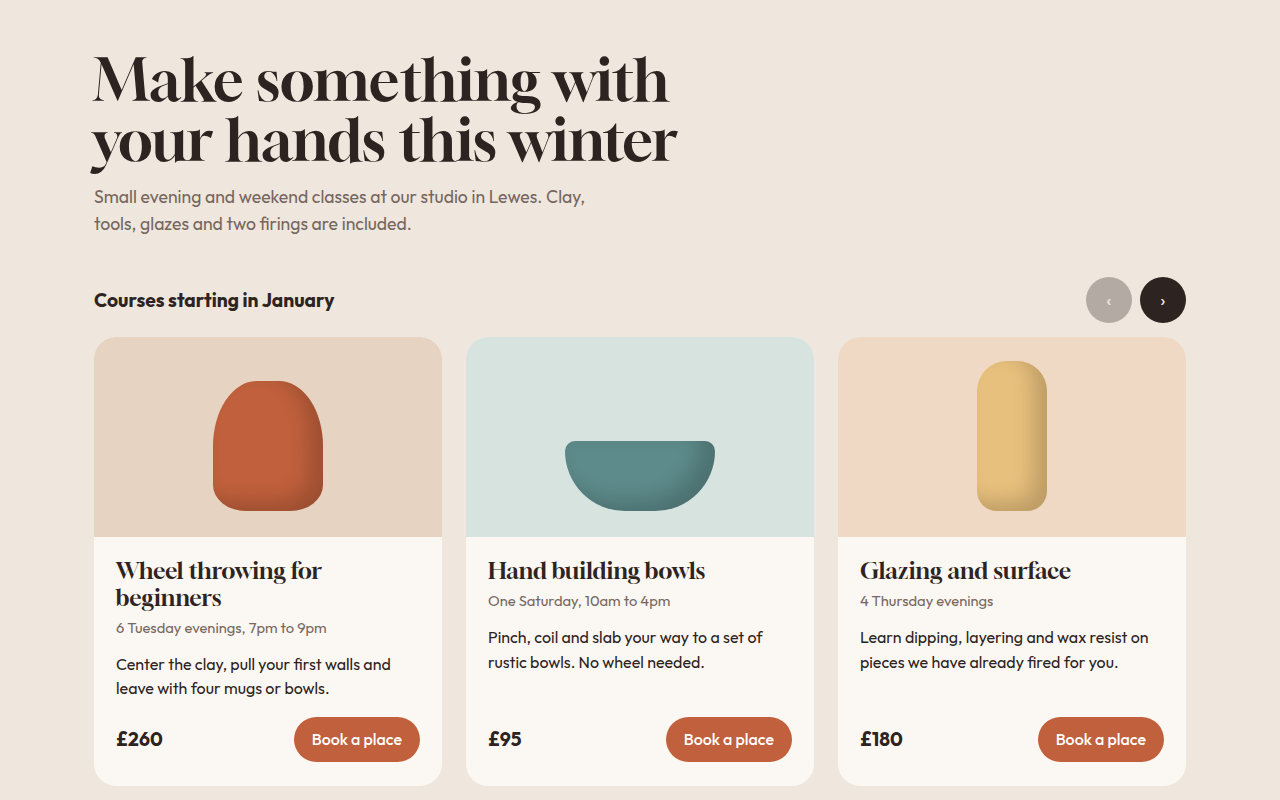
028. Card Carousel
Kiln, a pottery class studio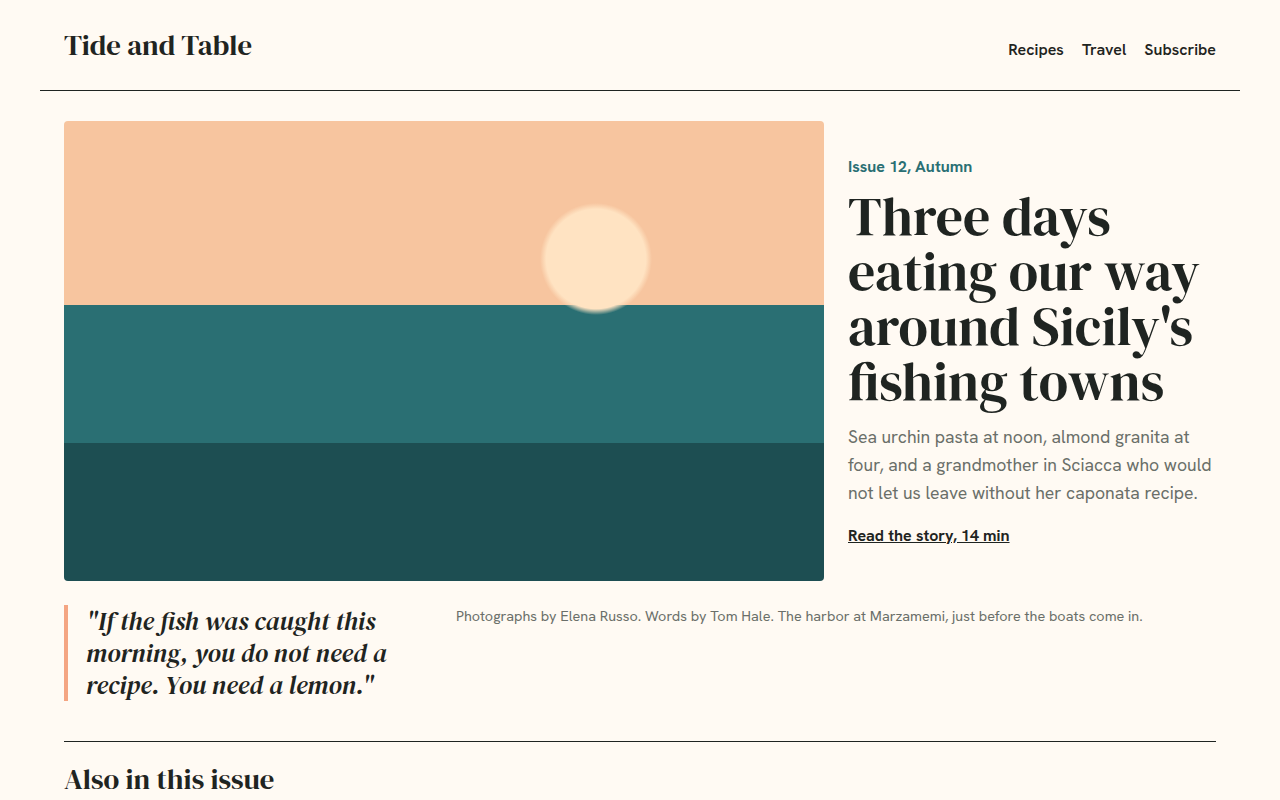
029. Magazine Layout
Tide and Table, a food and travel magazine