Home / Media and Real Time / Live Chat App
Live Chat App in JavaScript, Free with Live Demo
Free real time chat in plain JavaScript. Rooms, nicknames, typing indicators and reactions, working between tabs with no server or across devices with a WebSocket server.
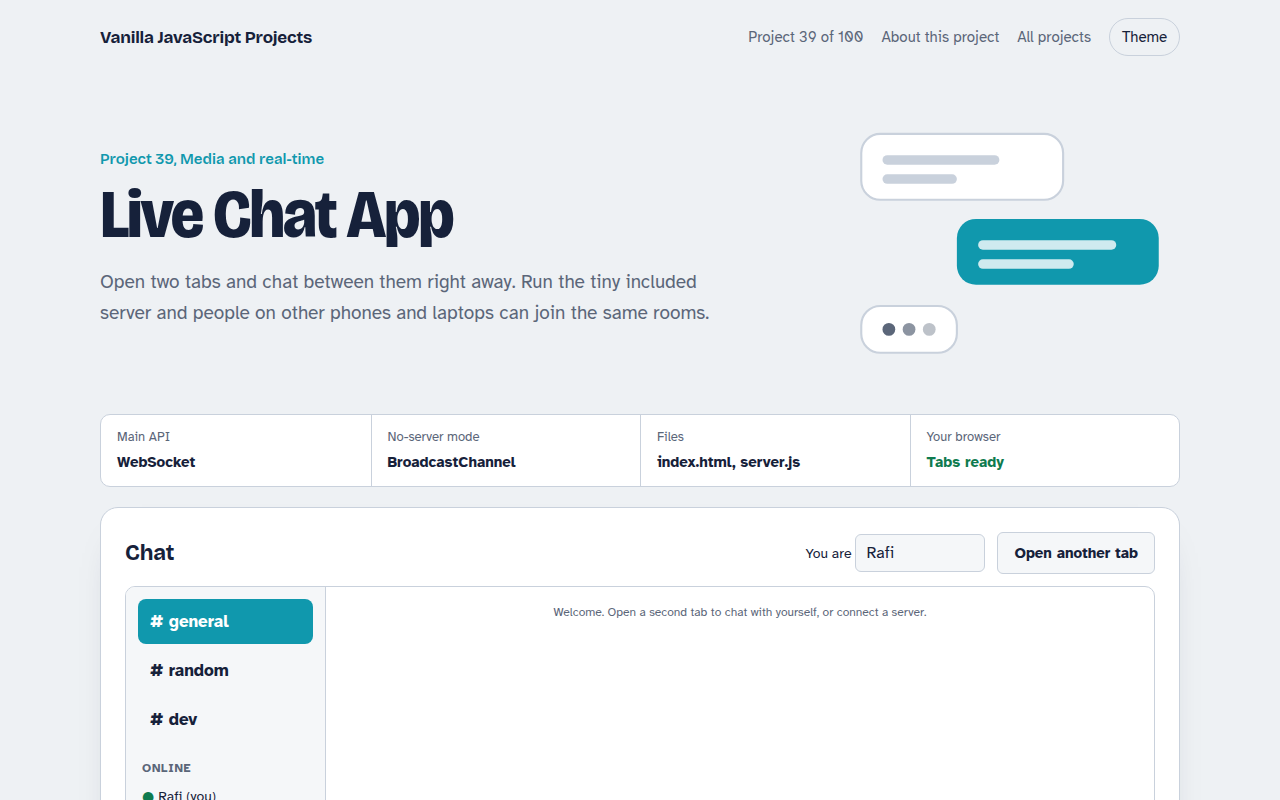
Runs on: WebSocket. Every modern browser. For devices on different networks, host server.js somewhere with wss:// (HTTPS pages need secure WebSockets).
What is the Live Chat App?
Open two tabs and chat between them right away. Run the tiny included server and people on other phones and laptops can join the same rooms, see who is typing and react to messages.
Messages are small JSON events. Without a server they travel over BroadcastChannel. With one, they go over a WebSocket, and the 20 line server.js simply passes each event to everyone else.
Good for
- Support chat widgets
- Team and community rooms
- Learning WebSocket
- Real time features in any app
What this project does
- Rooms: general, random and dev, with unread counts
- Typing indicator and who is online
- Emoji reactions on any message
- Message history per room saved in the browser
- Auto reconnect with backoff when the server drops
How it works
- Pick a transportWith no server address, messages go over BroadcastChannel between tabs. With one, they go over a WebSocket.
- Send eventsMessages, typing, joins and reactions are small JSON events with a room name and a sender id.
- RenderEach tab applies events to its local state and redraws the room. The server only relays events, it keeps nothing.
The key JavaScript
This is the heart of the project. The full file has the rest, including the screen layout and error handling.
const ws = new WebSocket("wss://chat.example.com");
ws.onmessage = (e) => handle(JSON.parse(e.data));

function send(type, data) {
  ws.send(JSON.stringify({ type, room, from: me.id, name: me.name, ...data }));
}
input.addEventListener("input", throttle(() => send("typing"), 1500));
form.addEventListener("submit", () => send("message", { text: input.value, id: crypto.randomUUID() }));
// server.js relays every message to everyone else
wss.on("connection", (s) => s.on("message", (d) => wss.clients.forEach((c) => c !== s && c.send(d.toString()))));
How to use it
- Click Download HTML file above.
- Open the file in a code editor, like VS Code.
- Run it from a local server with
npx serve .so the camera, microphone and AI features are allowed. - Change the text and colors, then upload it to GitHub Pages, Netlify or your own site. It is one file with no build step.
Questions people ask
How do I run the chat server?
Install Node, run npm install ws, then node server.js. Enter ws://your-ip:8788 in the page on each device.
Are messages saved?
Each browser keeps the last 200 messages per room. The server keeps nothing, it only relays.
Can I host it online?
Yes. Deploy server.js to any Node host and use a wss:// address, since HTTPS pages need secure WebSockets.
More Media and Real Time projects
032. Video Call App
A peer to peer video call between two browsers
033. Screen Recorder
Record your screen with your voice and your face in the corner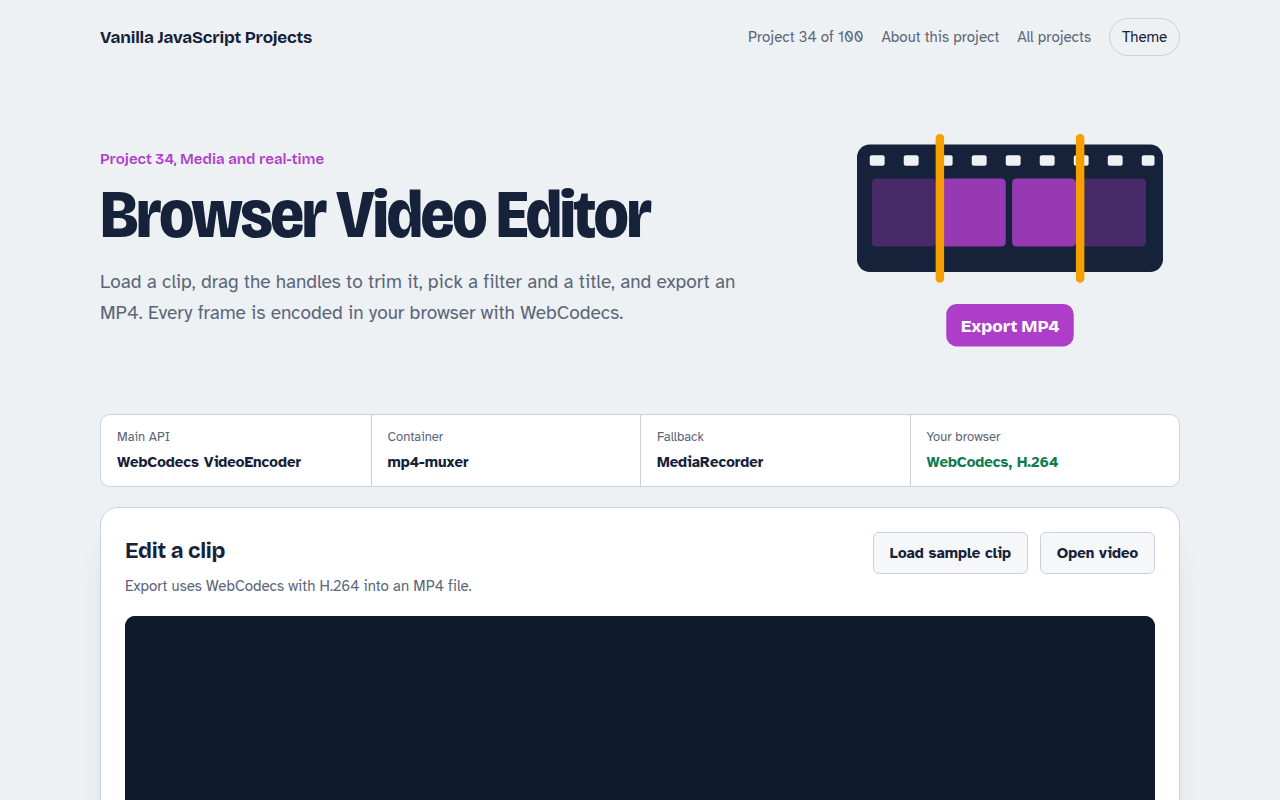
034. Browser Video Editor
Trim a clip, add a filter and a title, and export an MP4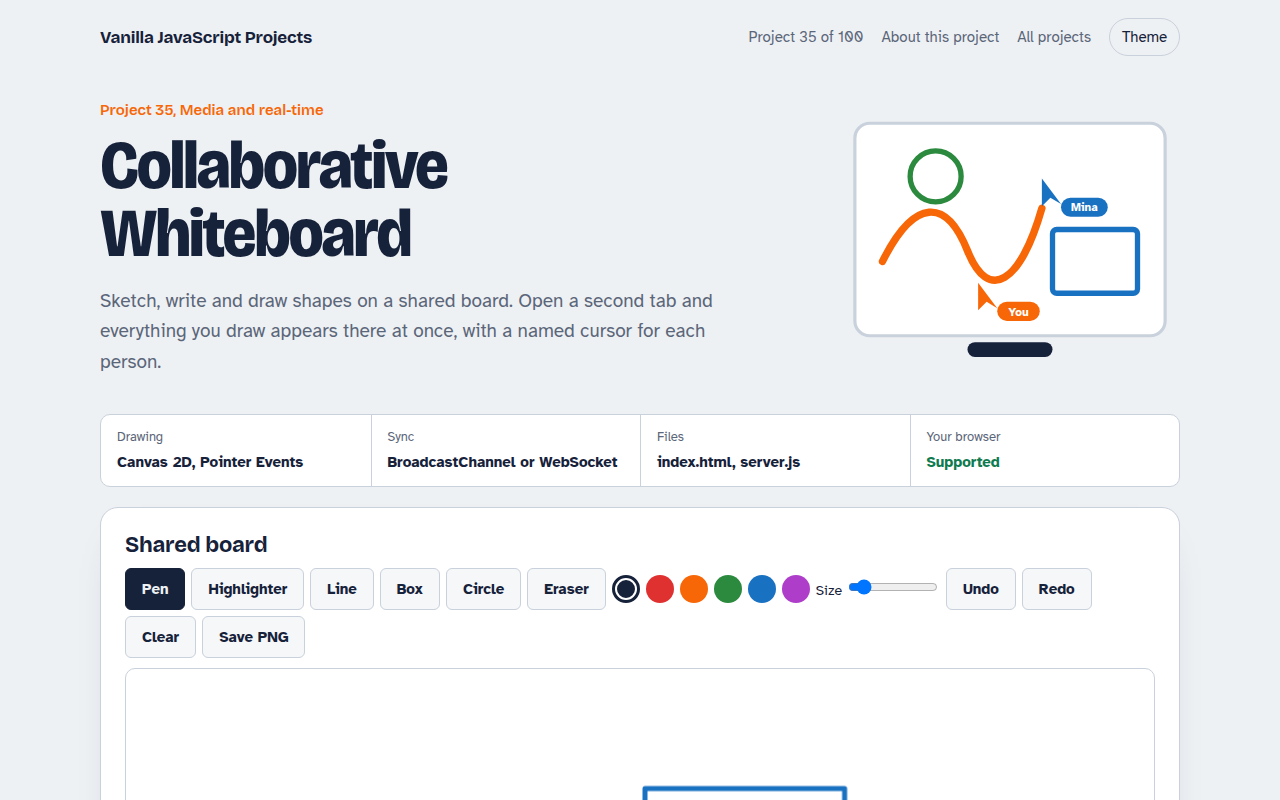
035. Collaborative Whiteboard
A shared drawing board with live cursors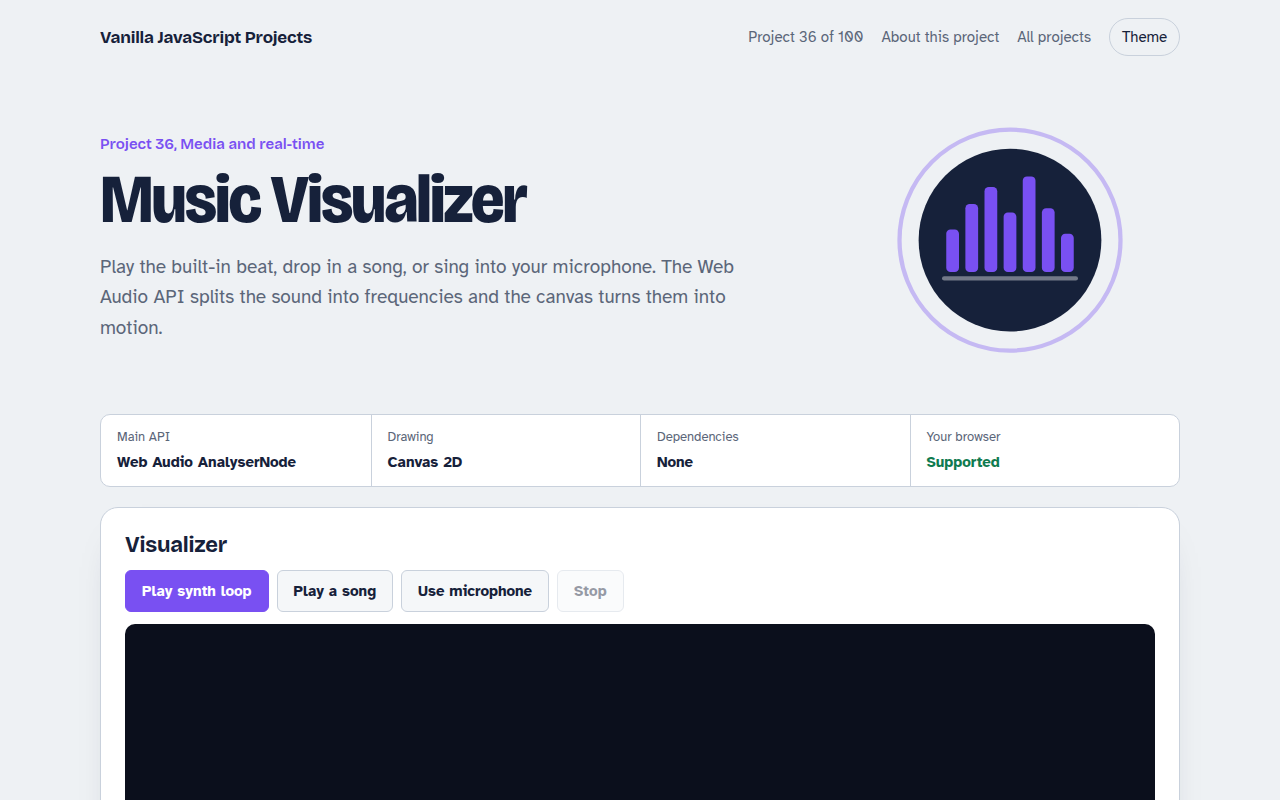
036. Music Visualizer
Turn music into moving bars, waves and a glowing ring