Home / Website Sections / Cookie Consent Banner
Cookie Consent Banner in JavaScript, Free with Live Demo
Free cookie consent banner in plain JavaScript. Accept, reject or choose categories, save the choice with a date and version, and only load analytics and ads after consent.
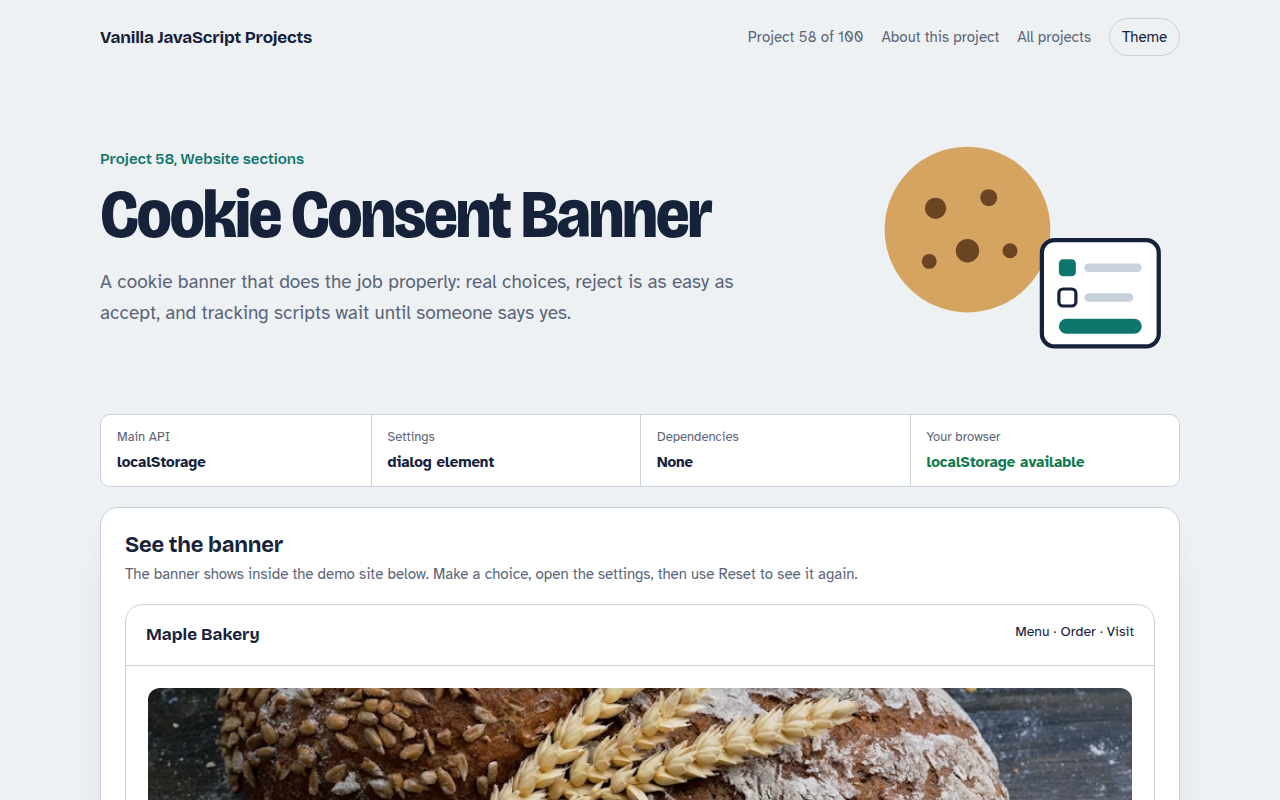
Runs on: localStorage and dialog. Works in all modern browsers.
What is the Cookie Consent Banner?
A cookie banner with Accept all, Reject all and Choose buttons. The settings panel lets people switch analytics, marketing and preference cookies on or off.
The choice is saved with a date and version, and the demo shows which scripts are loaded or blocked so you can see consent working.
Good for
- Any site with analytics or ads
- Shops using marketing pixels
- Sites with visitors from the EU or UK
- Client sites that need a simple consent tool
What this project does
- Accept, reject and custom choice
- Four categories with necessary always on
- Saved choice with date and version
- Scripts blocked until their category is allowed
- Settings link to change your mind later
How it works
- Nothing loads before consentAnalytics and ad scripts are only added to the page when their category is switched on.
- Save a version and dateThe choice is stored with a version number. Change your cookie list, bump the version and everyone is asked again.
- Reject is one clickReject all sits next to Accept all with the same size, which is what regulators expect.
The key JavaScript
This is the heart of the project. The full file has the rest, including the screen layout and error handling.
function loadIfAllowed(src, category) {
  const c = JSON.parse(localStorage.getItem("consent-v1") || "null");
  if (!c || !c.choices[category]) return;          // blocked until consent
  const s = document.createElement("script");
  s.src = src; s.async = true; document.head.append(s);
}
localStorage.setItem("consent-v1", JSON.stringify({
  version: 2, date: new Date().toISOString(),
  choices: { necessary: true, analytics: true, marketing: false }
}));
How to use it
- Click Download HTML file above.
- Open the file in a code editor, like VS Code.
- Run it from a local server with
npx serve .so the camera, microphone and AI features are allowed. - Change the text and colors, then upload it to GitHub Pages, Netlify or your own site. It is one file with no build step.
Questions people ask
Is this enough for GDPR?
It covers the main technical parts: real choice, easy reject, no tracking before consent and a record of the choice. Check the wording with your own legal adviser.
How do I block Google Analytics until consent?
Do not put the script tag in the HTML. Call a loader function like the one shown only when analytics is allowed.
When should I ask again?
When you add new cookies, raise the version number. Many sites also ask again after 12 months.
More Website Sections projects
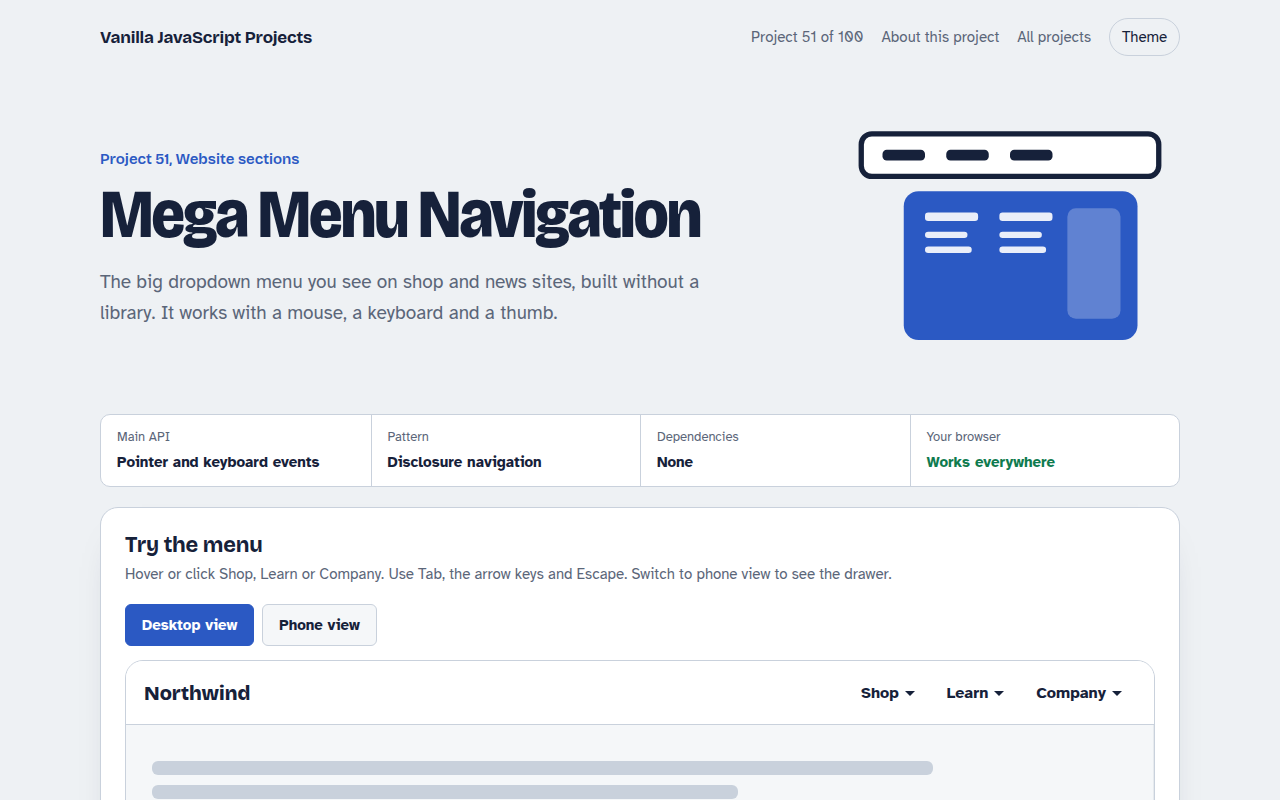
051. Mega Menu Navigation
A big dropdown menu with columns, keyboard support and a mobile drawer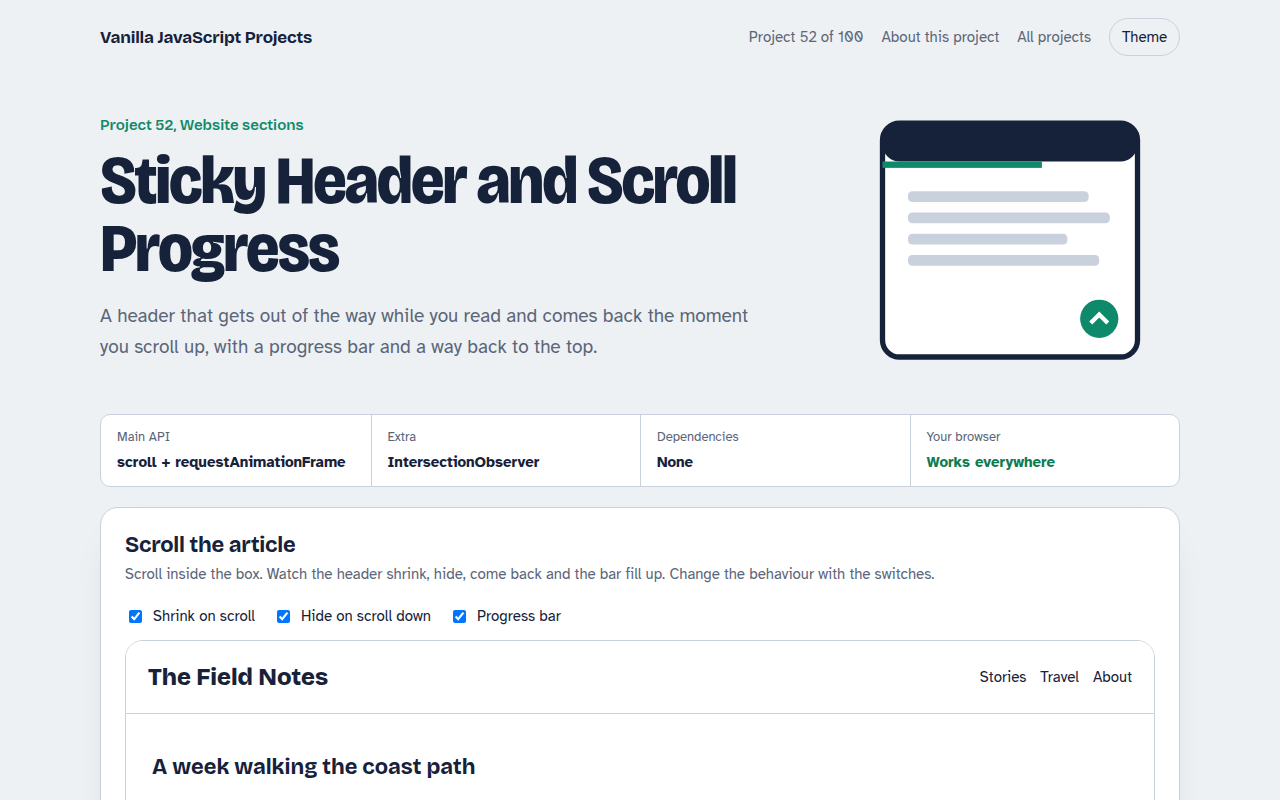
052. Sticky Header and Scroll Progress
A header that shrinks on scroll with a reading progress bar and back to top button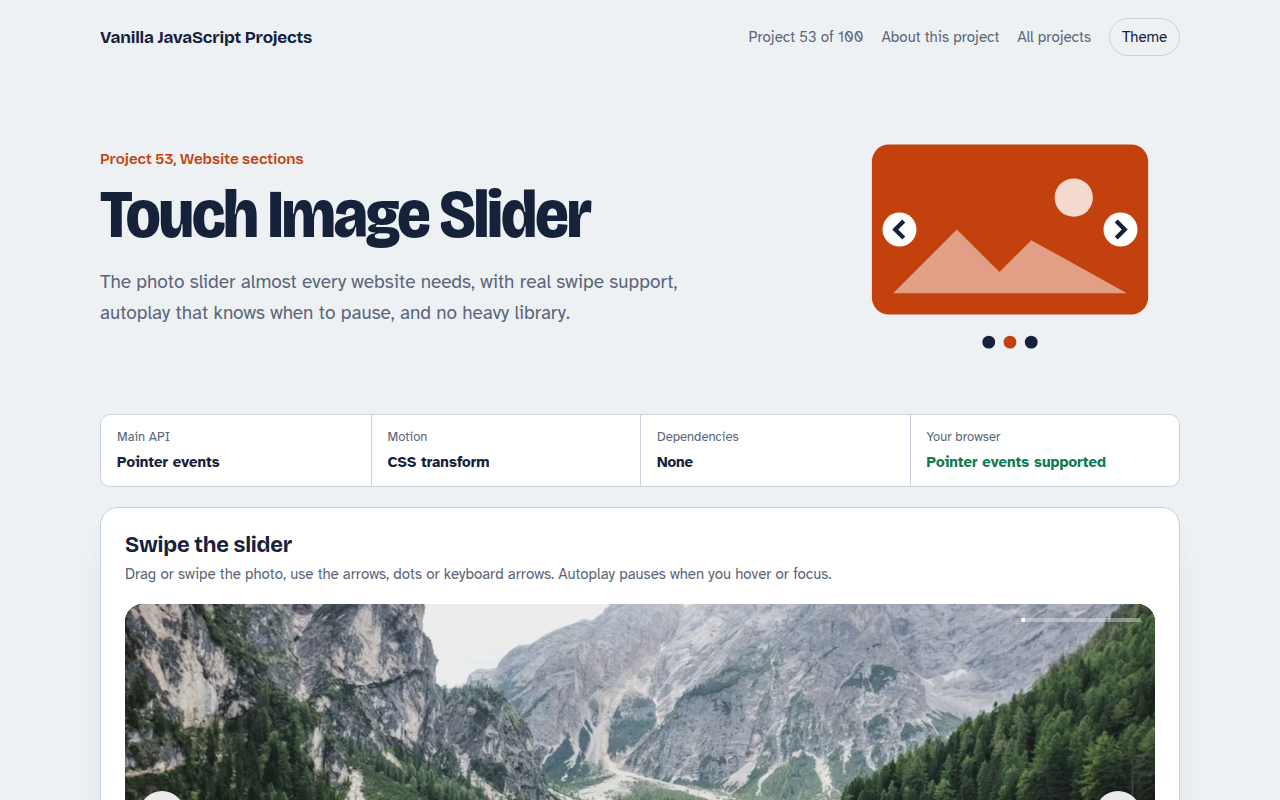
053. Touch Image Slider
A photo slider with swipe, autoplay, dots and keyboard control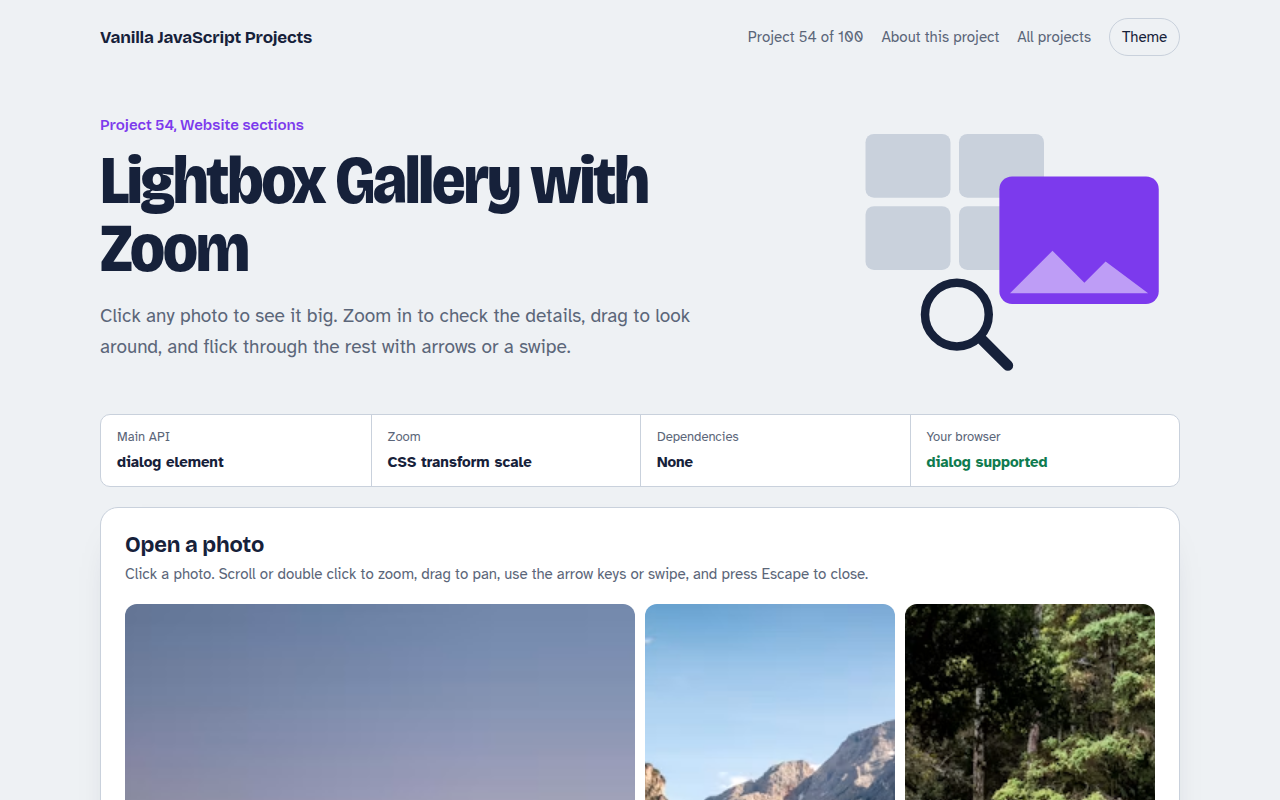
054. Lightbox Gallery with Zoom
A photo grid that opens a full screen viewer with zoom and pan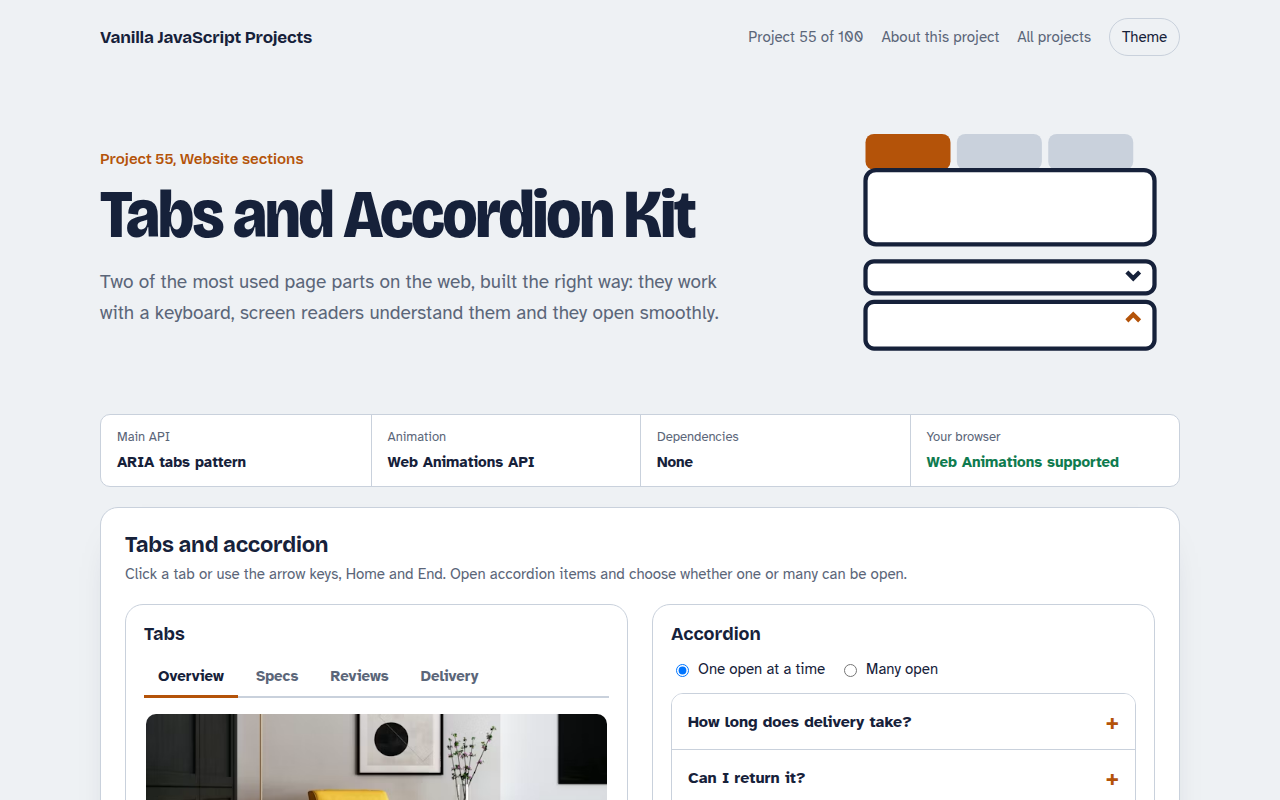
055. Tabs and Accordion Kit
Accessible tabs and accordions with keyboard support and smooth height animation