Home / Website Sections / Theme Switcher
Theme Switcher in JavaScript, Free with Live Demo
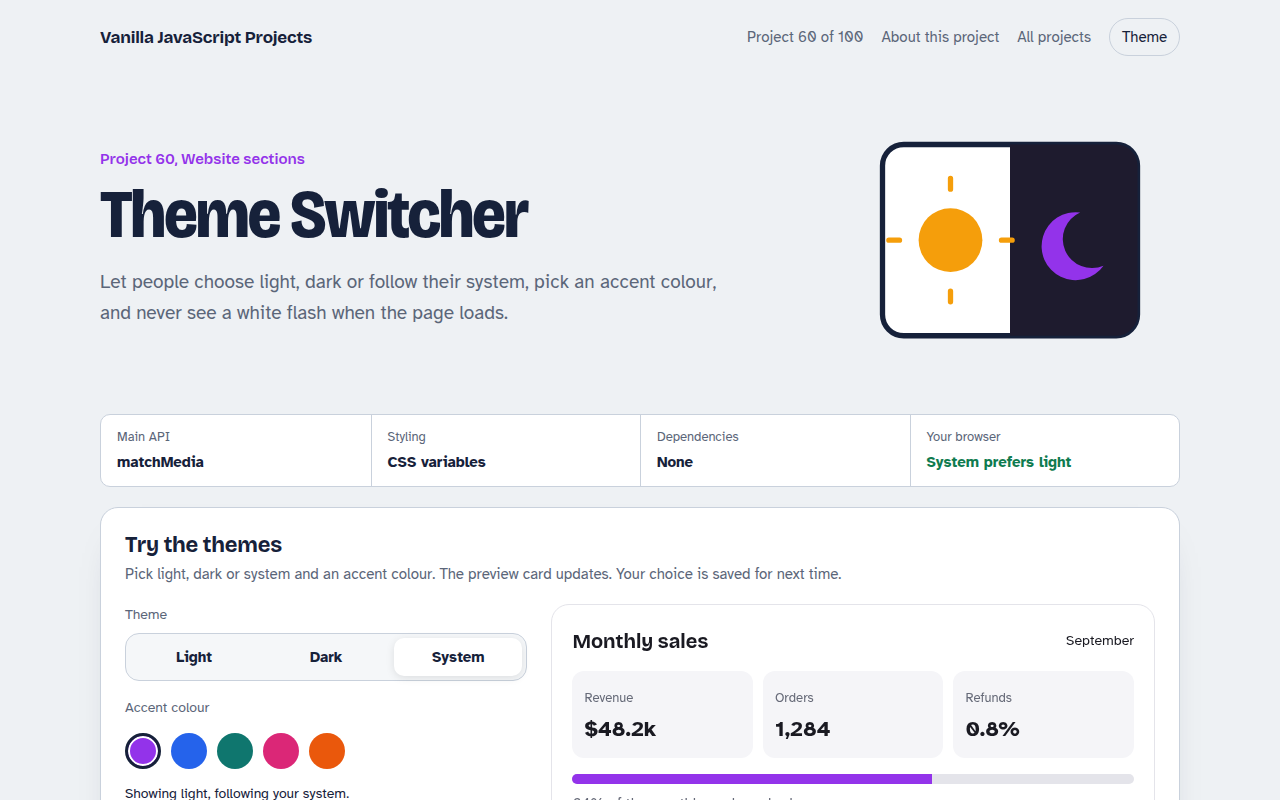
Free theme switcher in plain JavaScript. Light, dark and system modes, an accent colour picker, saved choice, live system change and a tiny script that stops the white flash.
Runs on: CSS variables and matchMedia. Works in all modern browsers.
What is the Theme Switcher?
A theme switcher with light, dark and system options plus an accent colour picker. The preview dashboard card changes instantly.
The choice is saved, system mode updates live when your computer switches, and a three line head script prevents the white flash on page load.
Good for
- Any website or web app with dark mode
- Dashboards and admin panels
- Blogs and documentation
- Client sites with brand accent choices
What this project does
- Light, dark and system modes
- Live update when the system theme changes
- Accent colour picker with CSS variables
- Saved choice in localStorage
- No flash script for the head
How it works
- Colours are variablesEvery colour is a CSS variable. Dark mode just swaps the values, so no element needs its own dark rule.
- Three choices, one ruleLight and dark are fixed. System follows prefers-color-scheme and updates live when the operating system changes.
- Decide before paintA tiny script in the head sets the theme before the CSS loads, so there is no white flash on reload.
The key JavaScript
This is the heart of the project. The full file has the rest, including the screen layout and error handling.
const mq = matchMedia("(prefers-color-scheme: dark)");
function apply(mode) {
  const dark = mode === "dark" || (mode === "system" && mq.matches);
  document.documentElement.dataset.theme = dark ? "dark" : "light";
  localStorage.setItem("theme", mode);
}
mq.addEventListener("change", () => apply(localStorage.getItem("theme") || "system"));

/* CSS */
:root { --bg: #fff; --ink: #111; }
[data-theme="dark"] { --bg: #111; --ink: #eee; }
How to use it
- Click Download HTML file above.
- Open the file in a code editor, like VS Code.
- Run it from a local server with
npx serve .so the camera, microphone and AI features are allowed. - Change the text and colors, then upload it to GitHub Pages, Netlify or your own site. It is one file with no build step.
Questions people ask
Why offer a system option?
Many people set dark mode for their whole device. System respects that without making them choose again.
What causes the white flash?
The page paints before your JavaScript runs. Setting the theme in a small script at the top of the head fixes it.
Do I need two stylesheets?
No. Use CSS variables and change their values for the dark theme.
More Website Sections projects
051. Mega Menu Navigation
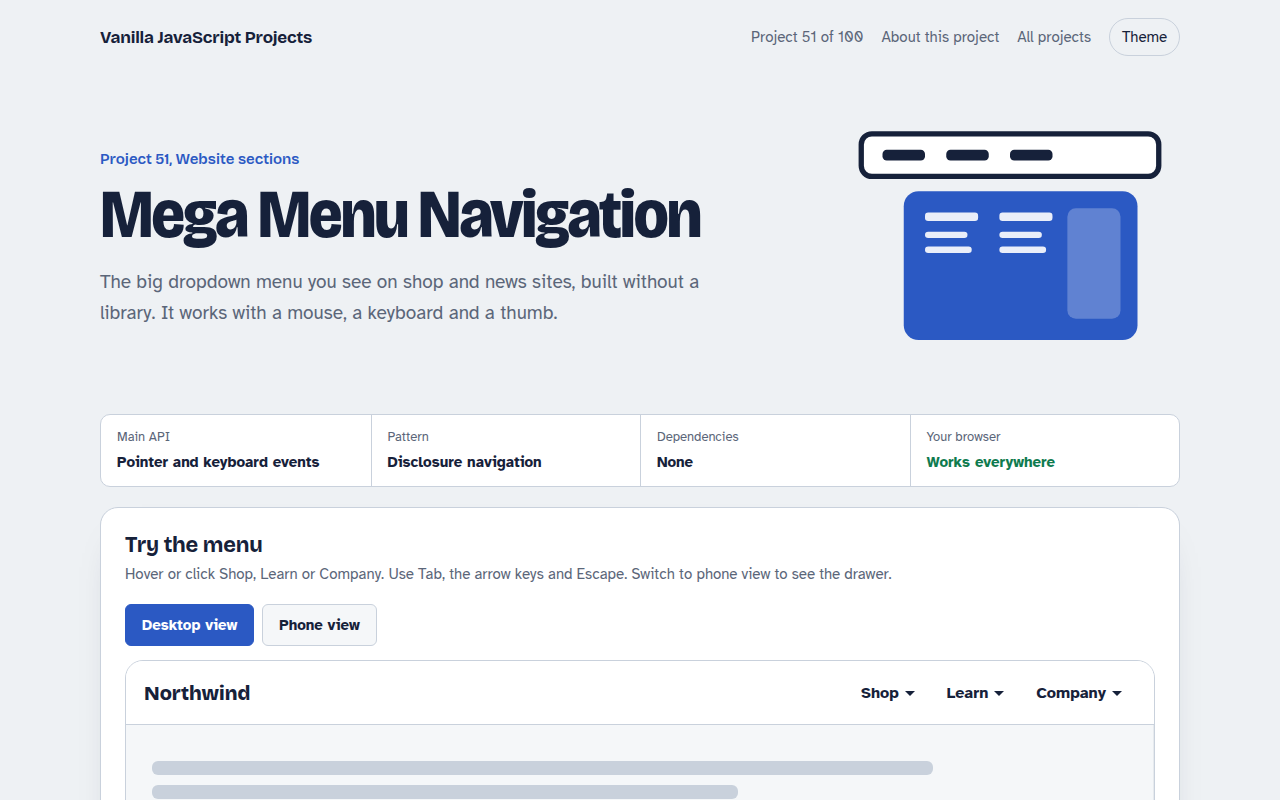
A big dropdown menu with columns, keyboard support and a mobile drawer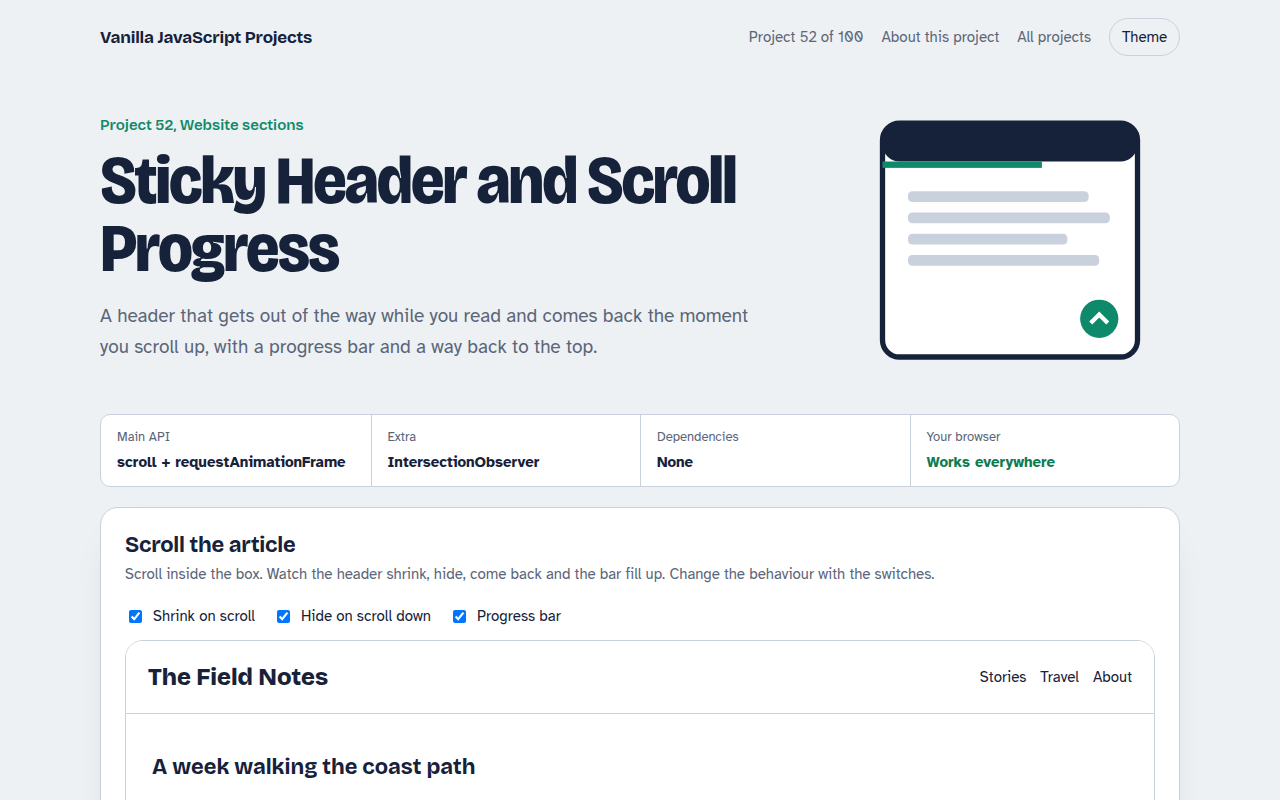
052. Sticky Header and Scroll Progress
A header that shrinks on scroll with a reading progress bar and back to top button
053. Touch Image Slider
A photo slider with swipe, autoplay, dots and keyboard control
054. Lightbox Gallery with Zoom
A photo grid that opens a full screen viewer with zoom and pan
055. Tabs and Accordion Kit
Accessible tabs and accordions with keyboard support and smooth height animation