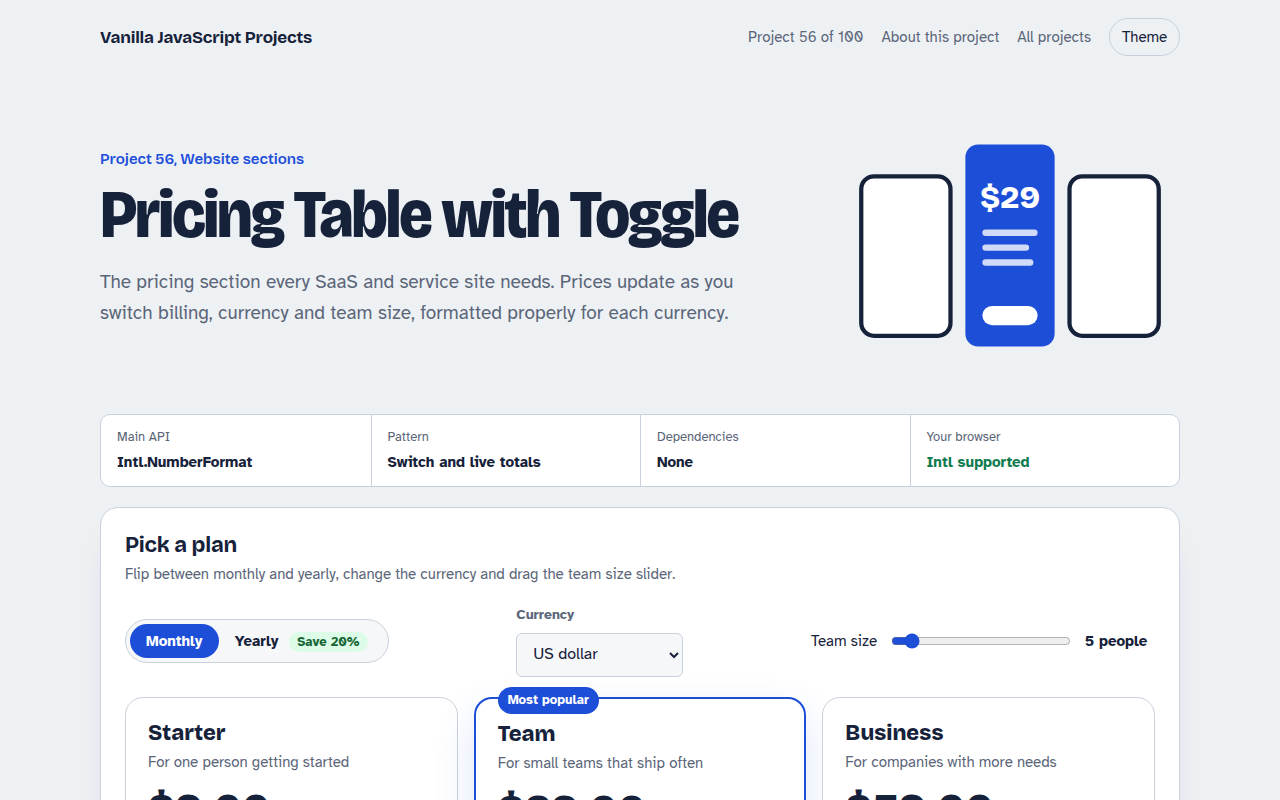
Home / Website Sections / Scrollspy Table of Contents
Scrollspy Table of Contents in JavaScript, Free with Live Demo
Free scrollspy table of contents in plain JavaScript. Builds the TOC from your headings, highlights the section you are reading, shows progress and scrolls smoothly.
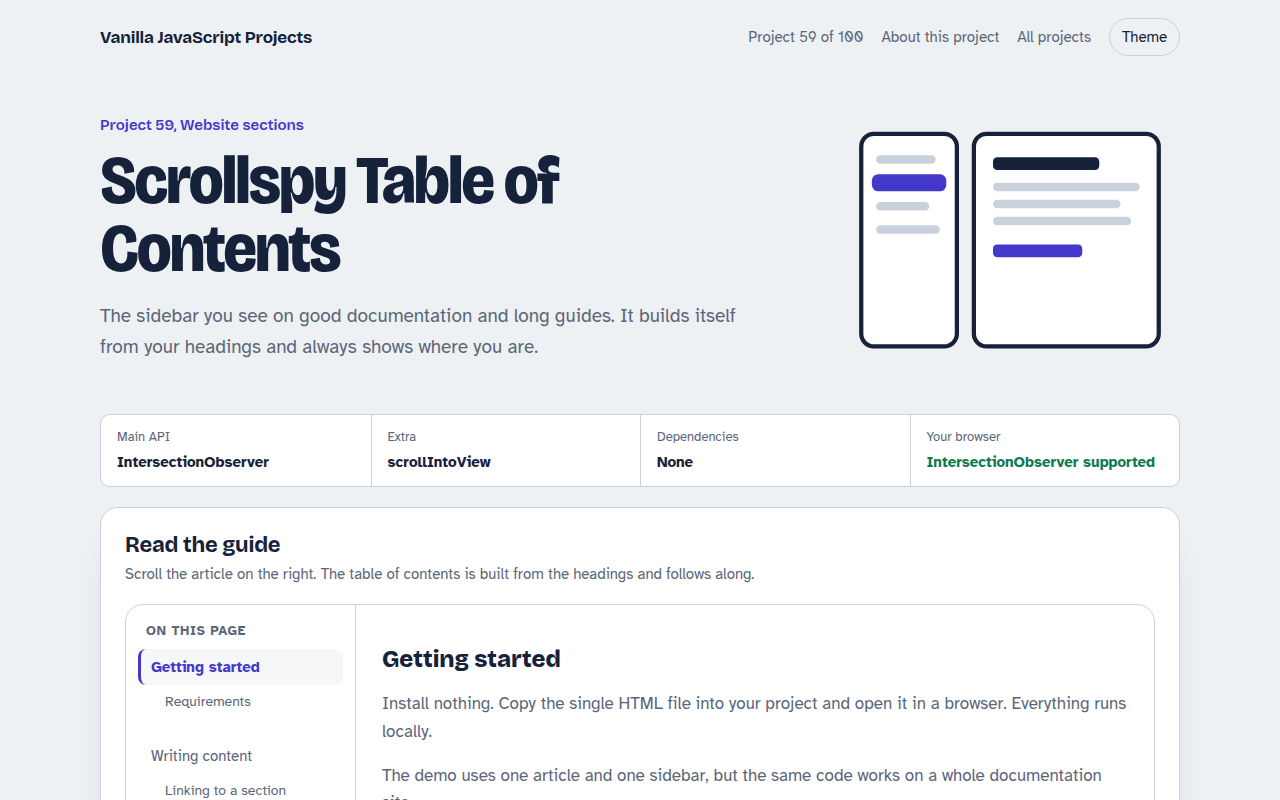
Runs on: IntersectionObserver. Works in all modern browsers.
What is the Scrollspy Table of Contents?
A table of contents that builds itself from the headings on the page and highlights the section you are reading as you scroll.
It includes nested items, a progress bar, smooth scrolling and focus handling, and it uses no scroll listener for the highlight.
Good for
- Documentation sites
- Long blog posts and guides
- Legal and policy pages
- Course lessons
What this project does
- Automatic TOC from h3 and h4 headings
- Current section highlight with IntersectionObserver
- Nested items for sub headings
- Reading progress bar
- Smooth scroll with keyboard focus
How it works
- Build from headingsThe script finds every h3 and h4, gives each a clean id and writes the list of links.
- Watch a reading zonerootMargin shrinks the viewport to its top 30 percent. The heading that enters that zone is the current section.
- Scroll and focusClicking a link scrolls smoothly and moves keyboard focus to the heading, so screen readers follow too.
The key JavaScript
This is the heart of the project. The full file has the rest, including the screen layout and error handling.
const io = new IntersectionObserver((entries) => {
  const visible = entries.filter((e) => e.isIntersecting);
  if (visible[0]) highlight(visible[0].target.id);
}, { rootMargin: "0px 0px -70% 0px" }); // top 30% of the screen

document.querySelectorAll("h2, h3").forEach((h) => {
  h.id ||= h.textContent.toLowerCase().replace(/[^a-z0-9]+/g, "-");
  io.observe(h);
});
How to use it
- Click Download HTML file above.
- Open the file in a code editor, like VS Code.
- Run it from a local server with
npx serve .so the camera, microphone and AI features are allowed. - Change the text and colors, then upload it to GitHub Pages, Netlify or your own site. It is one file with no build step.
Questions people ask
Why IntersectionObserver instead of a scroll listener?
The browser does the work and only tells you when something changes, which is cheaper and smoother.
How do I change when a section counts as active?
Change the rootMargin. -70% at the bottom means the heading must reach the top 30 percent of the screen.
Does it work on the whole page?
Yes. Remove the root option and it watches the browser window.
More Website Sections projects
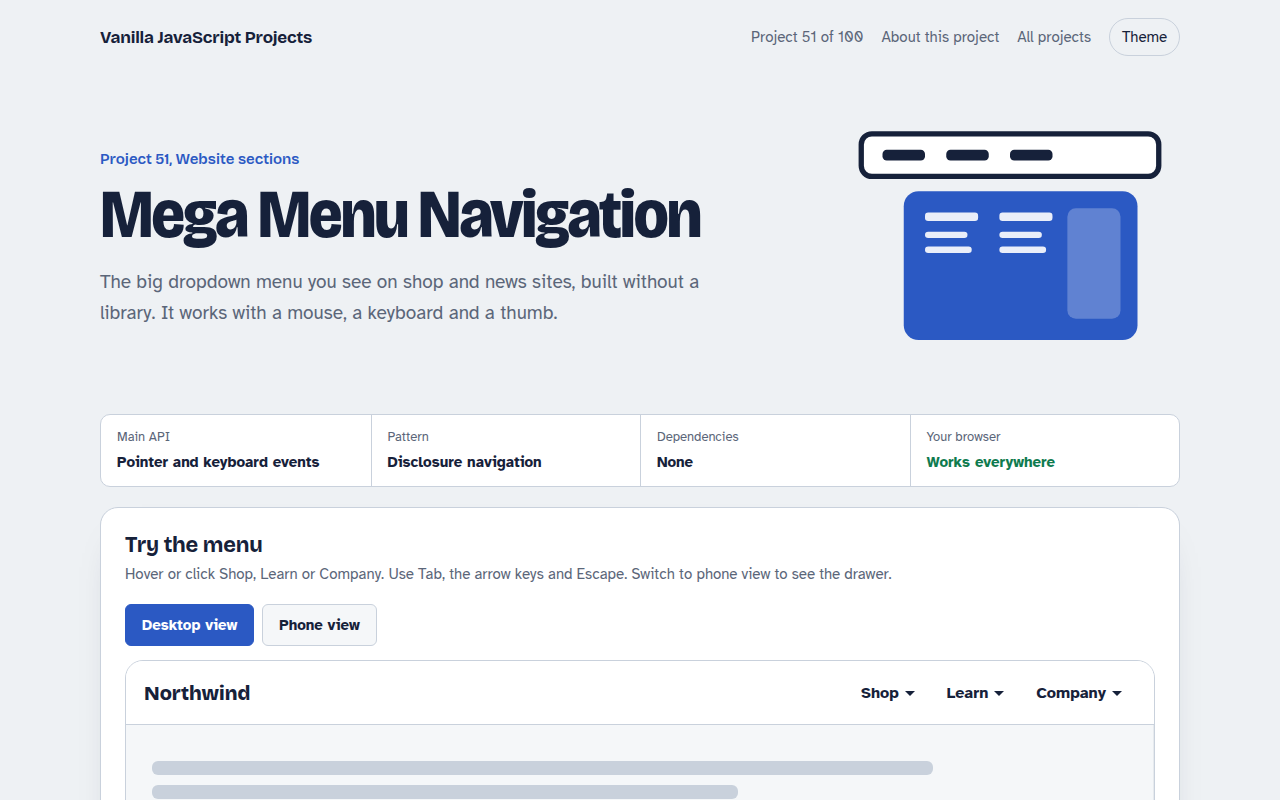
051. Mega Menu Navigation
A big dropdown menu with columns, keyboard support and a mobile drawer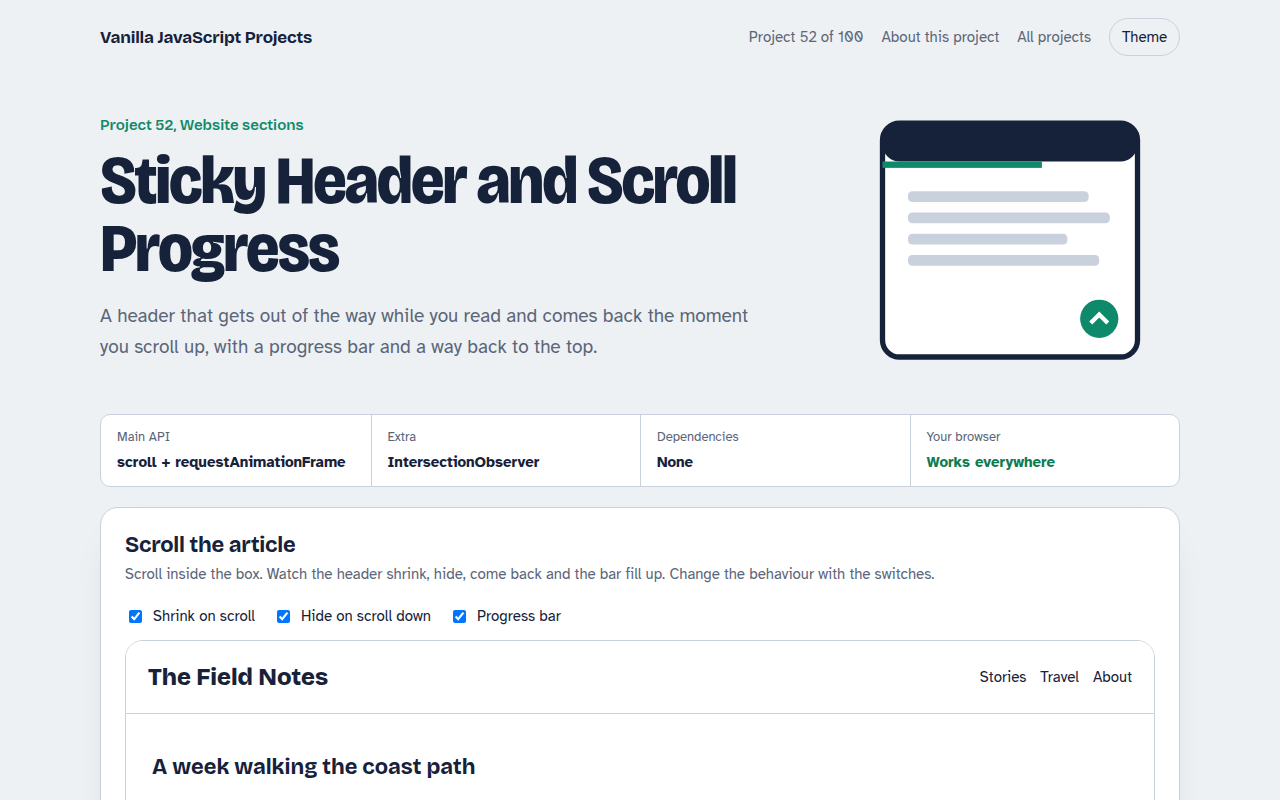
052. Sticky Header and Scroll Progress
A header that shrinks on scroll with a reading progress bar and back to top button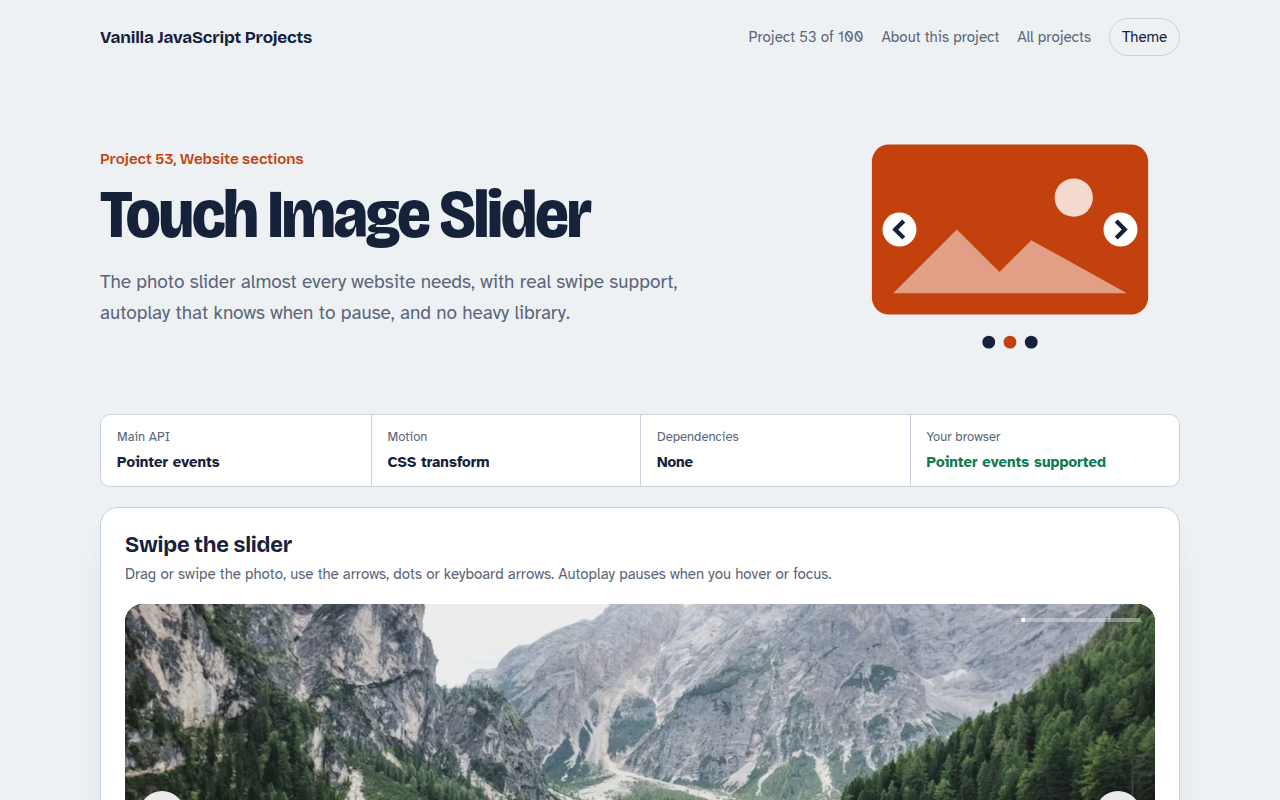
053. Touch Image Slider
A photo slider with swipe, autoplay, dots and keyboard control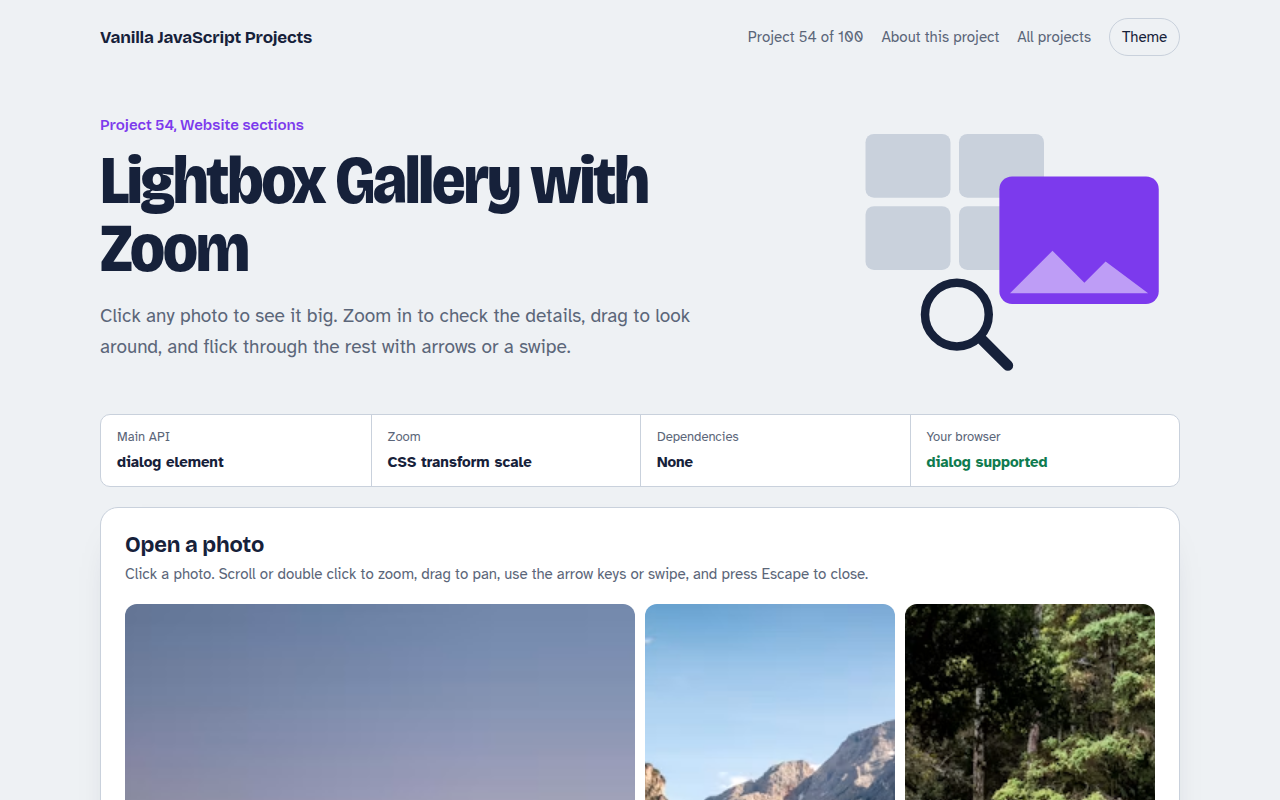
054. Lightbox Gallery with Zoom
A photo grid that opens a full screen viewer with zoom and pan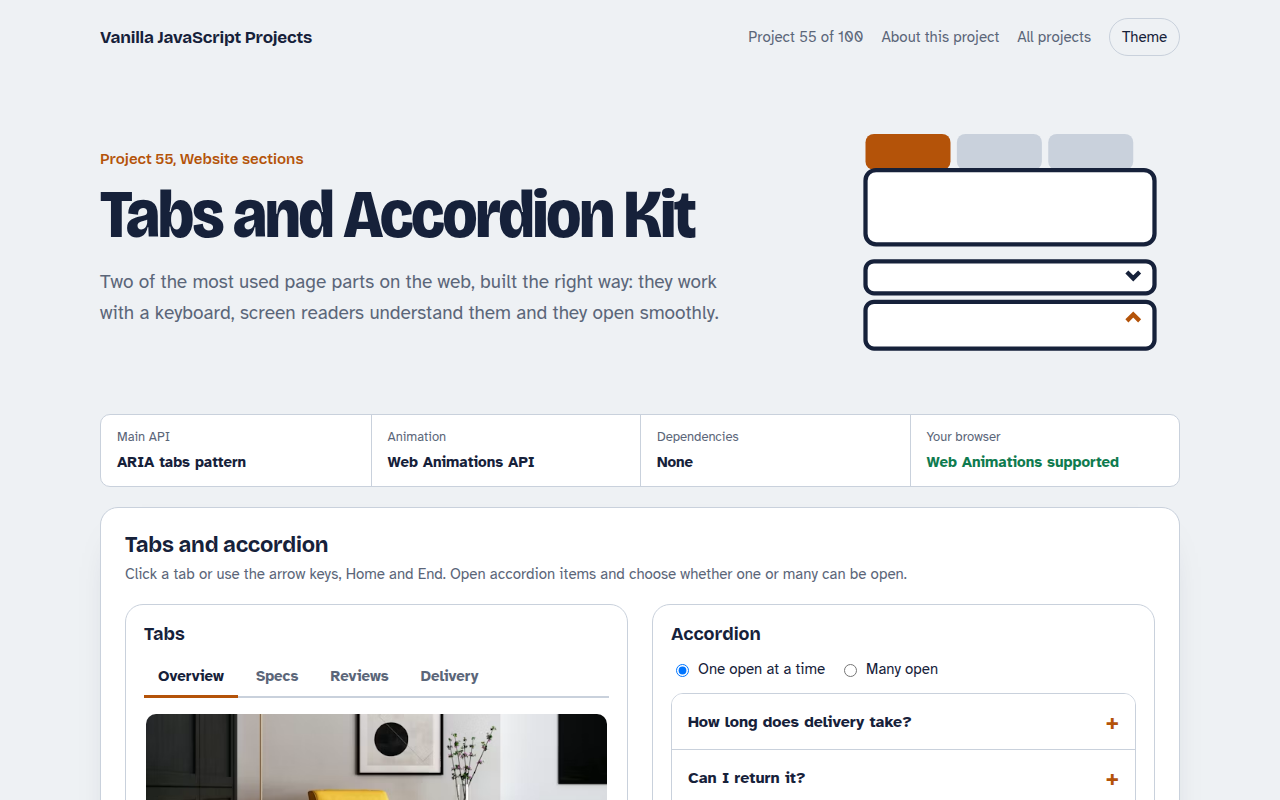
055. Tabs and Accordion Kit
Accessible tabs and accordions with keyboard support and smooth height animation