Home / E-commerce and Business / Order Tracking Timeline
Order Tracking Timeline in JavaScript, Free with Live Demo
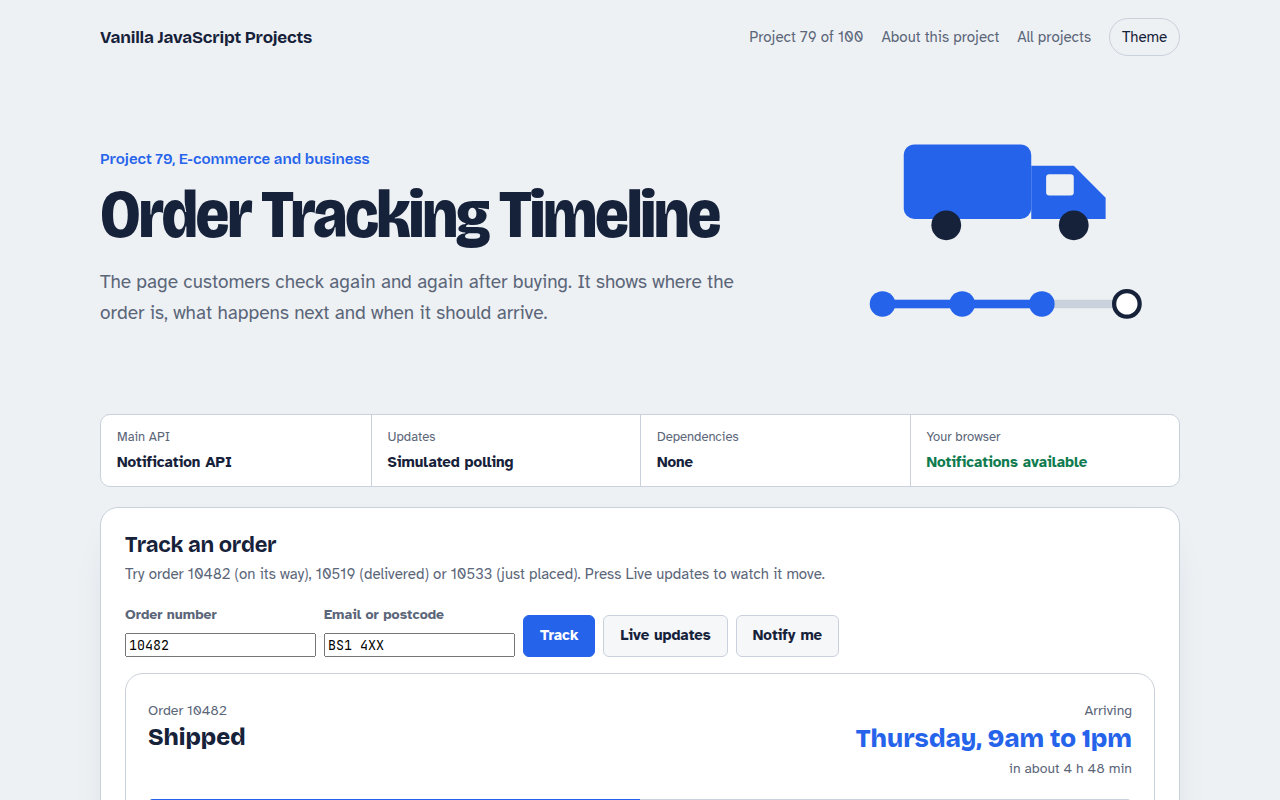
Free order tracking timeline in plain JavaScript. Look up an order number, see each step with times, a delivery countdown, simulated live updates and optional browser notifications.
Runs on: Notification API and timers. Works in all modern browsers. Notifications need permission and a secure page.
What is the Order Tracking Timeline?
An order tracking page. Enter an order number to see a five step timeline, from placed to delivered, with times, a progress bar and the expected delivery day.
Live updates move the order along step by step, as if new data came from your server, and can send a browser notification when the status changes.
Good for
- Online shop order status pages
- Food and grocery delivery
- Repair and service jobs
- Print and made to order products
What this project does
- Order lookup with helpful not found message
- Five step timeline with times
- Progress bar and delivery countdown
- Simulated live updates
- Optional browser notifications
How it works
- Steps and timesEach order has a current step. Earlier steps are done and get a time, the current step pulses, and later steps wait.
- Estimate and countdownThe delivery estimate turns into a friendly countdown that refreshes every 30 seconds.
- Live updates and alertsA timer stands in for polling your server. When the status changes, a toast appears and, if allowed, a browser notification.
The key JavaScript
This is the heart of the project. The full file has the rest, including the screen layout and error handling.
async function poll(orderId) {
  const res = await fetch(`/api/orders/${orderId}`);
  const { step } = await res.json();
  if (step !== lastStep) {
    lastStep = step;
    render(step);
    if (Notification.permission === "granted")
      new Notification("Order update", { body: steps[step - 1].title });
  }
}
setInterval(() => poll("10482"), 60000);
How to use it
- Click Download HTML file above.
- Open the file in a code editor, like VS Code.
- Run it from a local server with
npx serve .so the camera, microphone and AI features are allowed. - Change the text and colors, then upload it to GitHub Pages, Netlify or your own site. It is one file with no build step.
Questions people ask
How do I connect this to real orders?
Replace the ORD object with a fetch to your order API, and call it on a timer or when the page becomes visible again.
Should I use polling or push?
Polling every minute is simple and fine for most shops. Push notifications need a service worker and a server.
Why ask for postcode too?
So people cannot look up other customers' orders just by guessing numbers.
More E-commerce and Business projects
071. Shopping Cart with Coupons
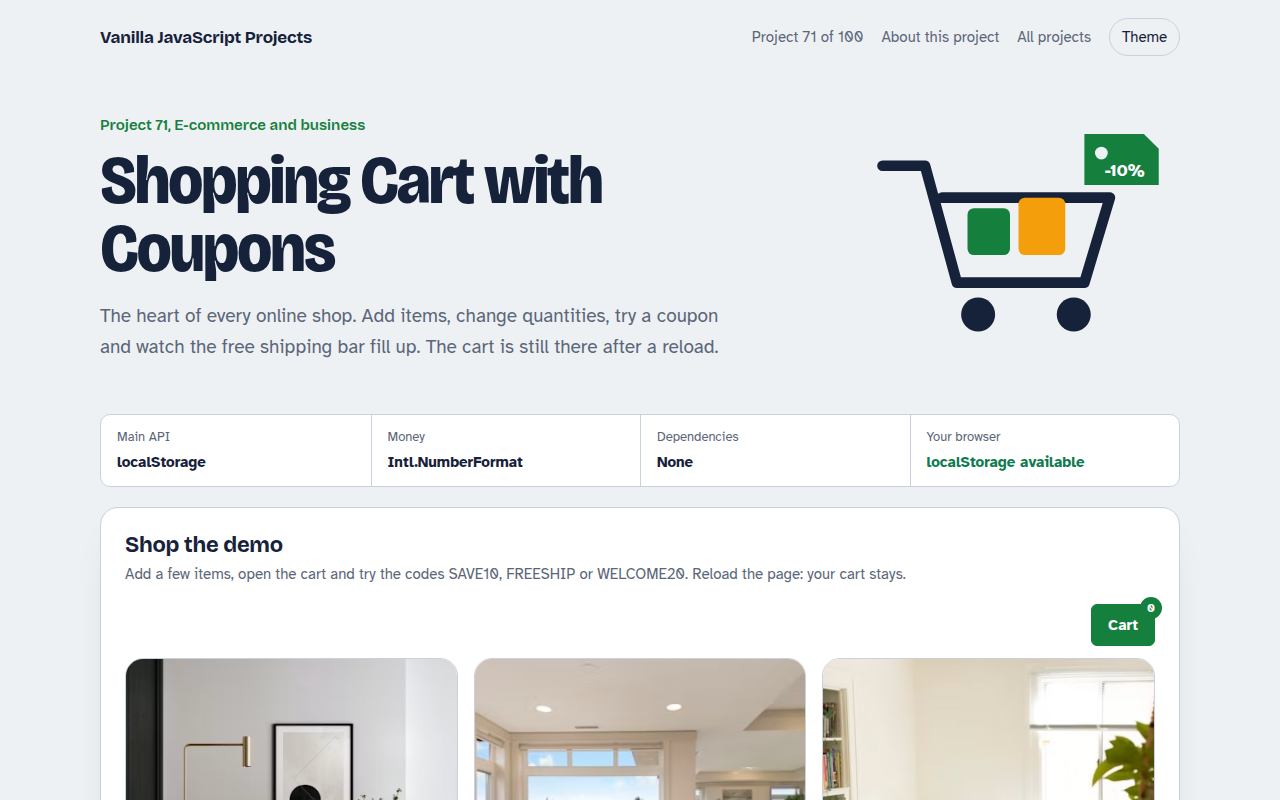
A cart drawer with quantities, coupon codes, free shipping progress and saved items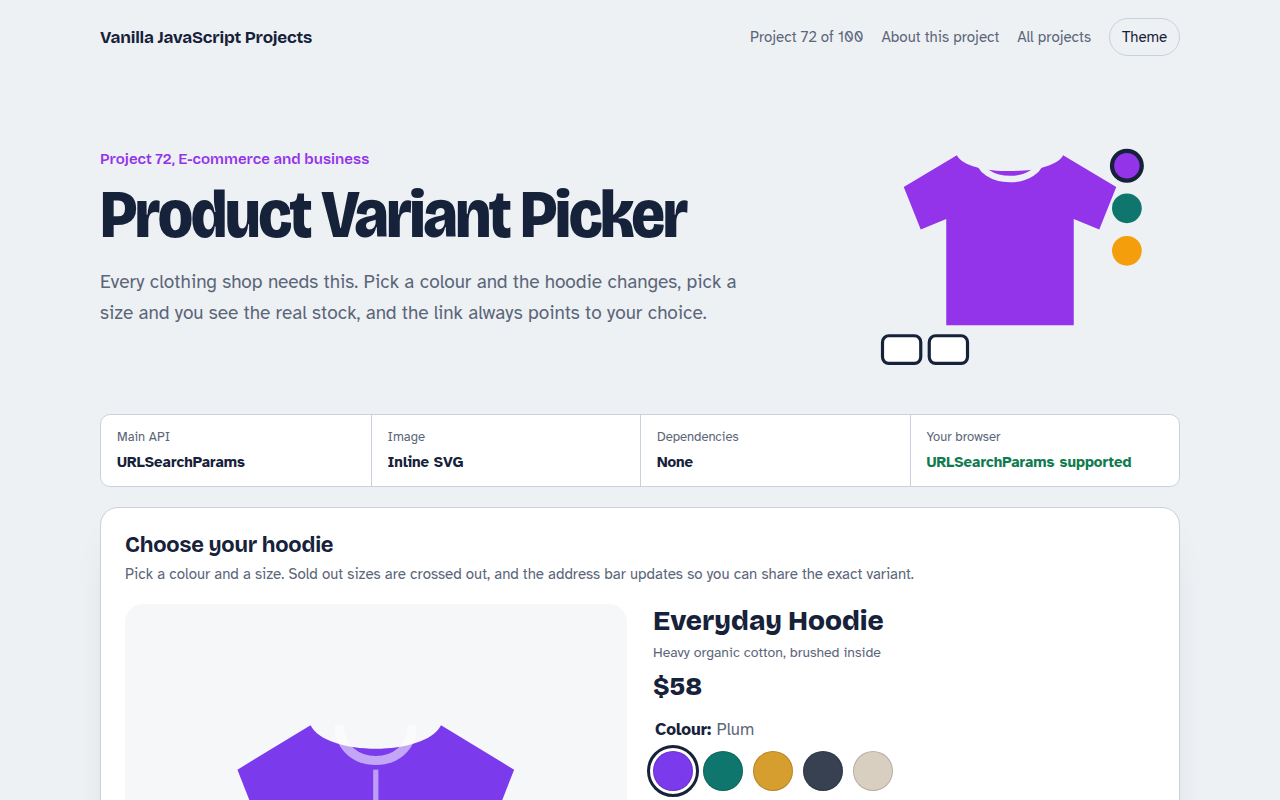
072. Product Variant Picker
A product page where colour and size change the picture, price and stock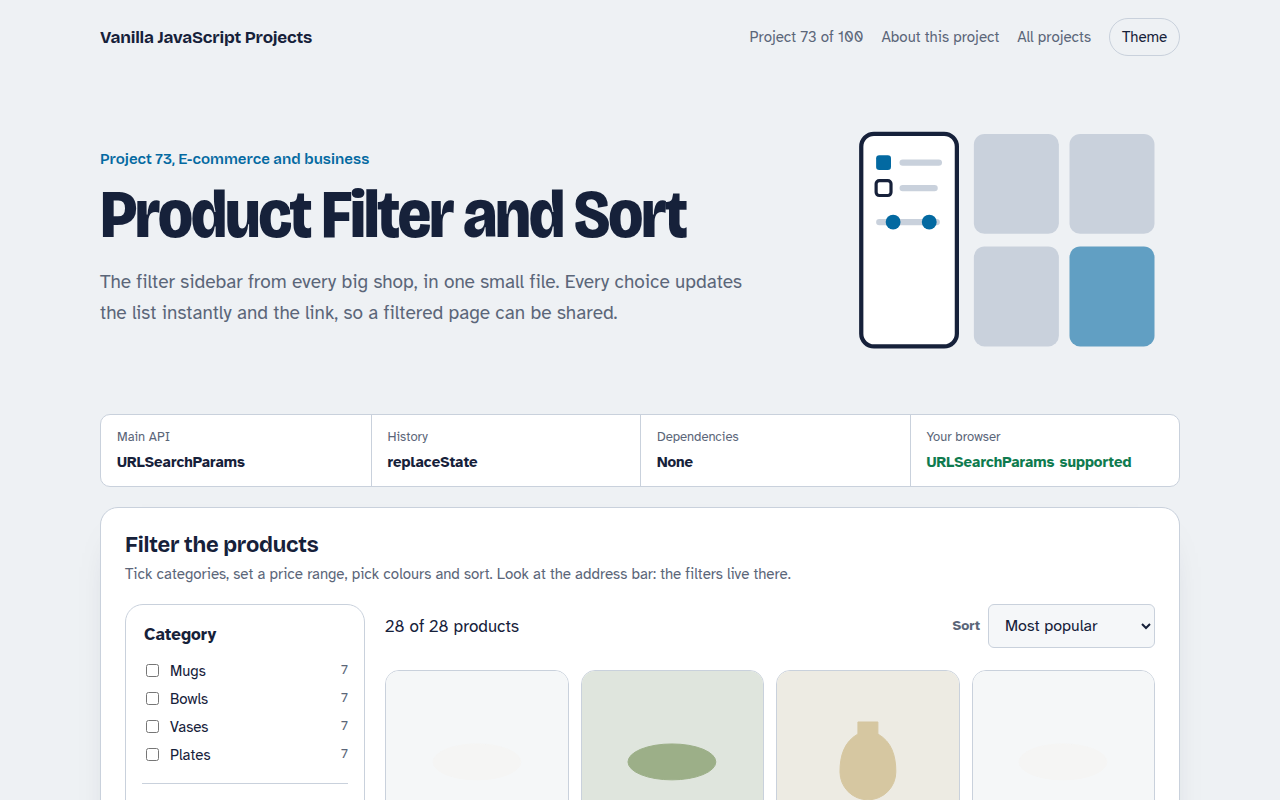
073. Product Filter and Sort
A product listing with category, price, colour and rating filters saved in the URL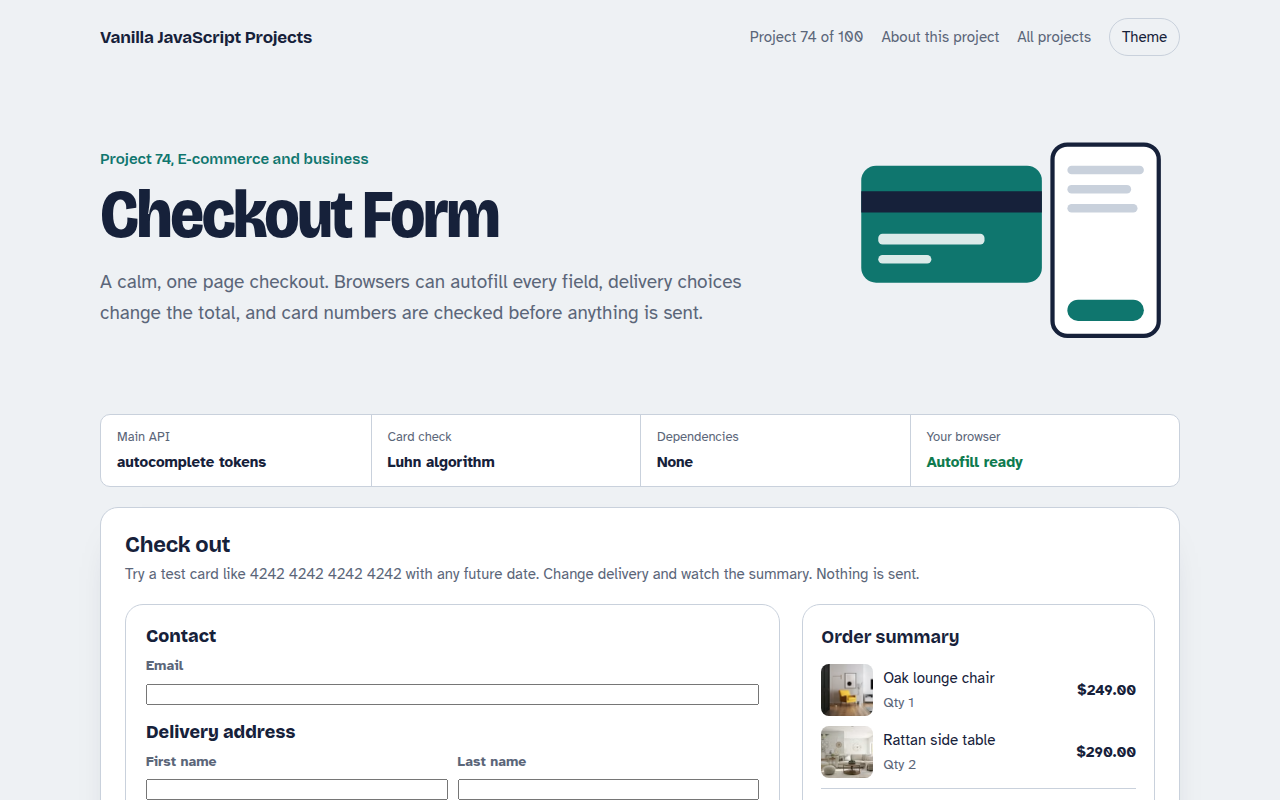
074. Checkout Form
A one page checkout with address, delivery options, card checks and an order summary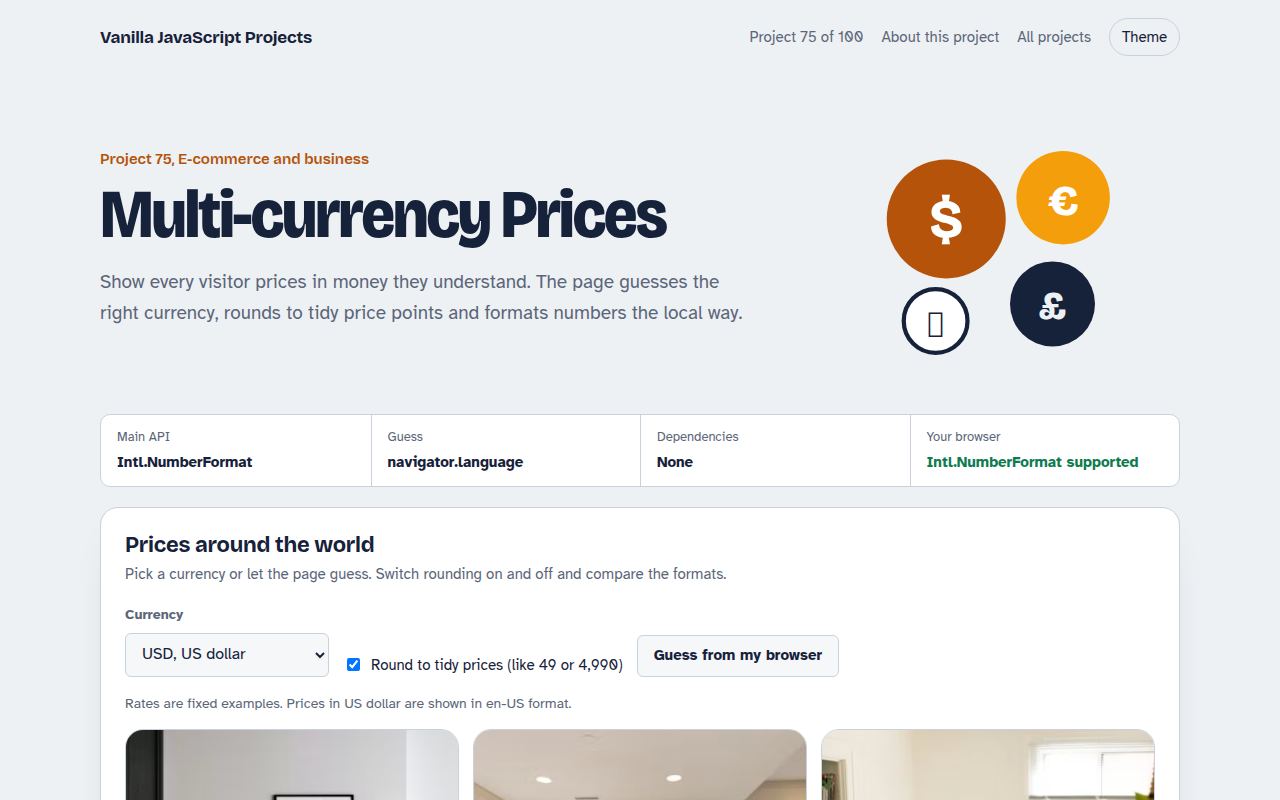
075. Multi-currency Prices
Prices that switch to the visitor's currency with local formatting and neat rounding