Home / E-commerce and Business / Wishlist and Compare
Wishlist and Compare in JavaScript, Free with Live Demo
Free wishlist and product compare in plain JavaScript. Save favourites with a heart, keep them after reload, share the list as a link, and compare up to three products with differences highlighted.
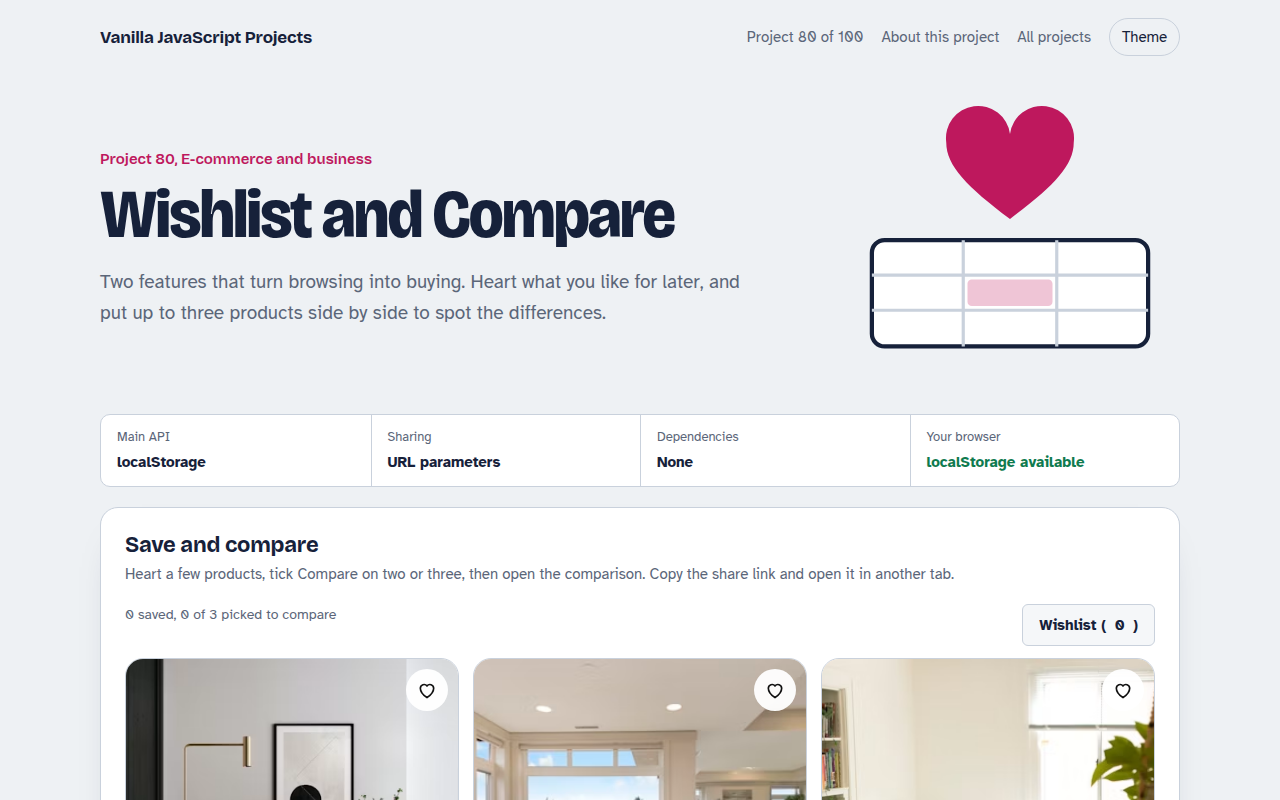
Runs on: localStorage and URL parameters. Works in all modern browsers.
What is the Wishlist and Compare?
A product grid where every item has a heart for the wishlist and a Compare tick box. Saved items stay after a reload and can be shared as a link.
Pick two or three products and open a comparison table that highlights rows where they differ and shows the best price, rating, delivery time and warranty in green.
Good for
- Furniture and electronics shops
- Comparing plans or courses
- Property and car listings
- Gift lists
What this project does
- Heart button with a small pop animation
- Wishlist saved in localStorage
- Share link that adds items to someone else's list
- Compare up to three products
- Differences and best values highlighted
How it works
- A set of saved idsThe wishlist is a Set of product ids saved to localStorage, so hearts stay filled after a reload or a new visit.
- Share as a linkThe share link adds ?w=0,2,5 to the page address. Opening it merges those products into the other person's wishlist.
- Compare what differsFor up to three products, each row checks if the values differ and highlights the row, and marks the best value, like the lowest price.
The key JavaScript
This is the heart of the project. The full file has the rest, including the screen layout and error handling.
const wish = new Set(JSON.parse(localStorage.getItem("wish") || "[]"));
heart.onclick = () => {
  wish.has(id) ? wish.delete(id) : wish.add(id);
  localStorage.setItem("wish", JSON.stringify([...wish]));
};
shareInput.value = location.origin + location.pathname + "?w=" + [...wish].join(",");

const values = picked.map((p) => p.price);
const differs = new Set(values).size > 1;
const best = Math.min(...values);
How to use it
- Click Download HTML file above.
- Open the file in a code editor, like VS Code.
- Run it from a local server with
npx serve .so the camera, microphone and AI features are allowed. - Change the text and colors, then upload it to GitHub Pages, Netlify or your own site. It is one file with no build step.
Questions people ask
Should the wishlist be saved on the server?
For signed in customers, yes, so it follows them across devices. For guests, localStorage is simple and works well.
Why only three to compare?
More than three columns gets hard to read, especially on phones.
Is the share link private?
It only lists product numbers, nothing personal. Anyone with the link sees those products.
More E-commerce and Business projects
071. Shopping Cart with Coupons
A cart drawer with quantities, coupon codes, free shipping progress and saved items
072. Product Variant Picker
A product page where colour and size change the picture, price and stock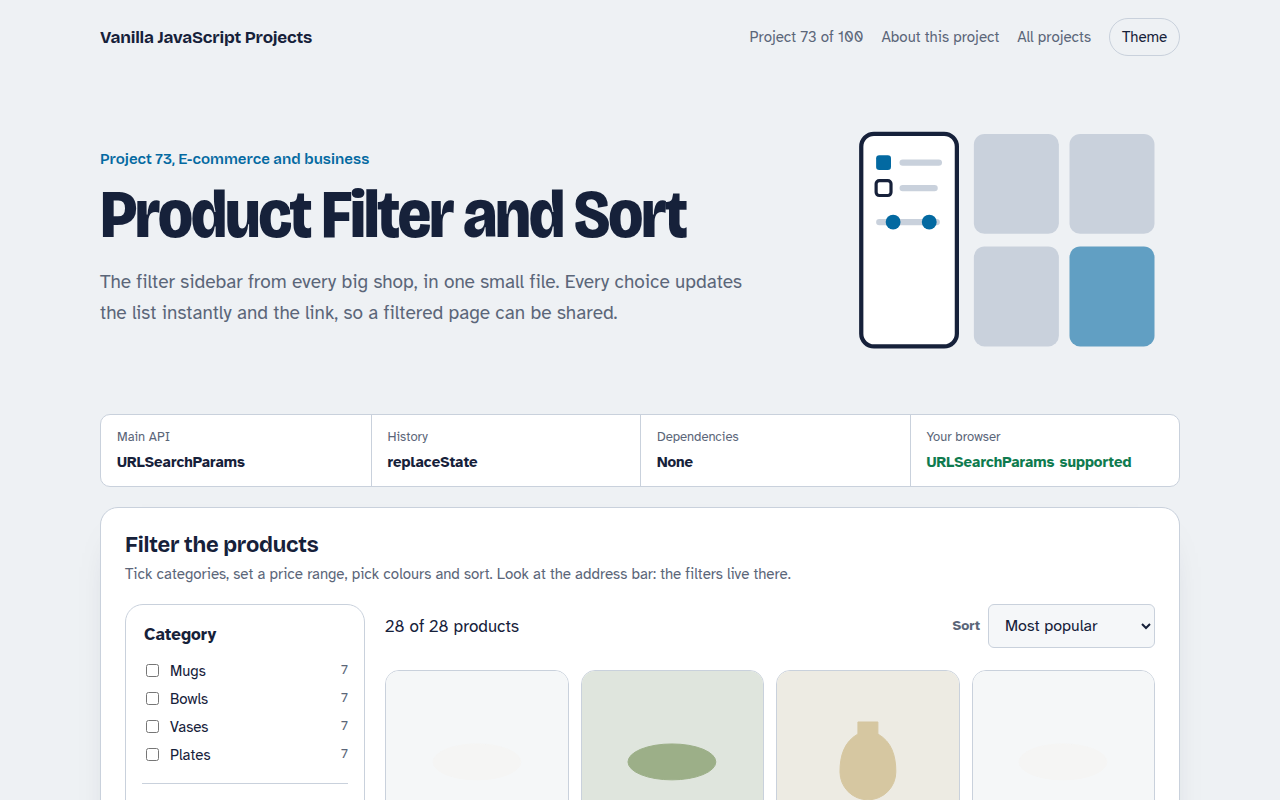
073. Product Filter and Sort
A product listing with category, price, colour and rating filters saved in the URL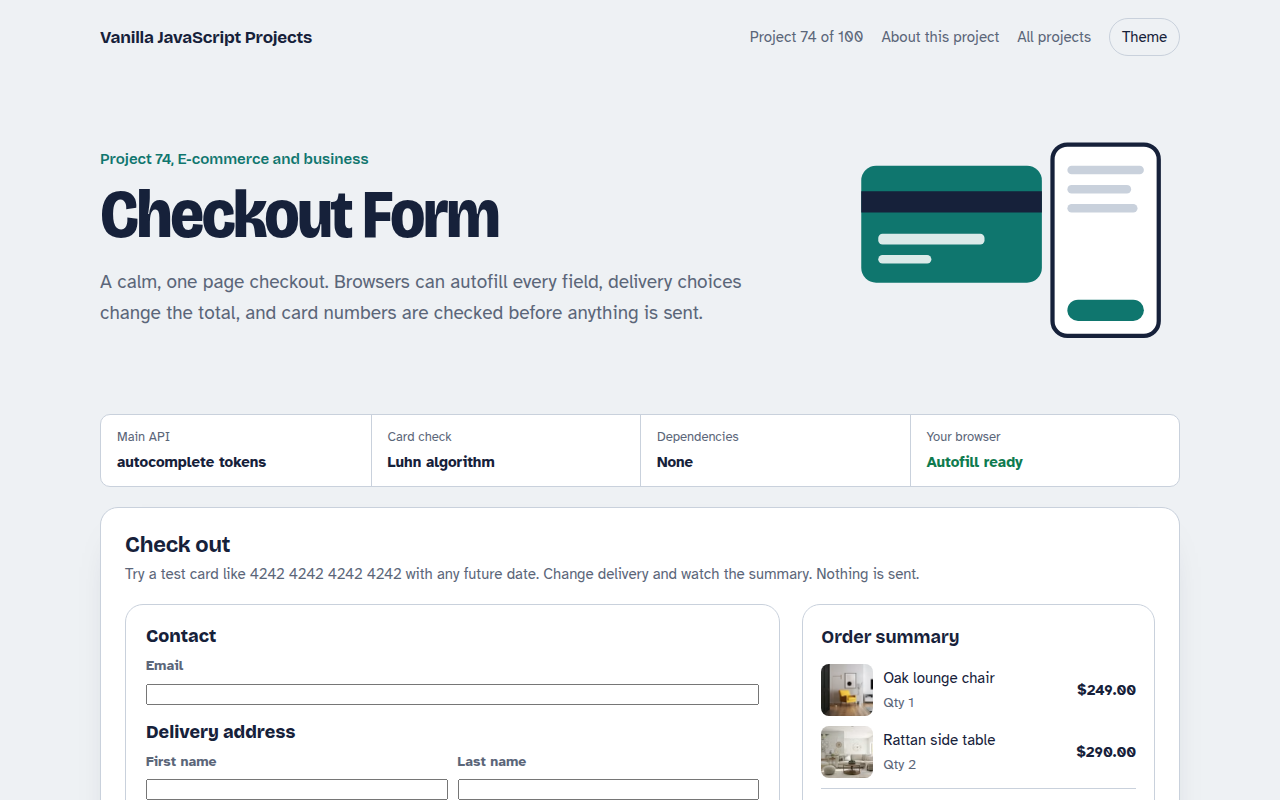
074. Checkout Form
A one page checkout with address, delivery options, card checks and an order summary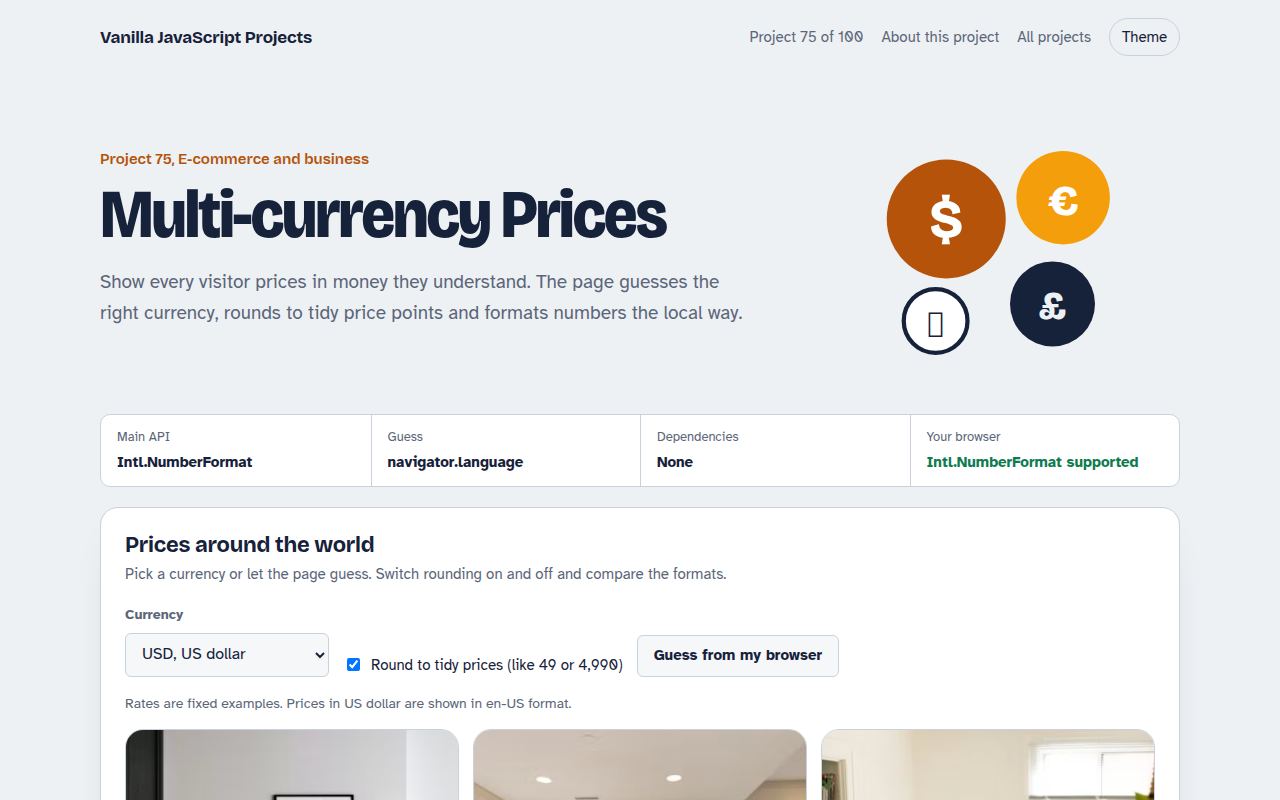
075. Multi-currency Prices
Prices that switch to the visitor's currency with local formatting and neat rounding