Home / Content and Data / Searchable FAQ
Searchable FAQ in JavaScript, Free with Live Demo
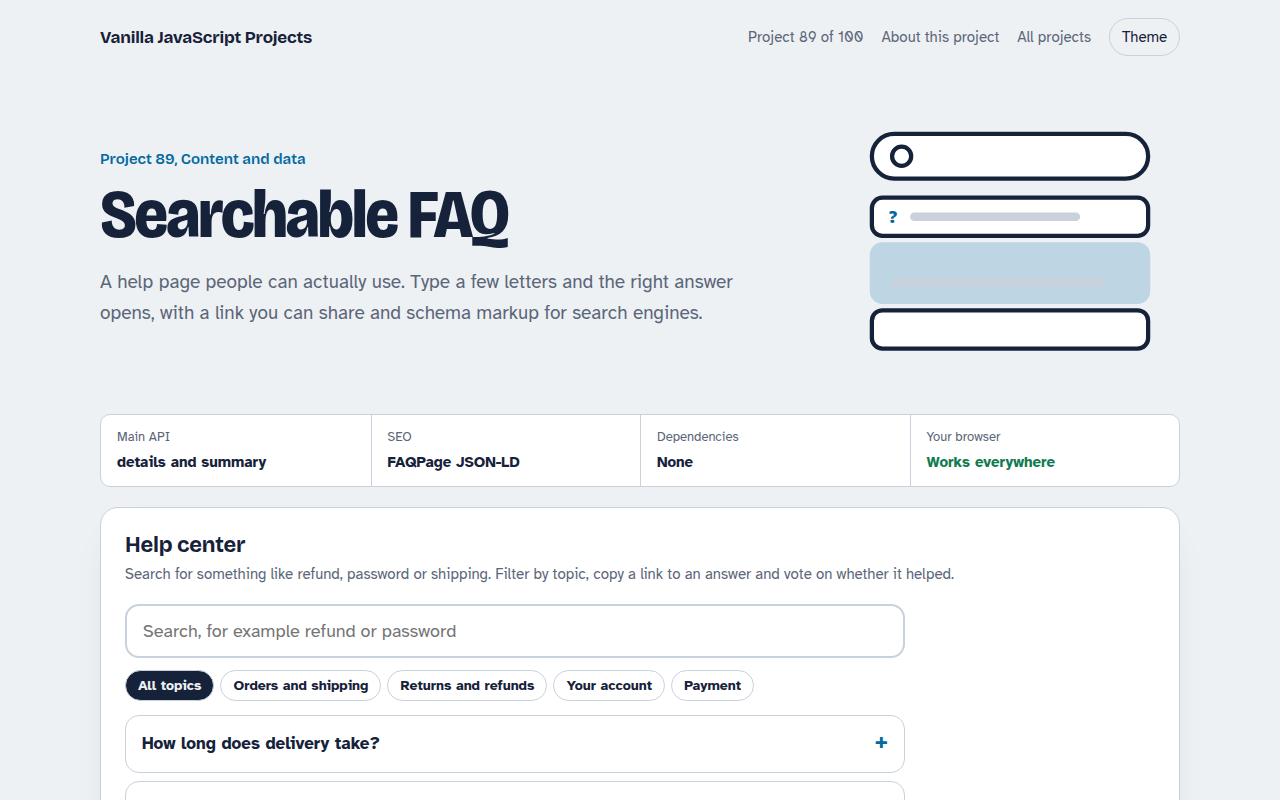
Free searchable FAQ in plain JavaScript. Instant search with highlights, category filters, deep links to any answer, helpful votes and automatic FAQPage JSON-LD for Google.
Runs on: details and summary with JSON-LD. Works in all modern browsers.
What is the Searchable FAQ?
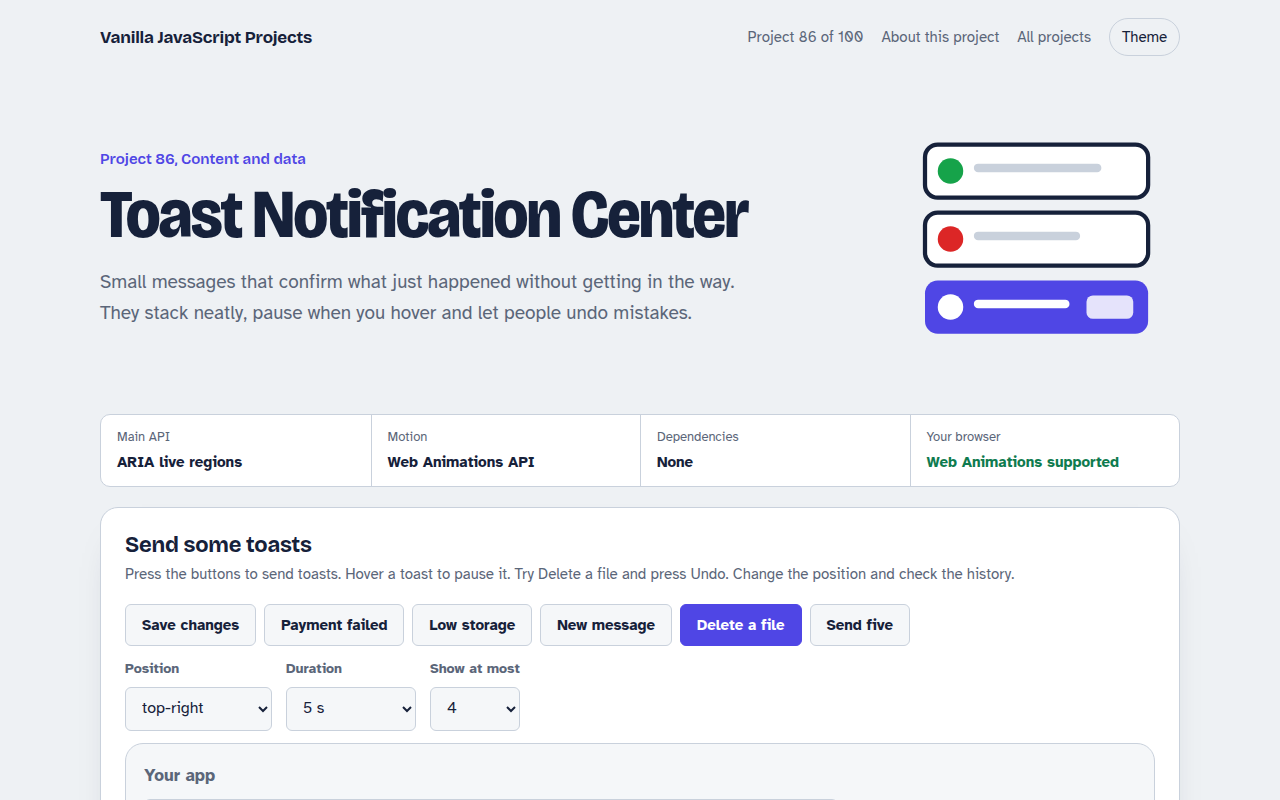
A help center with ten questions in four topics. Type in the search box and matching questions appear with highlights. If only a few match, their answers open automatically.
Every answer has its own link, a Was this helpful vote and a way to contact support. The page also builds FAQPage schema markup you can copy into your site.
Good for
- Help and support pages
- Product and pricing FAQs
- Course and event information
- Internal knowledge bases
What this project does
- Instant search with highlighted words
- Topic filters
- Deep links that open the right answer
- Helpful votes saved in the browser
- FAQPage JSON-LD generated for SEO
How it works
- Native accordionsEach question is a details element, so it opens and closes with no JavaScript and works with a keyboard and screen readers.
- Search every wordThe search keeps questions where every typed word appears in the question or answer, highlights the matches and opens the results when only a few are left.
- Schema for search enginesThe page builds FAQPage JSON-LD from the same list, so Google can show your questions directly in search results.
The key JavaScript
This is the heart of the project. The full file has the rest, including the screen layout and error handling.
const words = query.toLowerCase().split(/\s+/).filter(Boolean);
const results = faqs.filter((f) =>
  words.every((w) => (f.q + " " + f.a).toLowerCase().includes(w)));

const schema = {
  "@context": "https://schema.org", "@type": "FAQPage",
  mainEntity: faqs.map((f) => ({ "@type": "Question", name: f.q,
    acceptedAnswer: { "@type": "Answer", text: f.a } }))
};
How to use it
- Click Download HTML file above.
- Open the file in a code editor, like VS Code.
- Run it from a local server with
npx serve .so the camera, microphone and AI features are allowed. - Change the text and colors, then upload it to GitHub Pages, Netlify or your own site. It is one file with no build step.
Questions people ask
Why use details and summary?
They are built into HTML, accessible by default and still work if JavaScript fails to load.
Does the FAQ schema really help?
It helps search engines understand your page. Google now shows FAQ rich results mainly for well known sites, but the markup is still worth adding.
What should I do with the votes?
Send them to your analytics. Answers with many No votes are the ones to rewrite first.
More Content and Data projects
081. Data Table
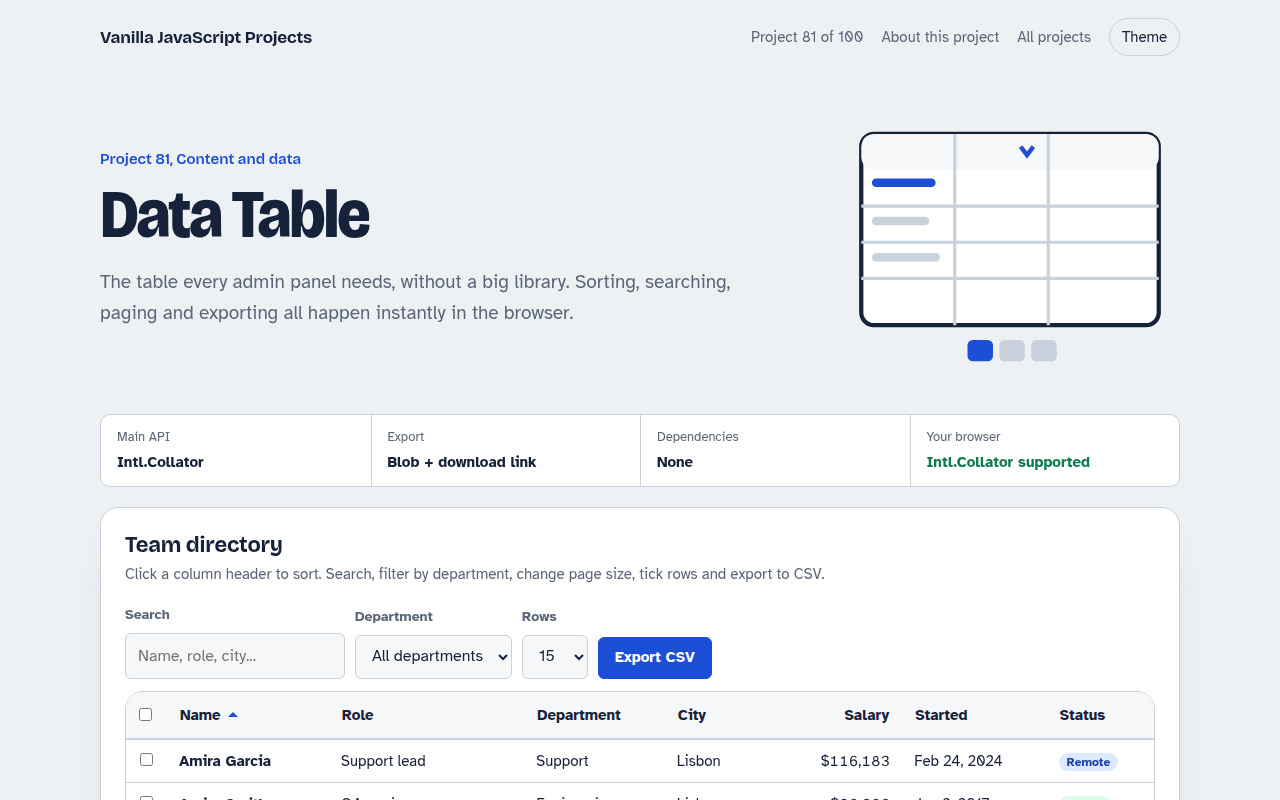
A sortable, searchable table with filters, pages, row selection and CSV export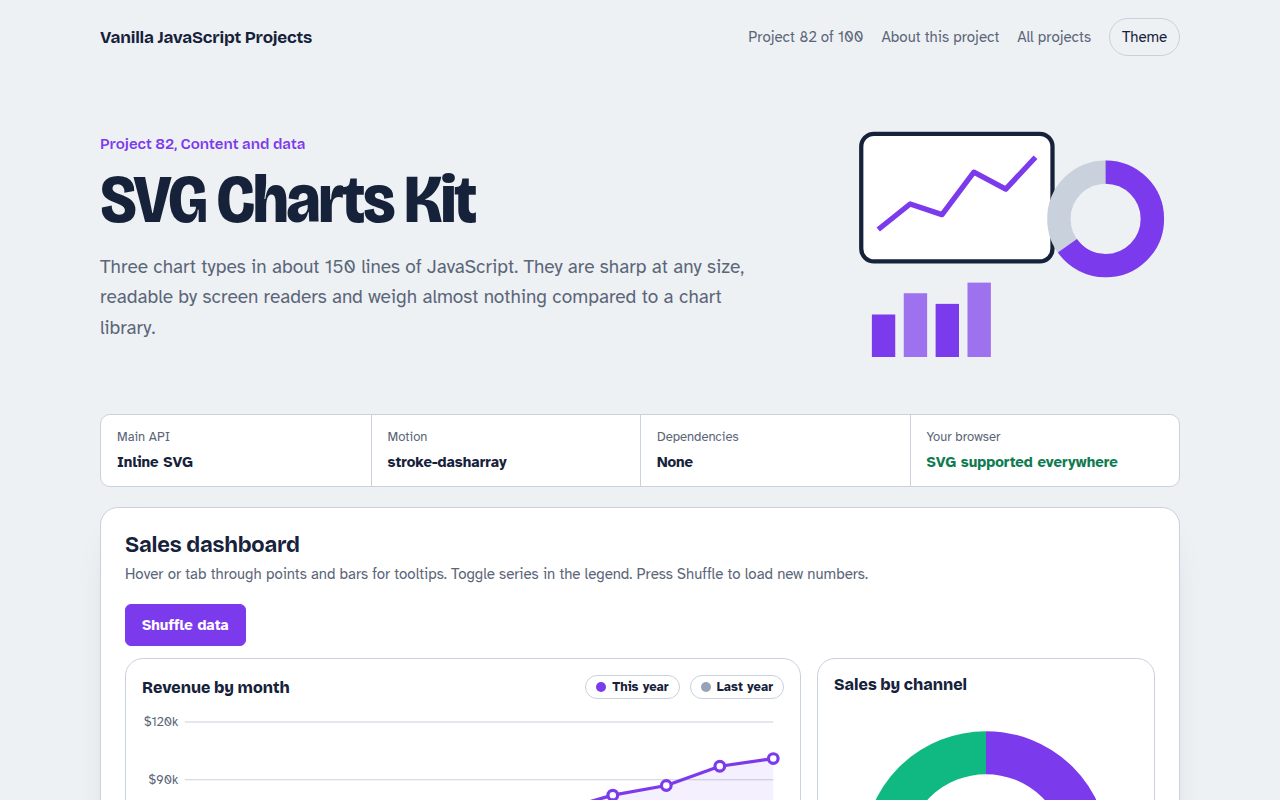
082. SVG Charts Kit
Line, bar and donut charts drawn with plain SVG, with tooltips and a data table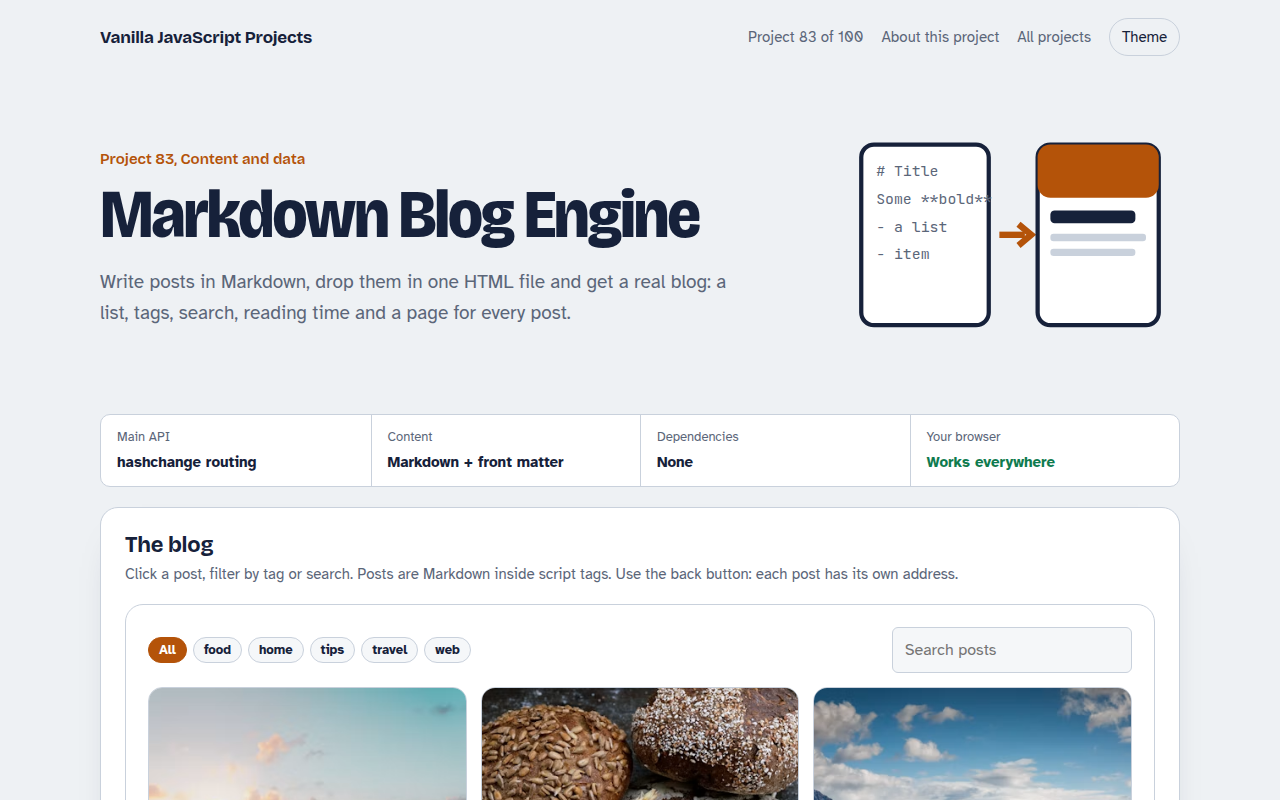
083. Markdown Blog Engine
A tiny blog that reads Markdown posts, with tags, search and reading time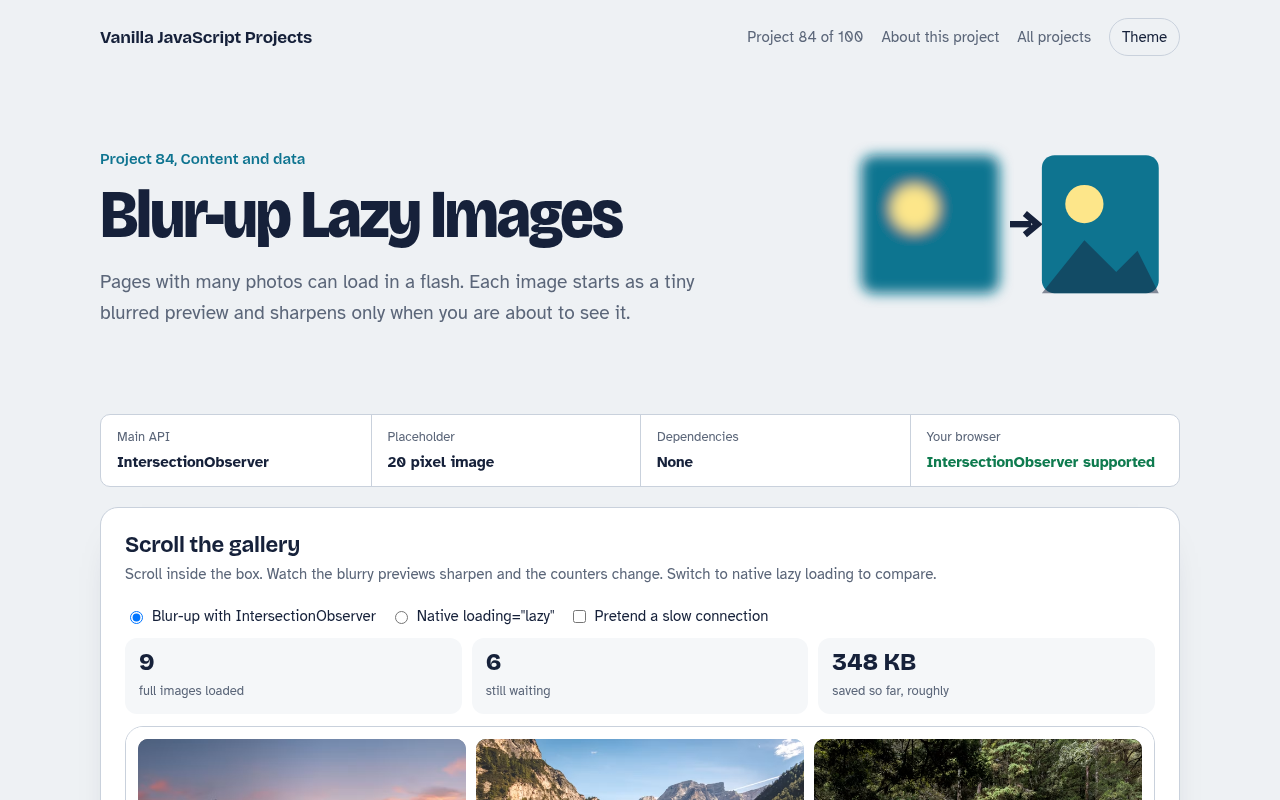
084. Blur-up Lazy Images
A photo grid that shows tiny blurred placeholders and loads full images when they scroll into view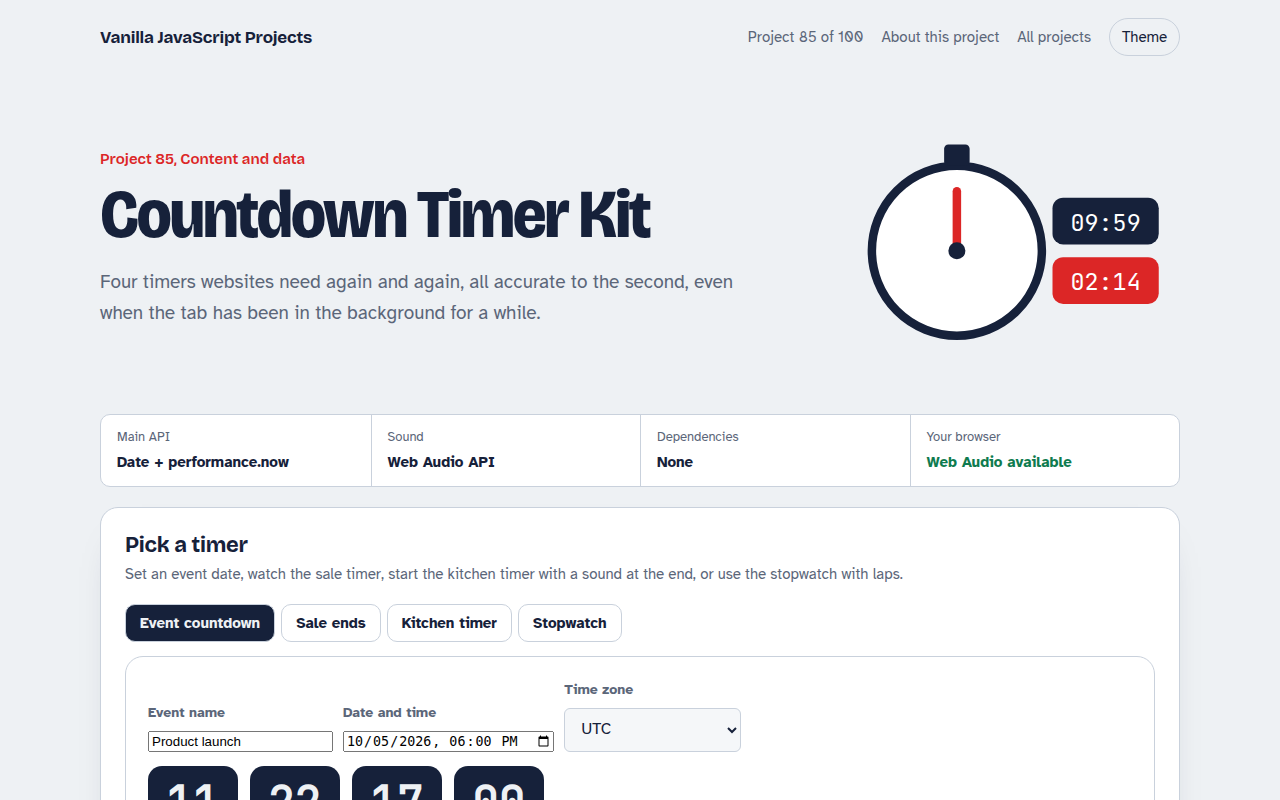
085. Countdown Timer Kit
An event countdown, a sale timer, a kitchen timer with sound and a stopwatch with laps