Home / Modern UI / Kanban Board
Kanban Board in JavaScript, Free with Live Demo
Free kanban board in plain JavaScript. Drag cards between columns, add labels and due dates, search, and save automatically with localStorage. Keyboard friendly.
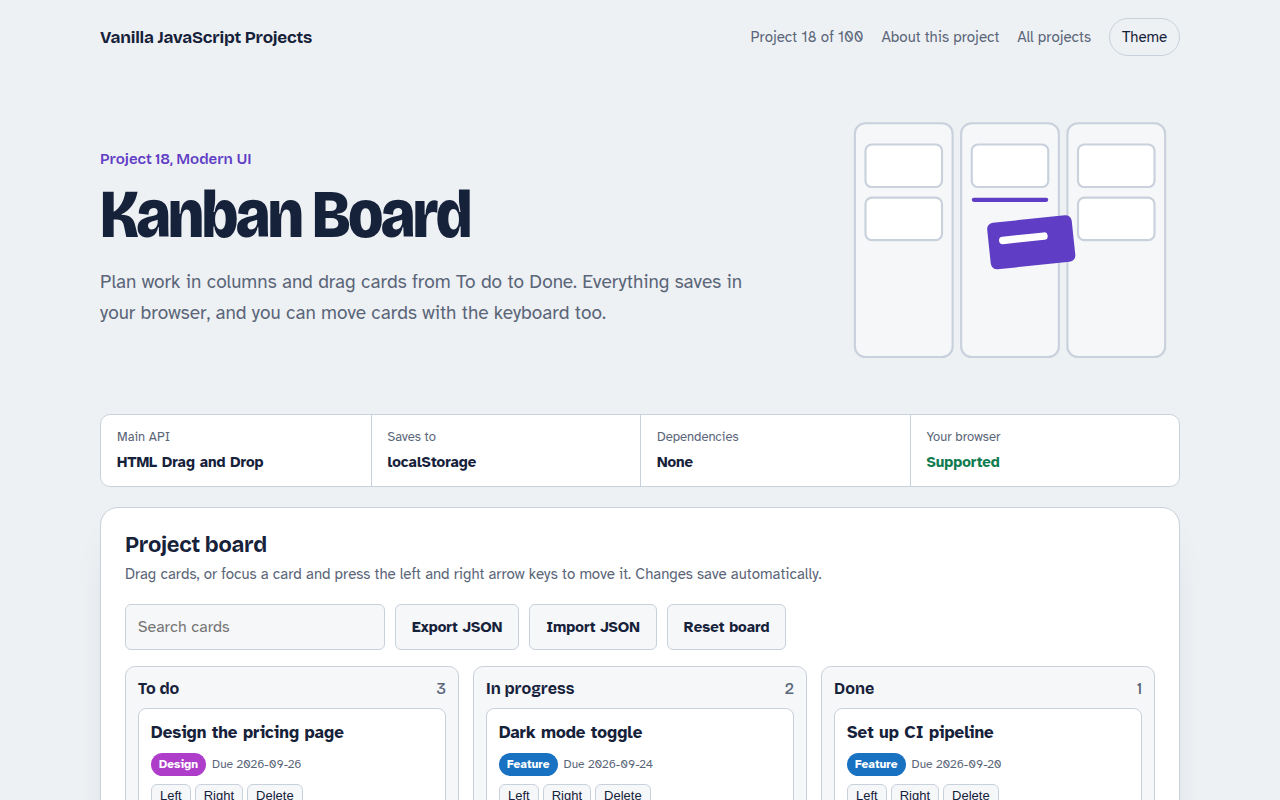
Runs on: HTML Drag and Drop. Drag and drop: desktop browsers. On phones, use the move buttons on each card.
What is the Kanban Board?
A kanban board shows work as cards moving through columns: To do, In progress and Done. This one lets you drag cards between columns, add new ones with labels and due dates, search every column, and it saves everything in your browser.
It uses the built in HTML Drag and Drop API, with a line that shows where a card will land. Every card also has move buttons and arrow key support, so it works for keyboard users and on phones.
Good for
- Personal task lists
- Small team planning
- Content calendars
- A classic portfolio project done well
What this project does
- Drag cards within and between columns, with a drop indicator
- Move cards with buttons or the keyboard for accessibility
- Colored labels and due dates, overdue cards stand out
- Search filters every column at once
- Export and import the board as JSON
How it works
- Start the dragdragstart stores the card id in dataTransfer and dims the card.
- Find the spotdragover compares the mouse position with the middle of each card to show where it will land.
- Drop and savedrop moves the card in the data, renders the board again and saves it to localStorage.
The key JavaScript
This is the heart of the project. The full file has the rest, including the screen layout and error handling.
card.addEventListener("dragstart", (e) => {
  e.dataTransfer.setData("text/plain", card.dataset.id);
});
column.addEventListener("dragover", (e) => {
  e.preventDefault();                                   // allow dropping
  const after = [...list.children].find((c) => e.clientY < c.getBoundingClientRect().top + c.offsetHeight / 2);
  list.insertBefore(marker, after ?? null);             // show where it lands
});
column.addEventListener("drop", (e) => {
  moveCard(e.dataTransfer.getData("text/plain"), column.dataset.id, indexOf(marker));
});
How to use it
- Click Download HTML file above.
- Open the file in a code editor, like VS Code.
- Run it from a local server with
npx serve .so the camera, microphone and AI features are allowed. - Change the text and colors, then upload it to GitHub Pages, Netlify or your own site. It is one file with no build step.
Questions people ask
How does drag and drop work in plain JavaScript?
Set draggable on the card, save its id in dragstart, call preventDefault in dragover to allow a drop, and move the card in the drop handler.
Does drag and drop work on phones?
The HTML Drag and Drop API is weak on touch screens, so each card has move buttons as well. They work everywhere.
Where is my board saved?
In localStorage in your browser. Use Export to save a JSON copy, and Import to load it on another computer.
More Modern UI projects
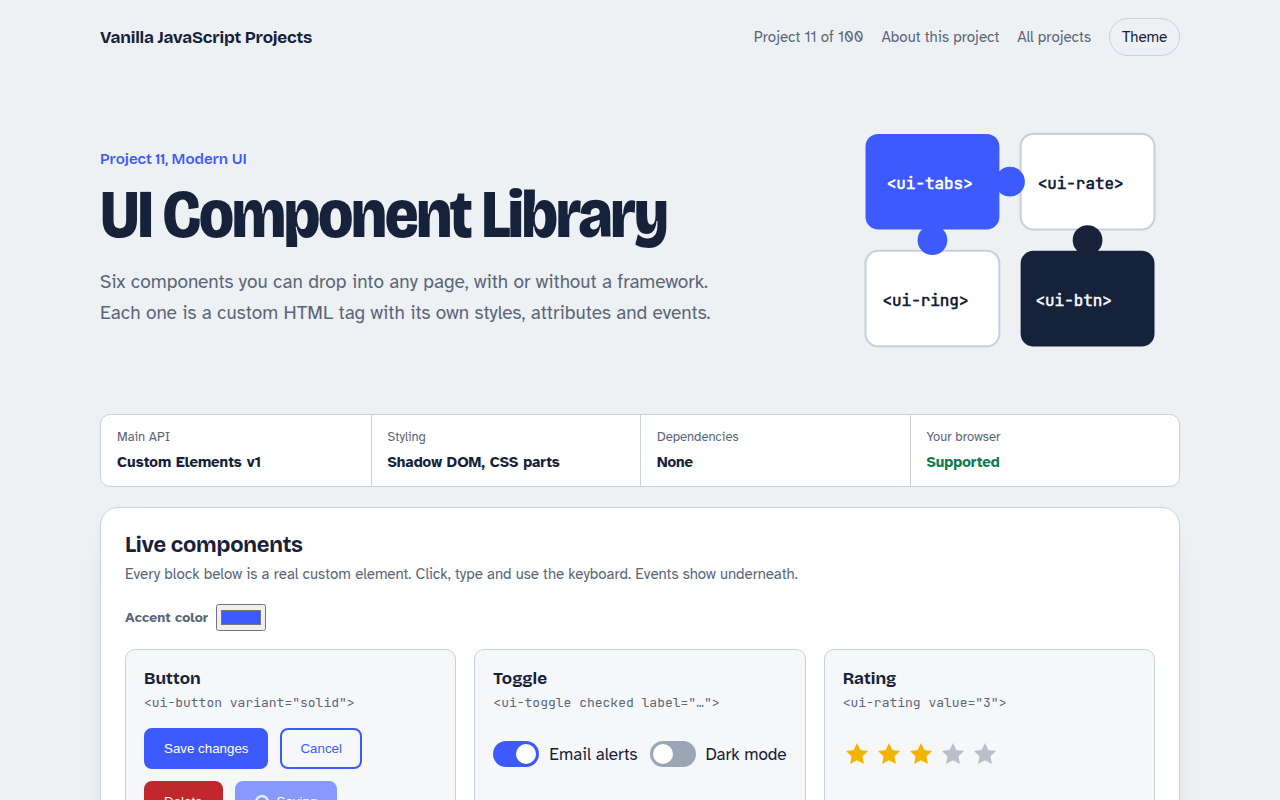
011. UI Component Library
Six reusable Web Components you can drop into any page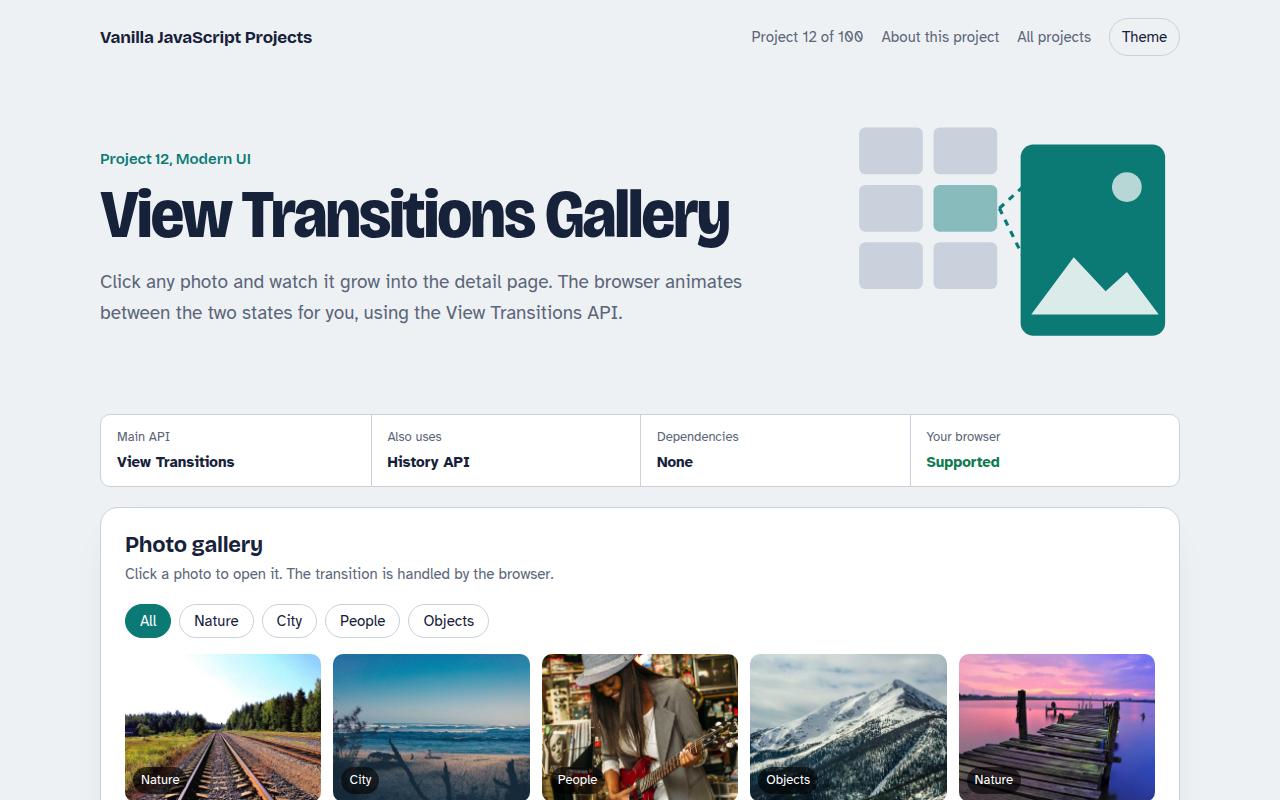
012. View Transitions Gallery
A photo gallery where images grow smoothly into the detail page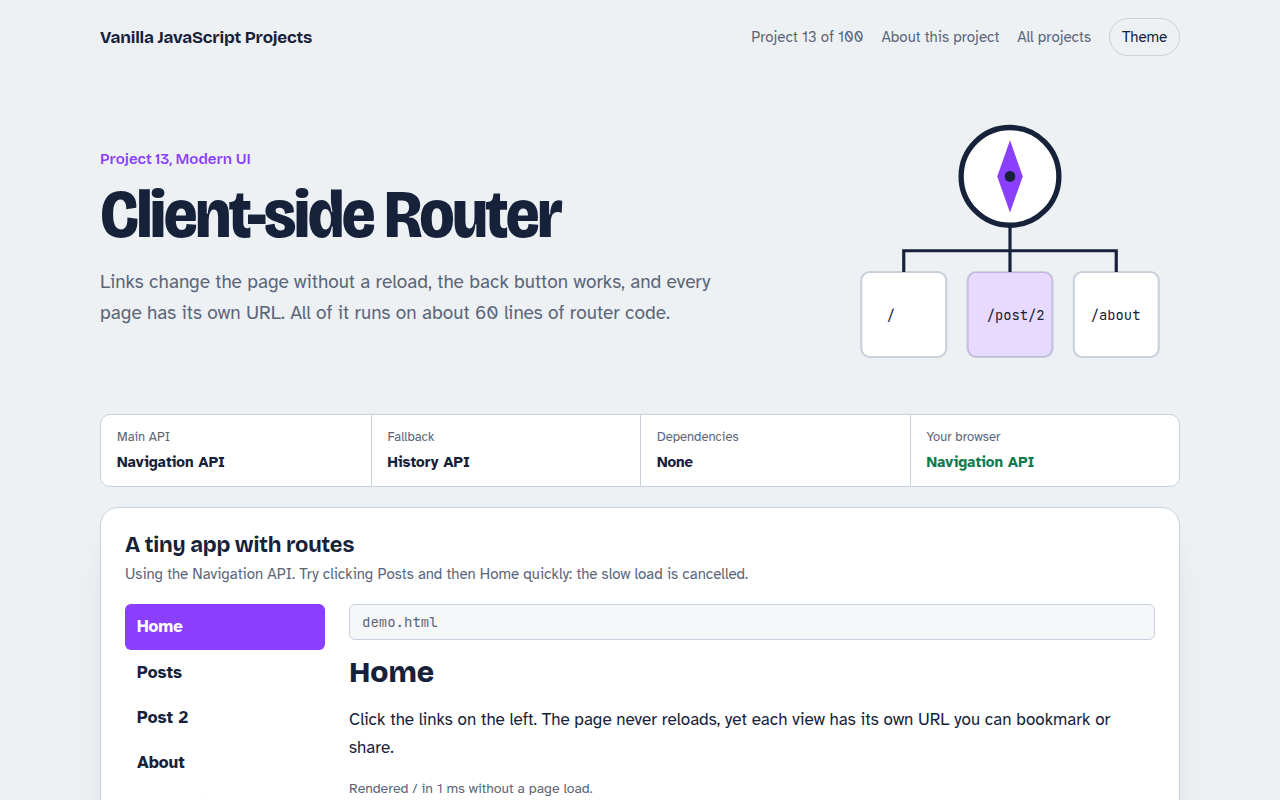
013. Client-side Router
A tiny single page app router with real URLs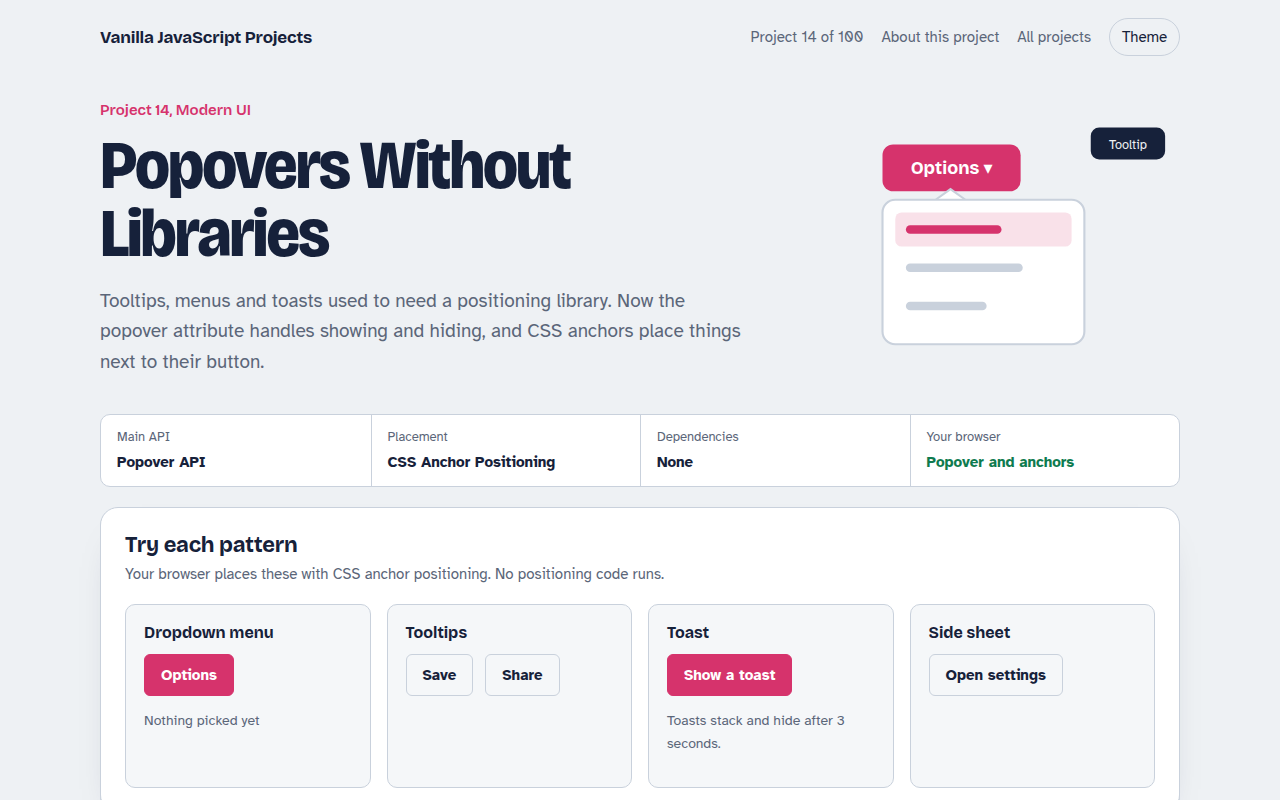
014. Popovers Without Libraries
Tooltips, menus, toasts and a side sheet with no library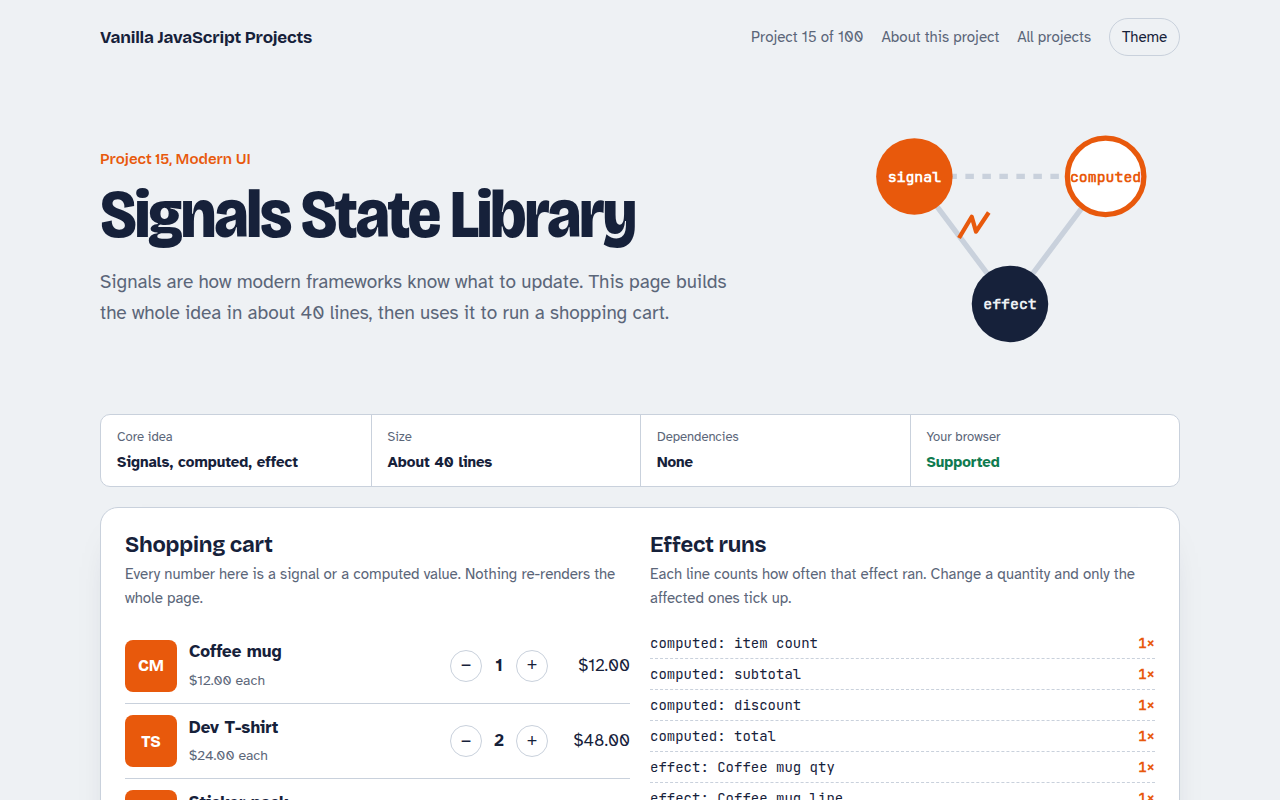
015. Signals State Library
A 40 line reactive state library running a shopping cart