Home / Modern UI / Color Picker and Palette Tool
Color Picker and Palette Tool in JavaScript, Free with Live Demo
Free color tool in plain JavaScript. Pick any color on screen with the EyeDropper API, get a palette from a photo, make shades and check WCAG contrast.
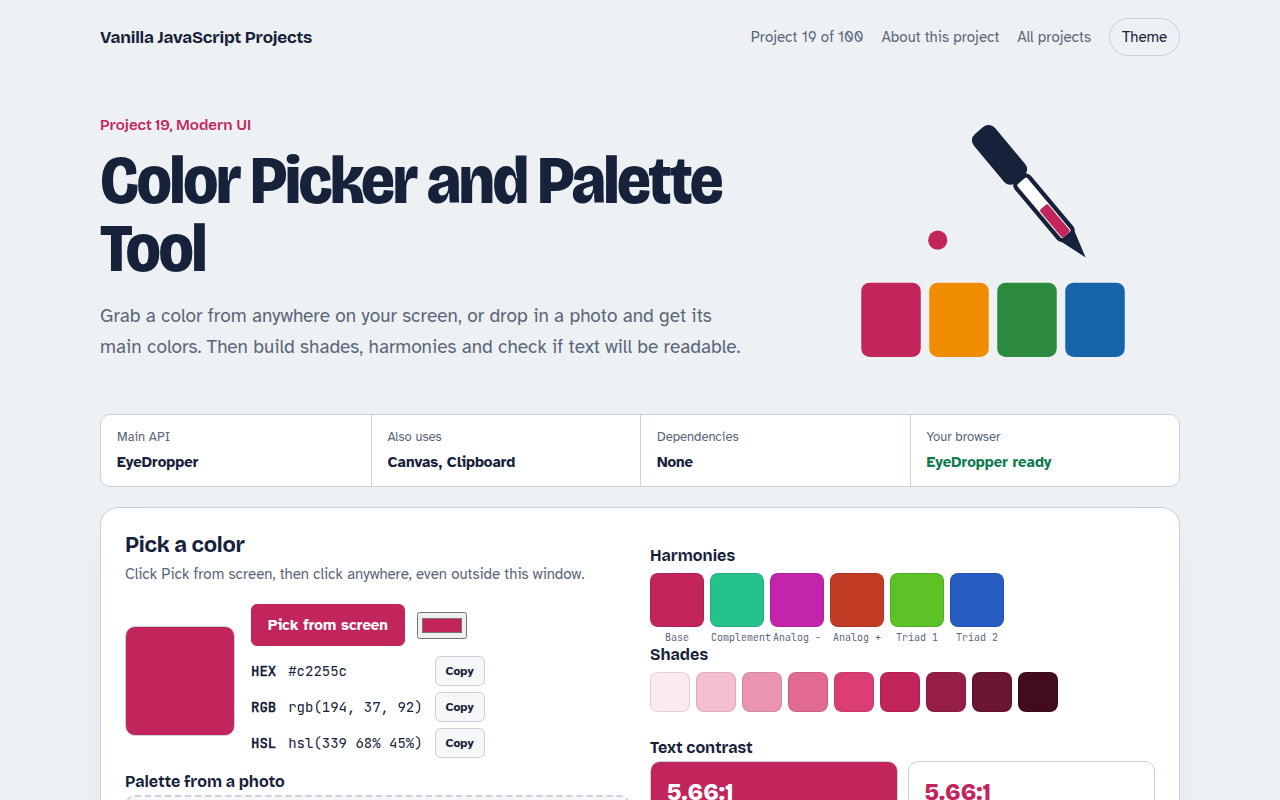
Runs on: EyeDropper. EyeDropper: Chrome and Edge on desktop. Everything else works in every modern browser.
What is the Color Picker and Palette Tool?
This tool helps you choose colors that look good and stay readable. Pick a color from anywhere on your screen, pull the main colors out of a photo, make matching harmonies and shades, and check whether text on each color passes accessibility rules.
The screen picker uses the EyeDropper API. The photo palette shrinks the image on a canvas and groups similar pixels. The contrast check uses the same formula as the WCAG guidelines.
Good for
- Choosing brand colors
- Building a palette from a product photo
- Checking button and text contrast
- Generating CSS color variables
What this project does
- Screen color picker with the EyeDropper API
- Palette from any photo using color quantization
- Complementary, analogous and triadic harmonies plus 9 shades
- WCAG AA and AAA contrast check for text on any background
- Copy as HEX, RGB, HSL or a block of CSS variables
How it works
- Pick a colorThe EyeDropper returns the hex value of any pixel on screen, even outside the browser window.
- Read a photoThe photo is shrunk to 64 by 64 pixels, then the pixels are grouped into buckets to find the main colors.
- Check contrastEach color's luminance is compared with the text color to get a ratio, and the page marks AA and AAA passes.
The key JavaScript
This is the heart of the project. The full file has the rest, including the screen layout and error handling.
// Pick any pixel on screen (Chrome, Edge)
const { sRGBHex } = await new EyeDropper().open(); // "#c2255c"

// WCAG contrast ratio between two colors
const lum = ([r, g, b]) => {
  const f = (c) => (c /= 255) <= 0.03928 ? c / 12.92 : ((c + 0.055) / 1.055) ** 2.4;
  return 0.2126 * f(r) + 0.7152 * f(g) + 0.0722 * f(b);
};
const ratio = (a, b) => (Math.max(lum(a), lum(b)) + 0.05) / (Math.min(lum(a), lum(b)) + 0.05);
// 4.5 or more passes AA for body text
How to use it
- Click Download HTML file above.
- Open the file in a code editor, like VS Code.
- Run it from a local server with
npx serve .so the camera, microphone and AI features are allowed. - Change the text and colors, then upload it to GitHub Pages, Netlify or your own site. It is one file with no build step.
Questions people ask
What contrast ratio do I need?
WCAG asks for at least 4.5 to 1 for normal text and 3 to 1 for large text. 7 to 1 meets the stricter AAA level.
Which browsers have the EyeDropper API?
Chrome and Edge on desktop. The other features work in every modern browser.
How is the palette taken from a photo?
The photo is drawn at 64 by 64 pixels, pixels are grouped into color buckets, and the most common distinct buckets become the palette.
More Modern UI projects
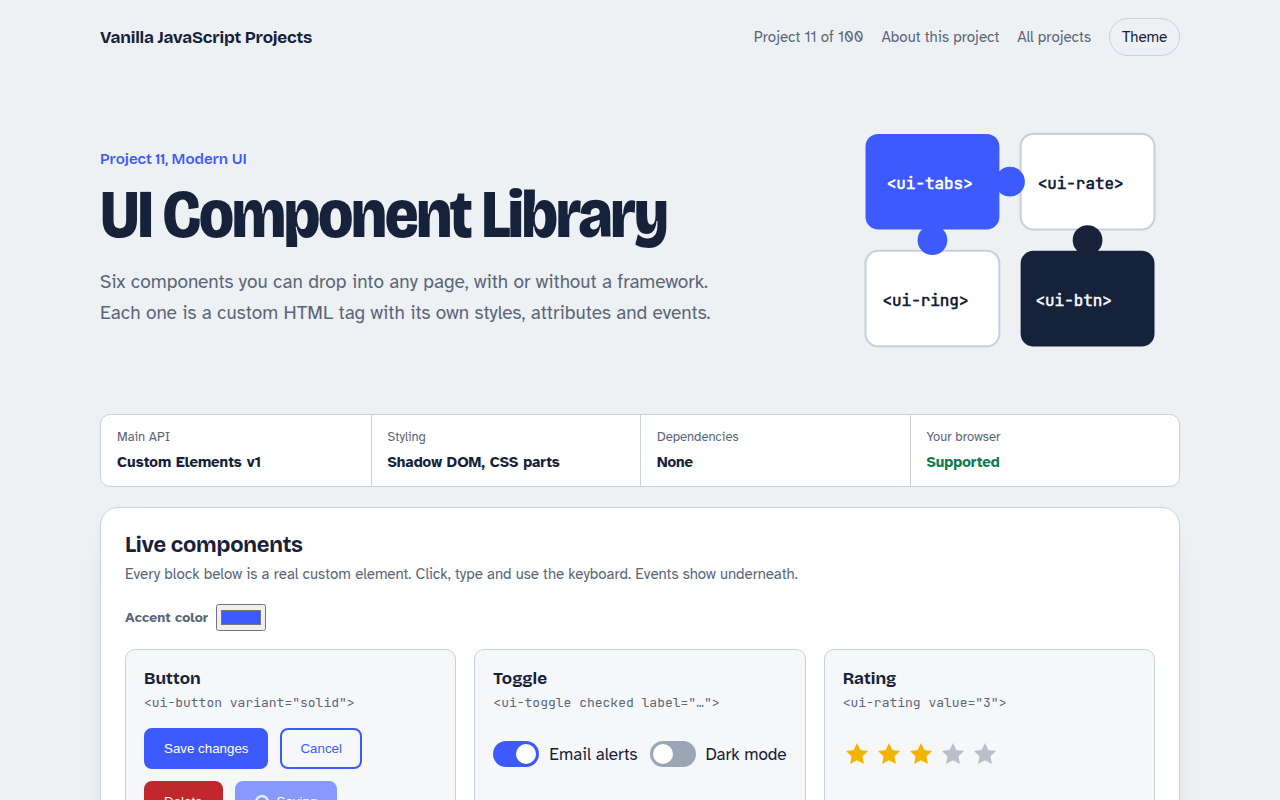
011. UI Component Library
Six reusable Web Components you can drop into any page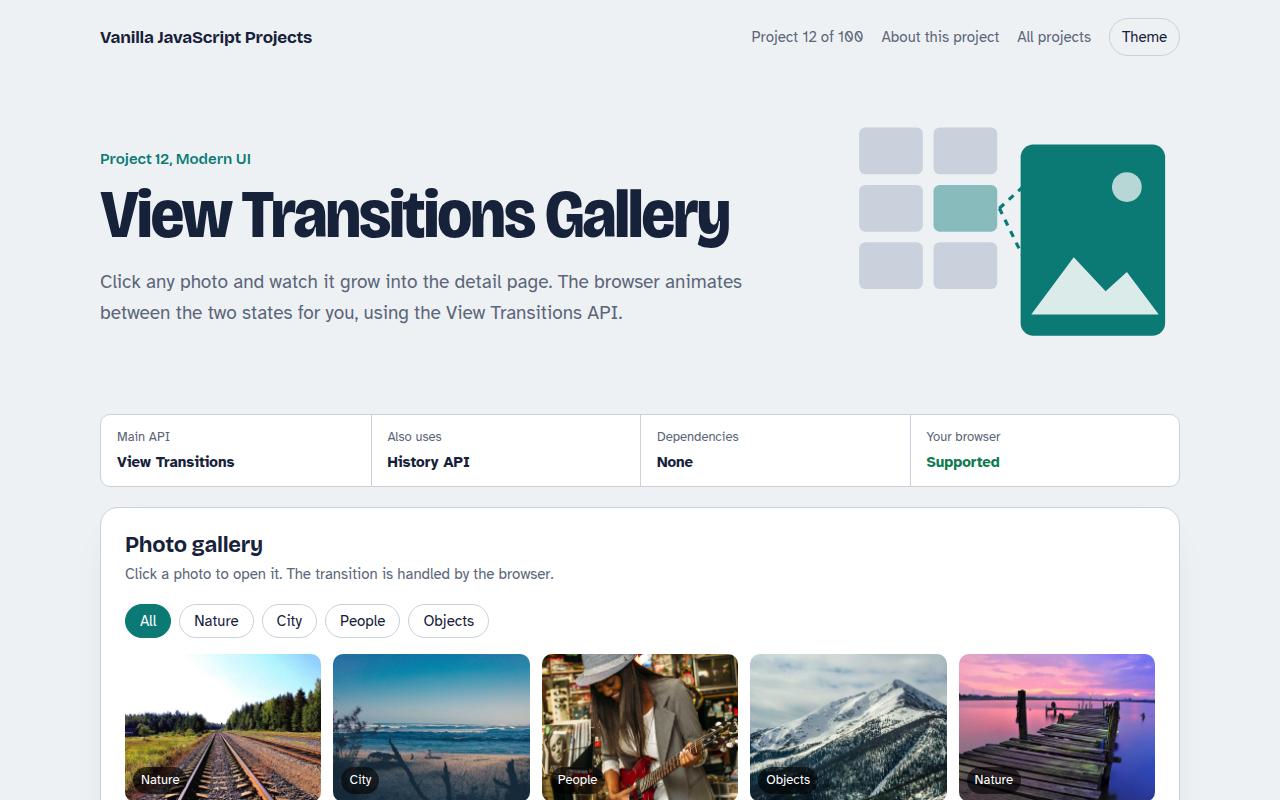
012. View Transitions Gallery
A photo gallery where images grow smoothly into the detail page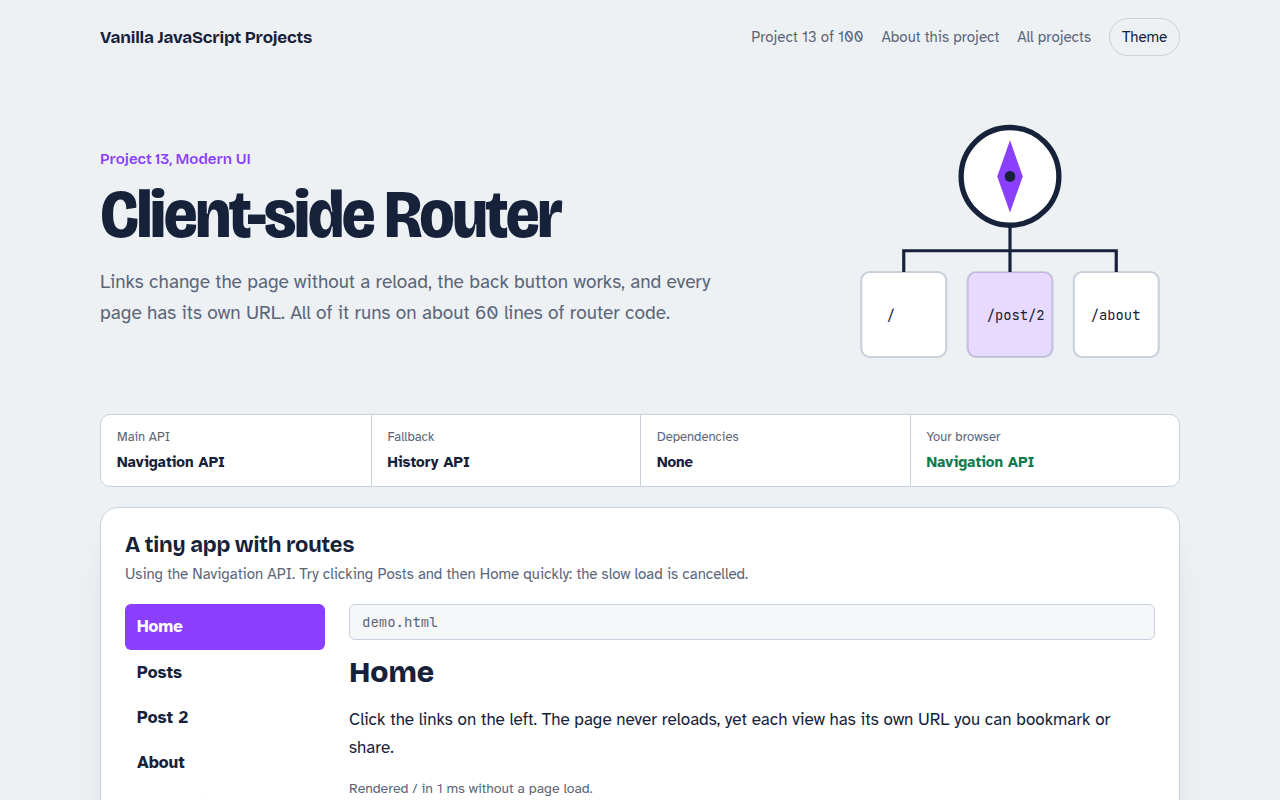
013. Client-side Router
A tiny single page app router with real URLs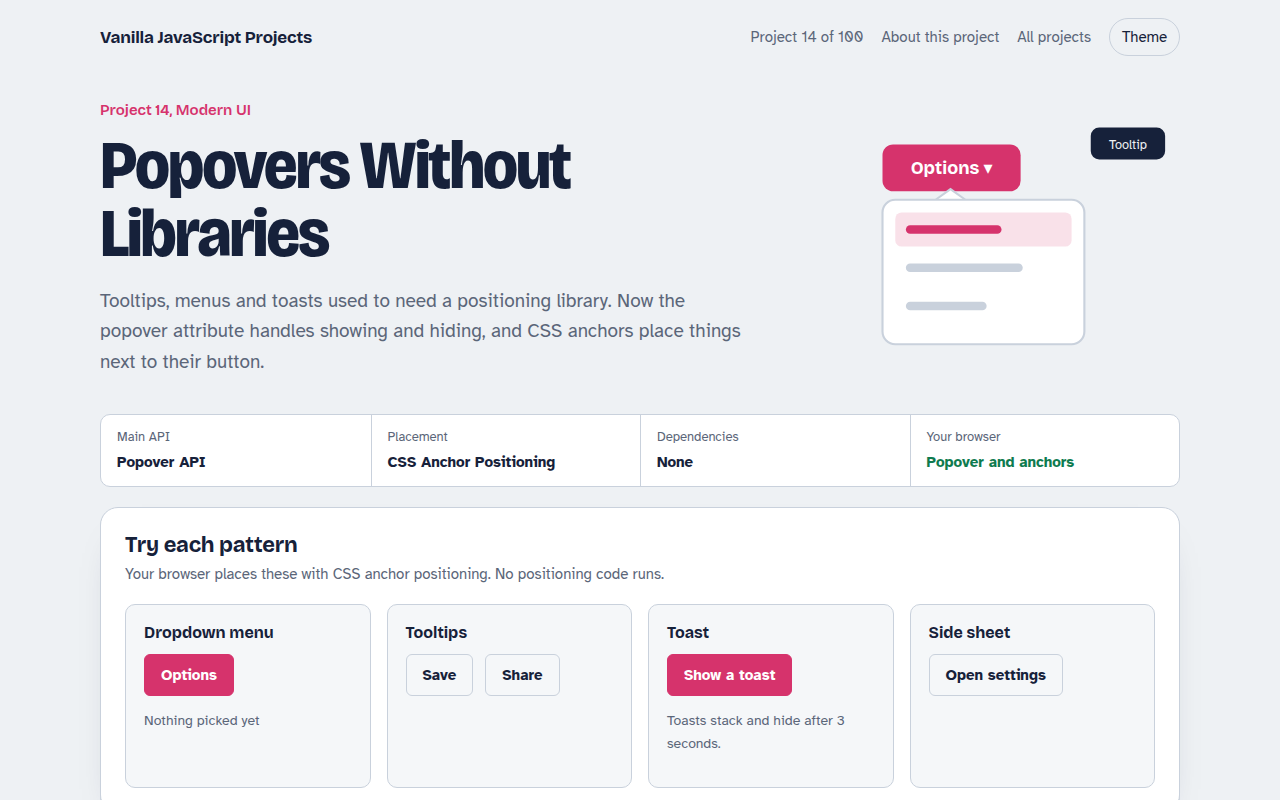
014. Popovers Without Libraries
Tooltips, menus, toasts and a side sheet with no library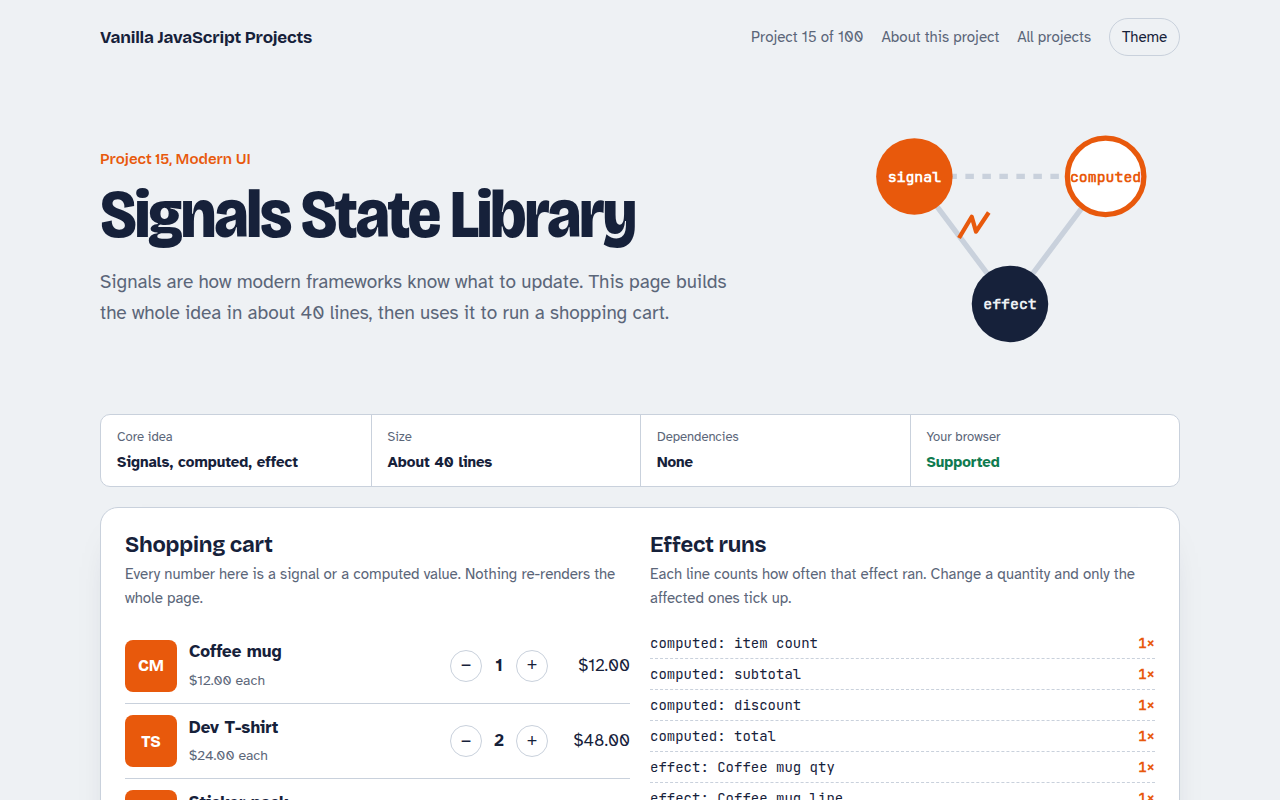
015. Signals State Library
A 40 line reactive state library running a shopping cart